Branded file transfer
for creative professionals.
Your client gets a download link at files.yourbrand.com. They land on a page with your name, your brand colors, and a download button. No TrunkTransfer. No third-party platform name anywhere.
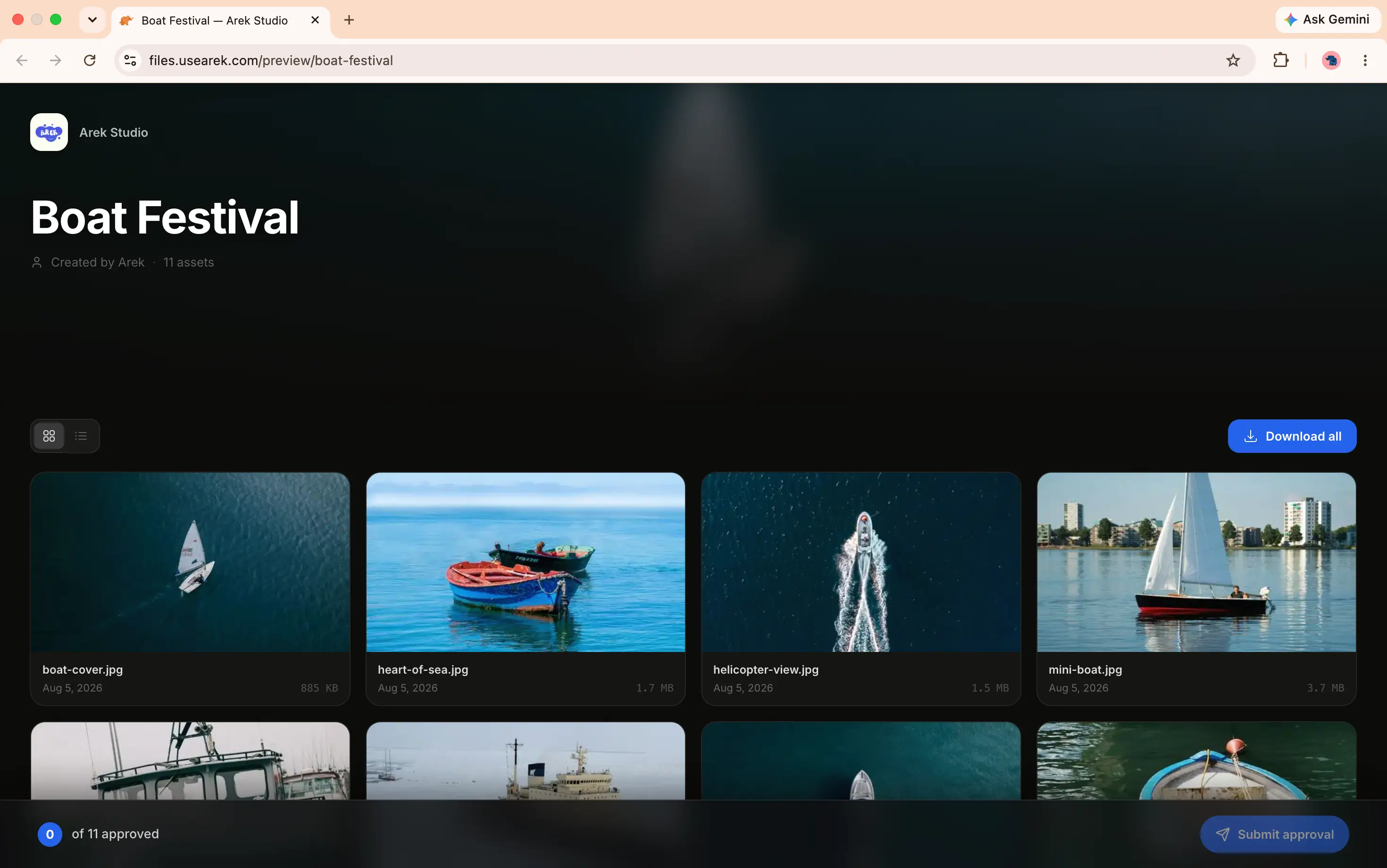
Your domain in the browser bar, your brand name on the page. TrunkTransfer is invisible to your client.
Everything included when you send
One product, every delivery detail handled: size, branding, privacy, and timing.
Large file transfer
Sent exactly as you uploaded it.
RAW photos, 4K ProRes, project archives, full design packages. Files go directly to secure cloud storage, never through our servers, so nothing gets compressed or resized along the way. Connection drops mid-upload on a 15 GB file? It picks up right where it left off, no starting over.
- No compression, no quality loss
- Resumable uploads survive a dropped connection
- Every format: RAW, video, archives, design files
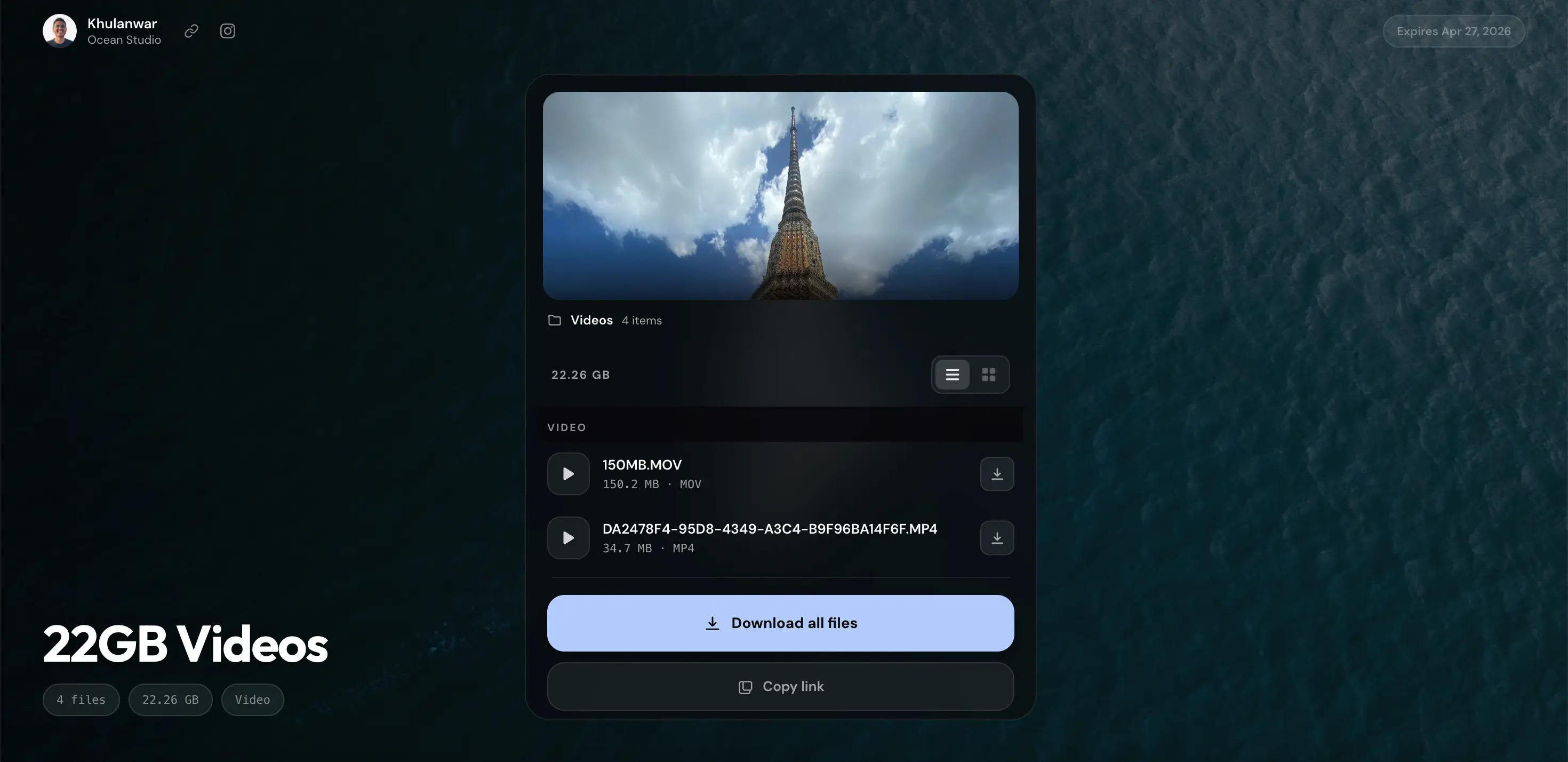
Upload progress with speed and ETA, resumable if the connection drops.
No client signup
Your client just clicks and downloads.
No account creation, no email verification, no app to install. Your client opens the link in any browser, on any device, and the download starts. Every extra step between them and their files is a potential support request, so there are none.
- Works on any device, any browser
- Zero onboarding emails or welcome sequences
- No WeTransfer-style account wall
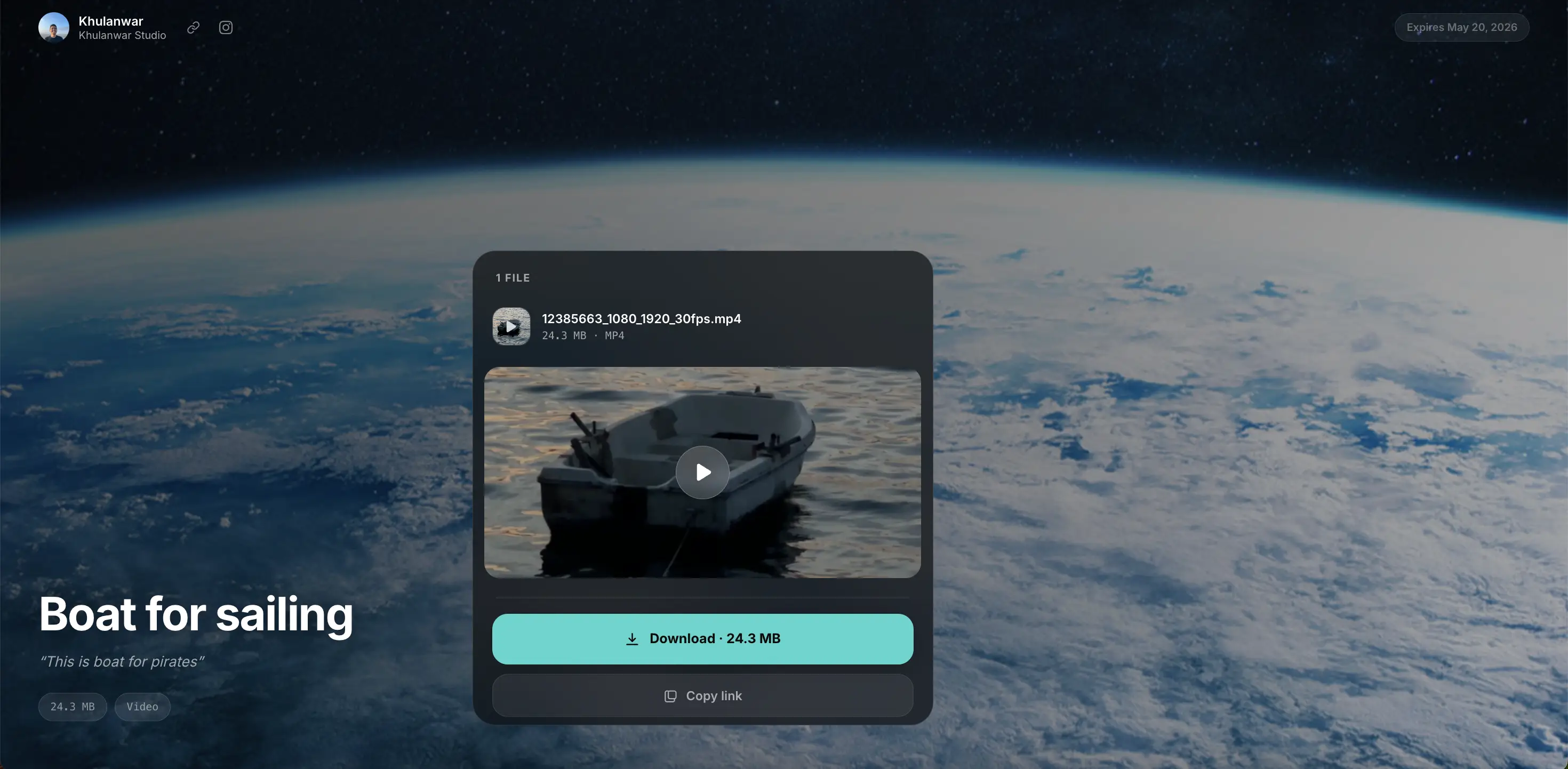
Your client sees one button. No account prompt, no signup wall.
Password protection
Keep unreleased work locked down.
Add a password at upload time so only your intended client can access the download. Change or remove it anytime from your dashboard, no re-upload needed. Passwords are hashed with bcrypt and never stored in plain text.
- Set, change, or remove without re-uploading
- Hashed with bcrypt, never stored in plain text
- Ideal for embargoed campaigns and unreleased footage
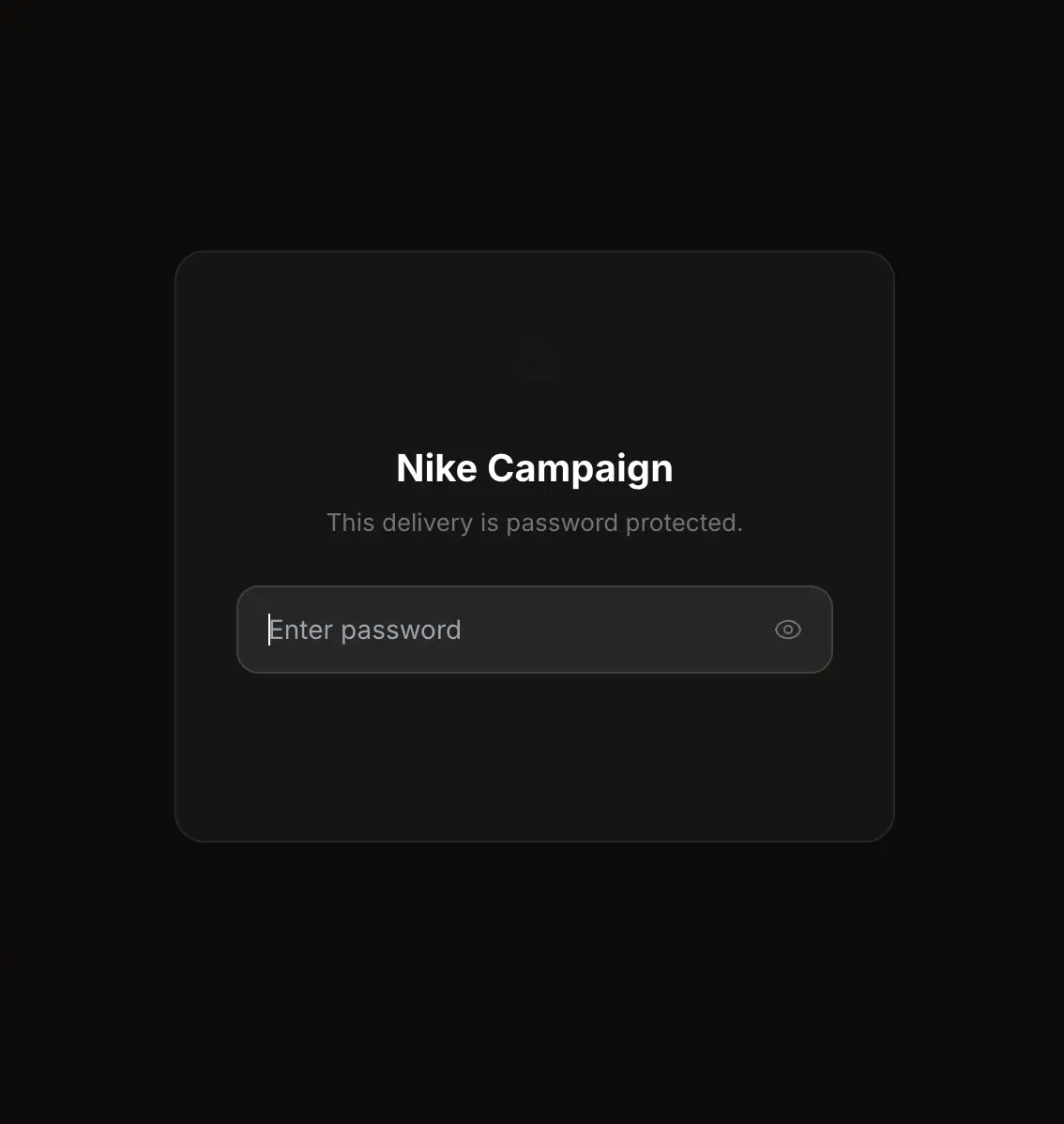
Clients enter the password you set. Nothing is visible until they do.
Expiring links
Files that clean up after themselves.
Every delivery link has an expiry date. Starter gives you 30 days, Pro extends that to 365 for long-running client work. When the link passes, the file is permanently deleted from storage, no manual cleanup, no files quietly living in the cloud forever.
- 30 days on Starter, 365 on Pro
- Files permanently deleted after expiry
- Clients see a countdown, not a surprise
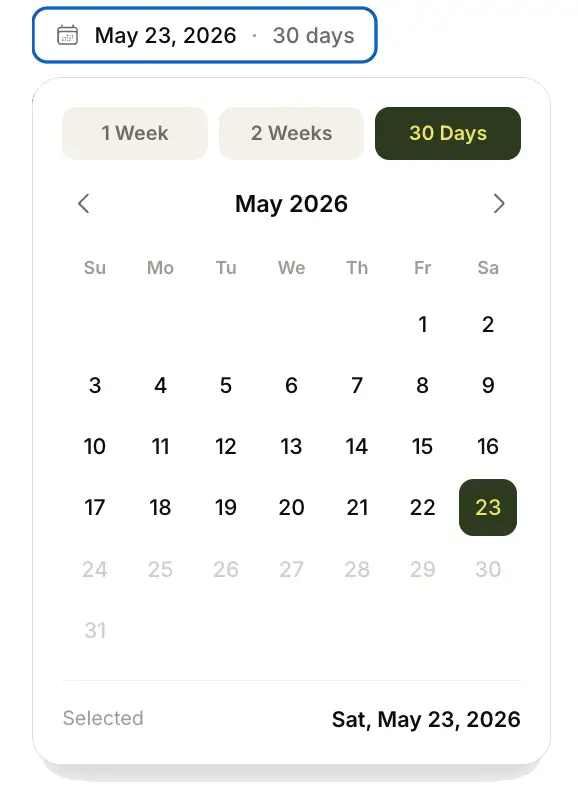
Your dashboard: see which links are active and which are expiring soon.
Download notifications
Know the moment your client downloads.
Stop wondering if your client received the files. TrunkTransfer emails you the instant they click download, and your dashboard shows view and download counts for every transfer, so you never have to send another "did you get my files?" message.
- Instant email the moment a client downloads
- View and download counts on every transfer
- No more follow-up messages
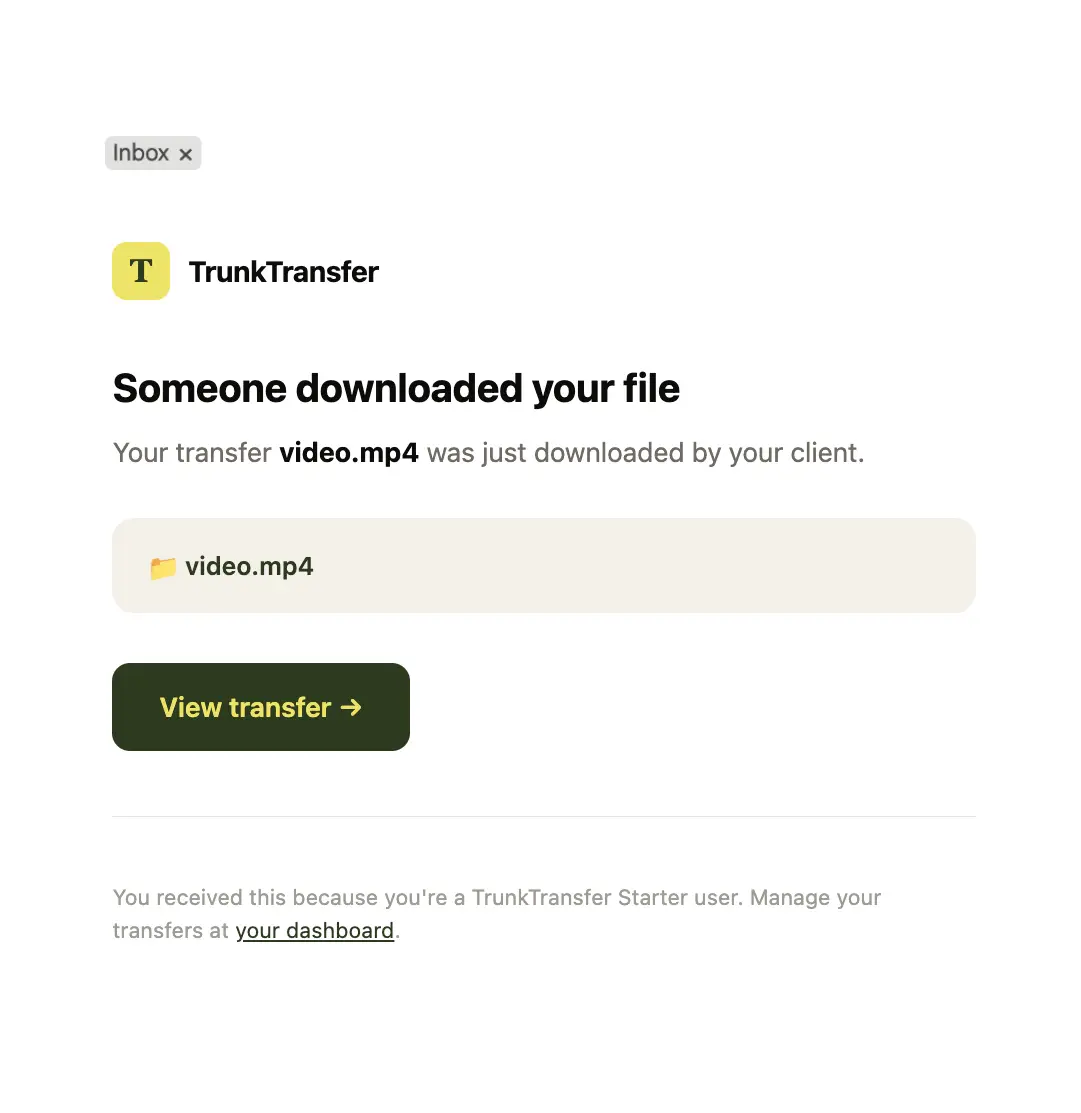
You get this the moment your client clicks download.
Custom link slugs
Readable links your client actually trusts.
Replace random characters with a slug you choose, like files.yourbrand.com/d/nike-campaign instead of files.yourbrand.com/d/x7j2k9. Available on transfers, requests, and portals, and works with a custom domain too. Pro.
- Set your own slug at upload time
- Availability checked instantly
- Works on transfers, requests, and portals
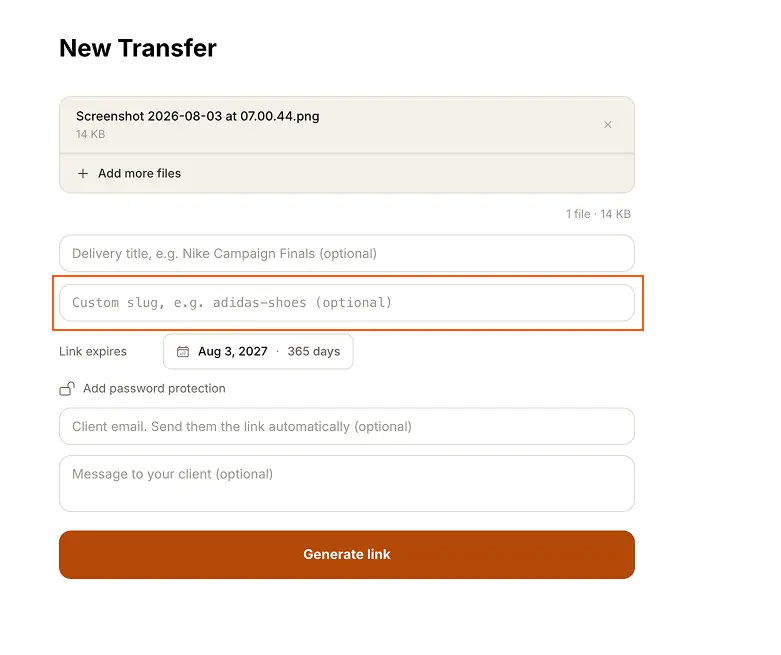
Type your own slug instead of a random string. Availability checked as you type.
Custom email
Delivery emails from your own address.
Connect a verified sending domain in Settings and delivery emails go out from your own address, like notifications@yourbrand.com instead of notifications@trunktransfer.com. Your client's inbox shows your name, not a third-party platform.
- Sent from your verified domain
- DNS verification handled in Settings
- Applies to delivery and portal share emails
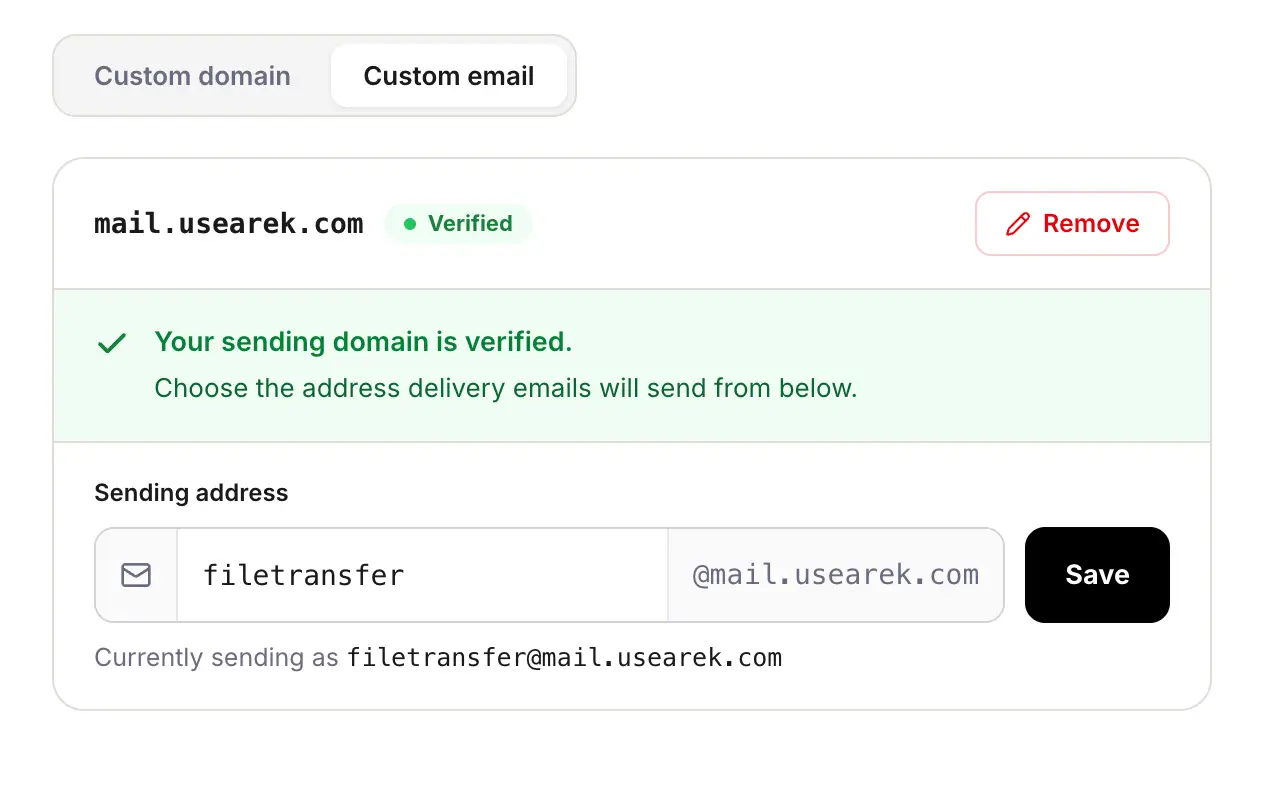
Connect your domain once. Every delivery email after that comes from you.
Custom domain
Your domain, not ours.
Connect files.yourbrand.com in Settings and every delivery link you generate after that uses your own subdomain. Your client never sees trunktransfer.com in the URL, in the topbar, or in the footer. SSL is provisioned automatically, no developer required.
- One CNAME record, takes about two minutes
- Automatic SSL, no extra setup
- Works with any DNS provider
Add your subdomain, copy the CNAME record, paste it at your DNS provider. Done.
Custom branding
Your name on every delivery.
Your display name, avatar, background color or image, and accent color all appear on the delivery page. Combined with a custom domain, TrunkTransfer is completely invisible, your client sees a page that belongs entirely to you.
- Avatar with initials fallback
- Custom background color, gradient, or image
- Website and social links on every delivery
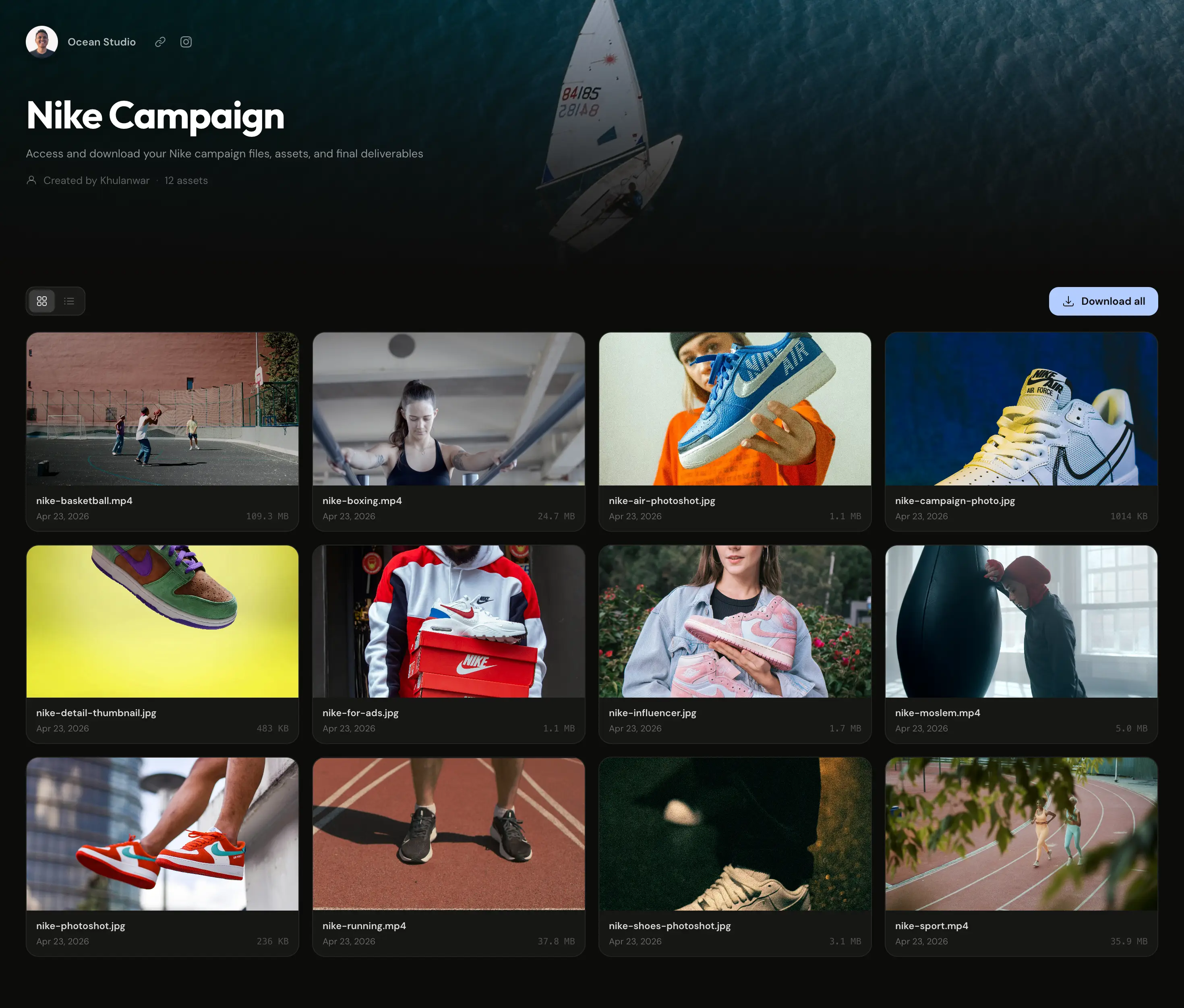
Your name, avatar, and brand colors. TrunkTransfer is invisible to your client.
What you can send
Every file format, any size. No restrictions, no compression.
RAW Photos
CR2, CR3, NEF, ARW, DNG, RAF, RW2, every major camera format
Photo Deliveries
JPEG, PNG, TIFF, HEIC, full-res exports and edited finals
Archives
ZIP, RAR, bundle entire shoots into one download
Video
MOV, MP4, ProRes, 4K files, video deliverables and client exports
Editing Projects
Lightroom catalogs (.lrcat), Capture One sessions, Photoshop files
Everything else
PDF, AI, PSD, any file type, no restrictions on format
How we compare
| Tool | Custom domain | Branding | Price |
|---|---|---|---|
| WeTransfer | No custom domain on any plan | WeTransfer branding always visible | From $8/mo |
| Smash | CNAME on Enterprise only | yourbrand.fromsmash.com on lower plans | Enterprise pricing |
| Filemail | Subdomain only (no true custom domain) | filemail.com always in URL | From $14/mo |
| TransferNow | Branded subdomain on Premium; custom domain Enterprise only | transfernow.net stays in URL | From $5/mo |
| TrunkTransfer | Full custom domain (files.yourbrand.com) | Zero platform branding visible | From $9/mo |
Common questions
What is branded file transfer?
Branded file transfer means your client receives a download link that shows your domain, your brand name, and your brand colors, not the name of the platform you used to send the file. On Starter, files.yourbrand.com replaces trunktransfer.com in every link, and TrunkTransfer branding is hidden entirely from the download page.
What is the maximum file size I can send?
Starter supports very large transfers, well beyond what most delivery tools allow. Files are sent directly to secure cloud storage, they never pass through our servers, so they arrive exactly as uploaded: RAW photos, 4K ProRes exports, project archives, anything.
Do clients need an account to download?
No. Clients click your delivery link and download immediately. No account creation, no email verification, no app download required, on any device or browser.
Can I password-protect a delivery?
Yes, on Starter. Set a password at upload time, or add, change, or remove one anytime from your dashboard without re-uploading. Passwords are hashed with bcrypt and never stored in plain text.
How long do delivery links stay active?
Starter links expire after 30 days. Pro links stay active for up to 365 days, ideal for long-running client work. After expiry, files are permanently deleted and the link shows a clean 'expired' message.
Will I know when my client downloads the file?
Yes, on Starter. TrunkTransfer emails you the moment a client downloads, and your dashboard shows view and download counts for every transfer.
How do I remove third-party branding entirely?
Connect a custom domain and set your display name, brand colors, and avatar in Settings. Once set up, every delivery link uses your own subdomain and TrunkTransfer is invisible to your client, no name, no logo, no attribution anywhere.
What plan do I need?
Branded delivery, custom domain, password protection, expiring links, and download notifications are all included on Starter at $9/month with a 7-day free trial.
More from TrunkTransfer
Your next delivery. Fully branded.
Starter plan at $9/month. 7-day free trial, no charge until it ends.
Start 7-day trial →