Request files from clients.
Fully branded. No account required.
Generate a request link from your own domain. Your client opens it, drops their files, and uploads directly to you. No signup, no app, no friction on their end.
Start 7-day trialEverything included with Request Files
Collecting files from a client shouldn't be harder than sending them.
No client signup
Your client just drags and drops.
Generate a request link and send it however you like. Your client opens it in any browser, selects their files, and uploads directly to you. No account, no app, no friction on their end.
- Works on any device, any browser
- No account creation, no email verification
- Optional message tells them exactly what to send
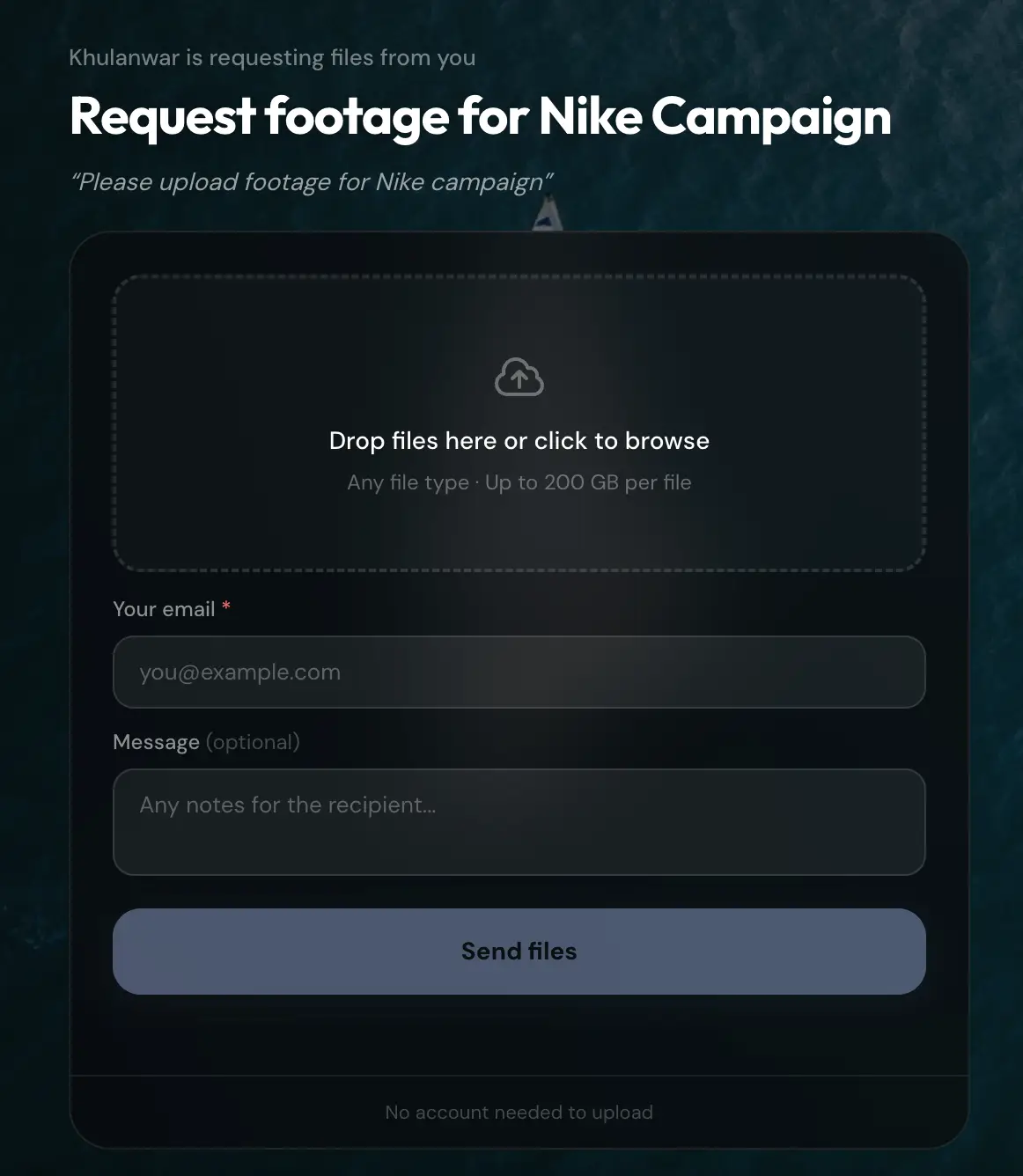
Your client's view: drag to upload. No account needed on their end.
Instant upload notification
Know the moment files land.
The instant your client finishes uploading, you get an email notification, and the files appear in your dashboard under Received Files, linked to the original request. No need to check back and wonder.
- Email the moment upload completes
- Files organized under Received Files
- Linked back to the original request
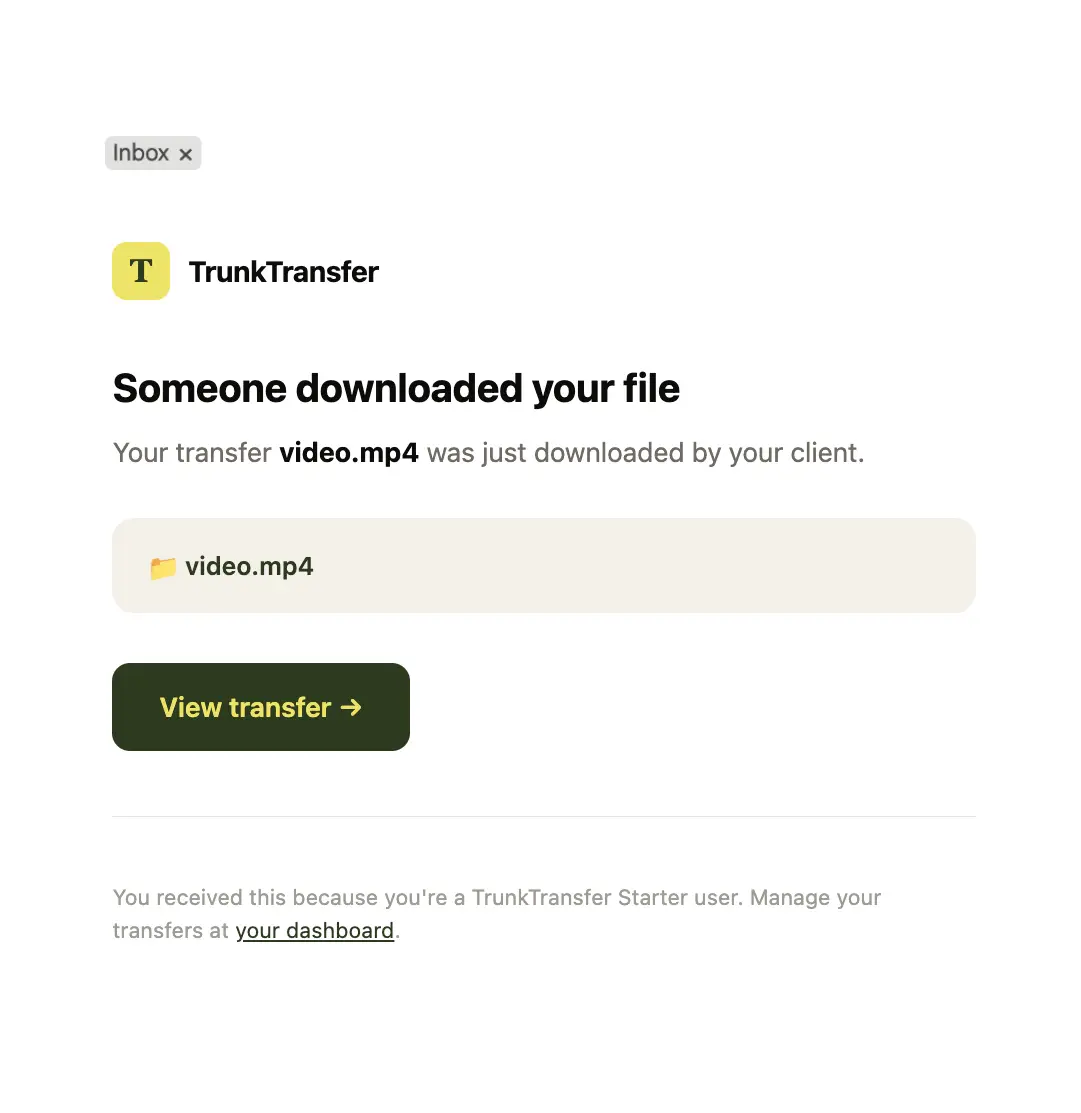
You get this the moment your client finishes uploading.
Custom domain and branding
A request link your client trusts.
Your request link runs on files.yourbrand.com, with your display name, avatar, and brand colors on the upload page. Your client never sees TrunkTransfer, just a page that looks like it belongs to you.
- files.yourbrand.com instead of trunktransfer.com
- Your name, avatar, and colors on the upload page
- Zero TrunkTransfer branding visible
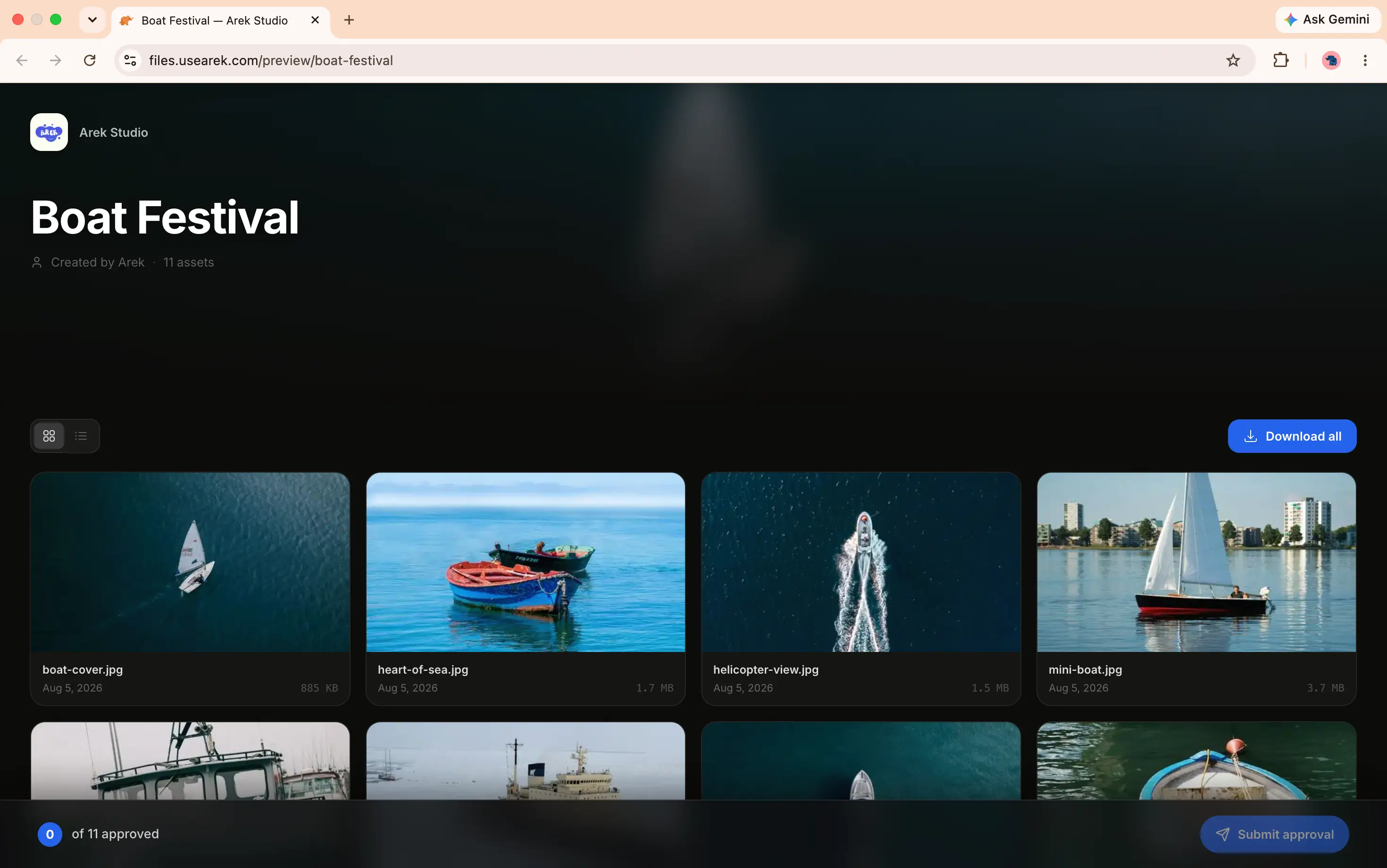
Add your subdomain, copy the CNAME record, paste it at your DNS provider. Done.
Custom link slugs
A request link that's recognizable.
Replace the random characters with a slug you choose, like files.yourbrand.com/r/nike-campaign, so your client recognizes the link before they even click it. Pro.
- Set your own slug when creating a request
- Availability checked instantly
- Works with your custom domain
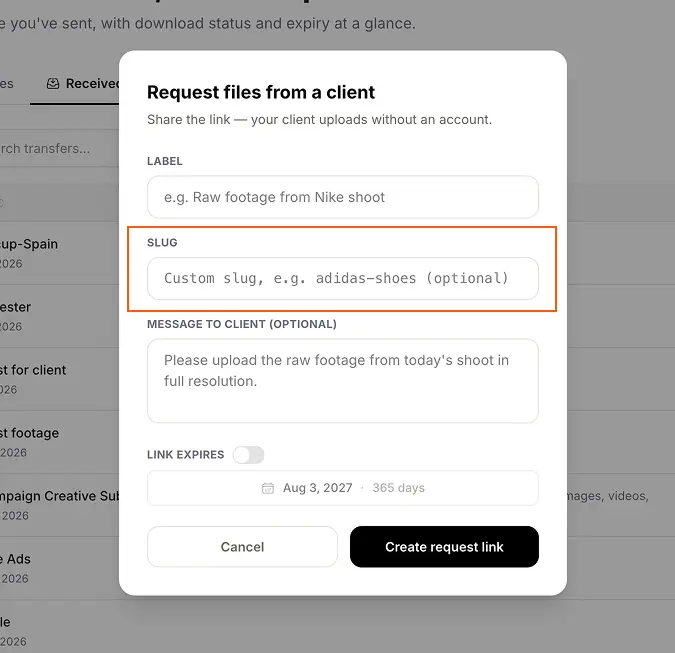
Type your own slug instead of a random string. Availability checked as you type.
Configurable expiry
Set a deadline, or leave it open.
Give a request link a deadline so it stops accepting uploads after a certain date, or leave it open for ongoing collection. After expiry, the upload page shows a clean message instead of quietly failing.
- Set a deadline at creation, or leave it open
- Link stops accepting uploads after expiry
- Clean expired message, not a broken page

Your dashboard: see which request links are active and which are expiring soon.
Create a request link
From your dashboard, create a request with a title and optional message. Set an expiry window. Copy the link.
Share with your client
Send the link via email, WhatsApp, or any message. Your client opens it in their browser. No account or app needed.
Files land in your dashboard
The moment your client uploads, you get an email notification. Files appear in your dashboard ready to review or download.
Common questions
Do clients need an account to upload files to me?
No. Your client opens the request link in any browser, selects their files, and uploads. No account, no app, and no login required.
How do I get notified when a client uploads?
You receive an email notification the moment your client finishes uploading. The files appear in your dashboard under Received Files.
Can I brand the request page?
Yes. On Starter, your request link runs on your own custom domain and shows your display name, avatar, and brand colors. Your client never sees TrunkTransfer.
Can I customize the request link itself?
Yes, on Pro. Replace the random characters with a slug you choose, like files.yourbrand.com/r/nike-campaign, so the link is recognizable before your client even clicks it.
How large can the uploaded files be?
Clients can upload very large files on Starter, well beyond typical limits: raw footage, project archives, and anything else they need to send you.
What plan do I need for Request Files?
Request Files is included on Starter at $9/month. Create request links and receive files from clients right away.
More from TrunkTransfer
Ready to receive files from clients?
Create your first request link in seconds. Clients upload without creating an account.
Start 7-day trial