TrunkTransfer for Creative studios
Professional file delivery that reflects your studio's brand.
Boutique production companies, post-production houses, and creative agencies. Multiple clients, multiple deliveries. Every download page shows your name, not ours.
What creative studios deal with every delivery
Google Drive looks unprofessional
Clients see Google's interface, not yours. Shared folders get confusing. Someone sets the wrong permissions. Files end up inaccessible or too visible.
Dropbox is expensive and clients need accounts
Team plans get expensive fast. And clients need a Dropbox account to download properly — something brand contacts and agency teams often refuse to create.
No visibility across the studio
Who delivered what? When? Was it downloaded? On WeTransfer or Drive, there is no central view. You find out a client missed a file when they chase you a week later.
Delivery doesn't reflect studio quality
You produce premium work. The download experience should match. A generic WeTransfer or Google Drive link does not say boutique studio.
Built for studio-level delivery
Everything you need. Nothing you don't.
Your branding on every page
Studio name, logo, and contact. Every client sees your brand, not TrunkTransfer.
Dashboard visibility
All active deliveries in one place. Status, expiry dates, download confirmation.
Download notifications
Know when each client receives their files. No more chasing or guessing.
Up to 200 GB per transfer
4K packages, multi-camera edits, full production bundles. Handled.
Password protection
Pre-launch work, unreleased campaigns, sensitive client footage stays private.
Custom domain
Deliver from your own domain. deliver.yourstudio.com instead of trunktransfer.com.
How it works
Three steps from export to confirmed delivery.
Step 1
Upload your deliverable
MP4, ProRes, PSD, AI, PDF, ZIP — any format, up to 200 GB per transfer. Drag and drop from your edit suite or file system. Upload progress and speed shown in real time.
Any format. Any size. Up to 200 GB per transfer.
Step 2
Share a branded delivery link
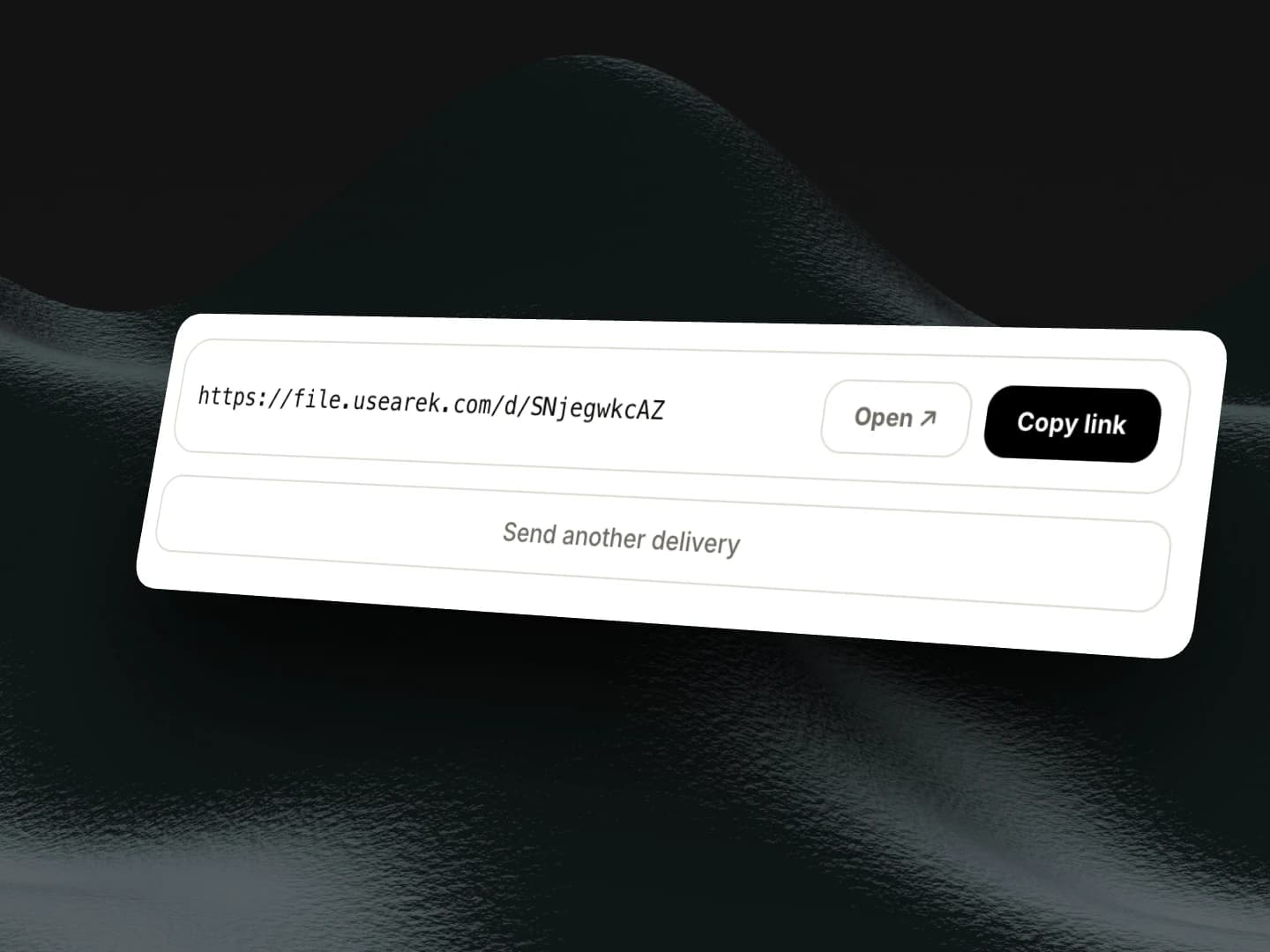
Copy the link. Your client opens a page showing your studio name and logo — not a generic file host. Optional password protection for sensitive work.
Step 3
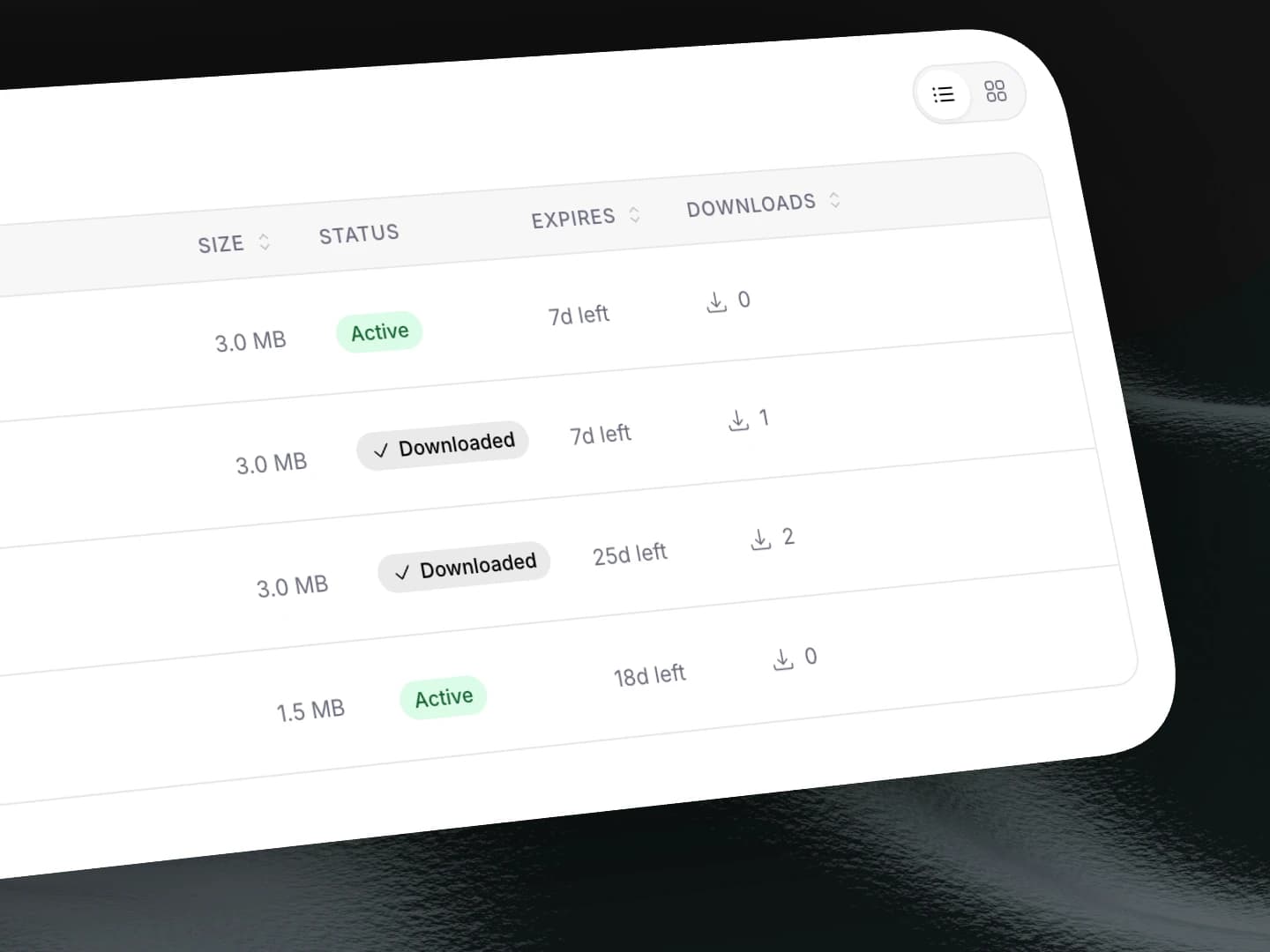
Track delivery across the studio
Dashboard shows all active deliveries — who was sent what, expiry dates, and whether it was downloaded. Full visibility for the whole studio.
Every delivery should look like your studio built it.
Branded pages, 200 GB transfers, team dashboard. Free to start.
Free resources
Free tools for creative studios
Frequently asked questions
Related
Compare
TrunkTransfer vs WeTransfer
Why studios are switching after the price hike and AI scandal.
Compare
TrunkTransfer vs Google Drive
Why Google Drive is not a professional client delivery tool.
Compare
TrunkTransfer vs Dropbox
Cost comparison and client experience breakdown.
Use case
TrunkTransfer for videographers
Delivery built for freelance videographers.
Use case
TrunkTransfer for design agencies
Deliver brand assets and design files to clients.
Docs
Branding your delivery page
How to set up your studio name, logo, and domain.