TrunkTransfer for Motion designers
Deliver render files and animations to clients without the friction.
After Effects exports, Cinema 4D renders, and motion packages — delivered with a clean link. Client clicks, file downloads. No account, no confusion.
What motion designers deal with every delivery
Render files are enormous
A 30-second 4K render can be 5 to 20 GB. WeTransfer free caps at 2 GB. Google Drive asks the client to sign in. Neither works.
Client doesn't know how to download from Drive
Marketing managers and creative directors get confused by folder permissions and shared link prompts. It costs you 20 minutes of support emails.
Sending multiple versions is chaos
V1, V2, revision, final, final-FINAL. Each version is a new link. Clients lose track of which is current. You lose track of what was delivered.
Image sequences need structure preserved
Flattening a sequence folder into a root-level ZIP destroys the project structure. Your client sends it to their developer and nothing works.
Built for large motion design delivery
Everything you need. Nothing you don't.
Up to 200 GB per transfer
Render files, image sequences, AE project exports, asset bundles. No size anxiety.
Folder structure preserved
Upload a folder and the structure is maintained inside the ZIP your client downloads.
No client account required
Creative directors and marketing managers click and download. No Drive, no Dropbox, no confusion.
Your branding on the page
Your studio name and logo appear on the delivery page. Professional presentation on every delivery.
Download notification
Know when your client has received the files. No more 'did you get the render?' follow-ups.
Password protection
Work in progress, pre-launch campaigns, and unreleased animations stay private.
How it works
Three steps from export to confirmed delivery.
Step 1
Export your render
MP4, MOV, AEP, image sequences, EXR, GIF — any format, up to 200 GB per transfer. Drag your files or folder onto TrunkTransfer. Folder structure is preserved automatically.
Any format. Any size. Up to 200 GB per transfer.
Step 2
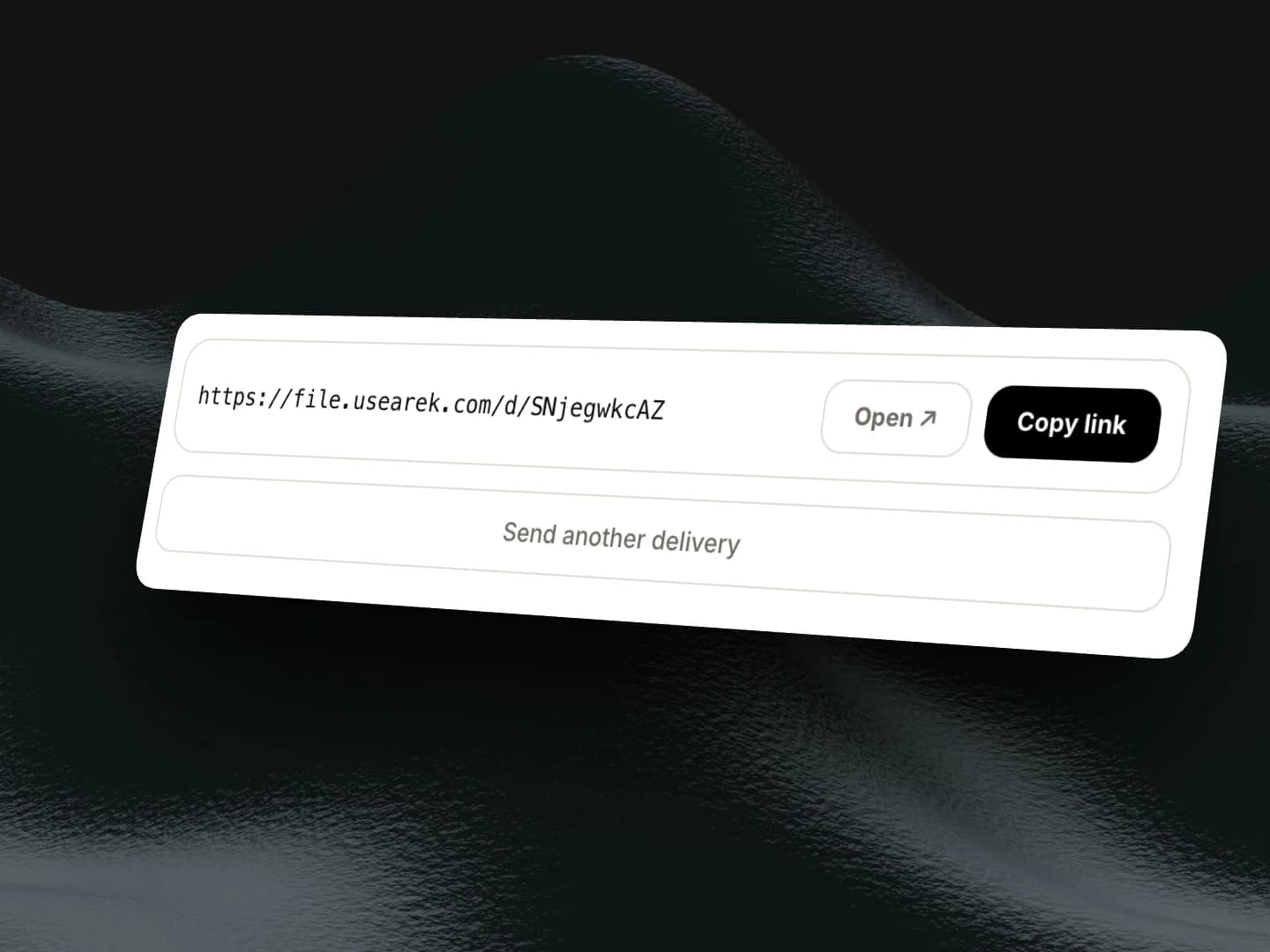
Copy your branded link
Upload completes. Your delivery link is ready in seconds. Your studio name and logo appear on the page your client will see.
Step 3
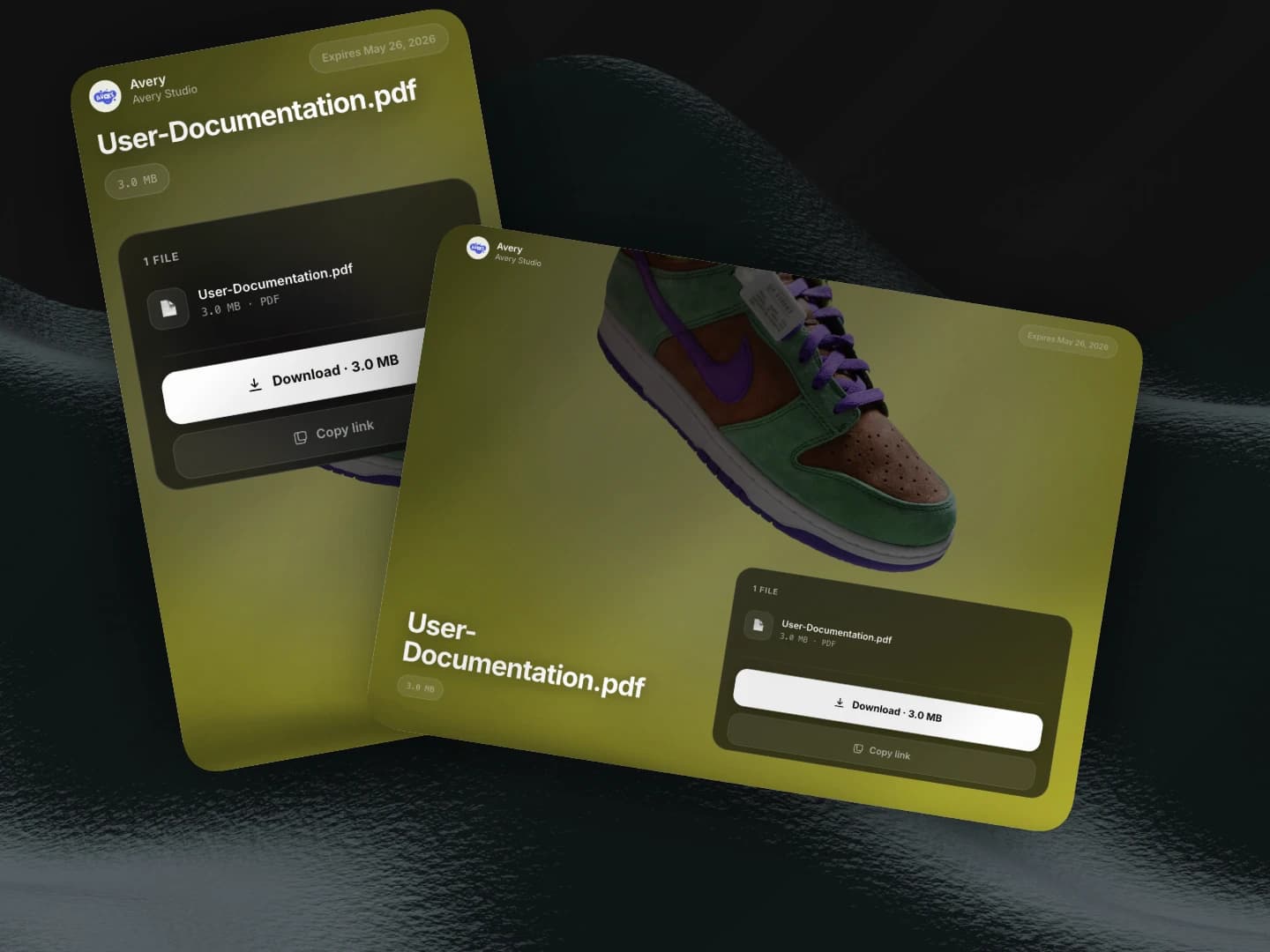
Client downloads. No support calls.
Your client opens the link, sees a clean download page with your branding, and clicks download. No account prompts. No permission errors. The file is theirs.
Your next render. Delivered cleanly.
Free to start. No client signup. 200 GB on Starter.
Free resources
Free tools for motion designers
Frequently asked questions
Related
Compare
TrunkTransfer vs WeTransfer
Why motion designers are switching from WeTransfer.
Use case
TrunkTransfer for videographers
Deliver 4K exports and ProRes packages to clients.
Use case
TrunkTransfer for creative studios
Multiple team members, multiple clients, one delivery platform.
Use case
TrunkTransfer for design agencies
Deliver brand assets and design packages to clients.
Docs
Delivering multiple files
How to send multiple files and preserve folder structure.
Compare
TrunkTransfer vs Google Drive
Why Google Drive is not a professional delivery tool.