

There are dozens of tools you can use to send files to clients. Most of them were built to solve a logistics problem: how do I get these files from my computer to someone else's?
That is a solved problem. Most tools handle it fine.
The question agencies should be asking is different. When a client clicks the delivery link at the end of a project, what do they see? Whose brand is on that page? What does that last touchpoint say about your agency?
This comparison focuses on six tools that creative agencies commonly reach for, assessed on four dimensions: pricing, transfer and storage limits, branding capabilities, and who each tool is genuinely suited for.
This article is part of our complete guide to client file delivery for creative agencies.
Quick comparison
| Tool | Custom domain | Starting price | Transfer limit | Custom branding | |
|---|---|---|---|---|---|
| TrunkTransfer | Yes, Pro plan | $9/mo | 200GB per transfer (Starter) | Yes, all paid plans | |
| WeTransfer | No | Free / from $7/mo | 3GB free / up to 300GB paid | Partial, paid only | |
| Smash | Enterprise only | Free / $10/mo | 2GB free / 250GB Pro | Yes, Pro plan | |
| Dropbox Transfer | No | From $9.99/mo | 2GB free / 100GB Professional | Logo and background only | |
| MASV | No | Free 15GB/mo / $0.25 per GB | No cap | Branded portals | |
| Google Drive | No | Free 15GB | No transfer limit | None |
1. TrunkTransfer
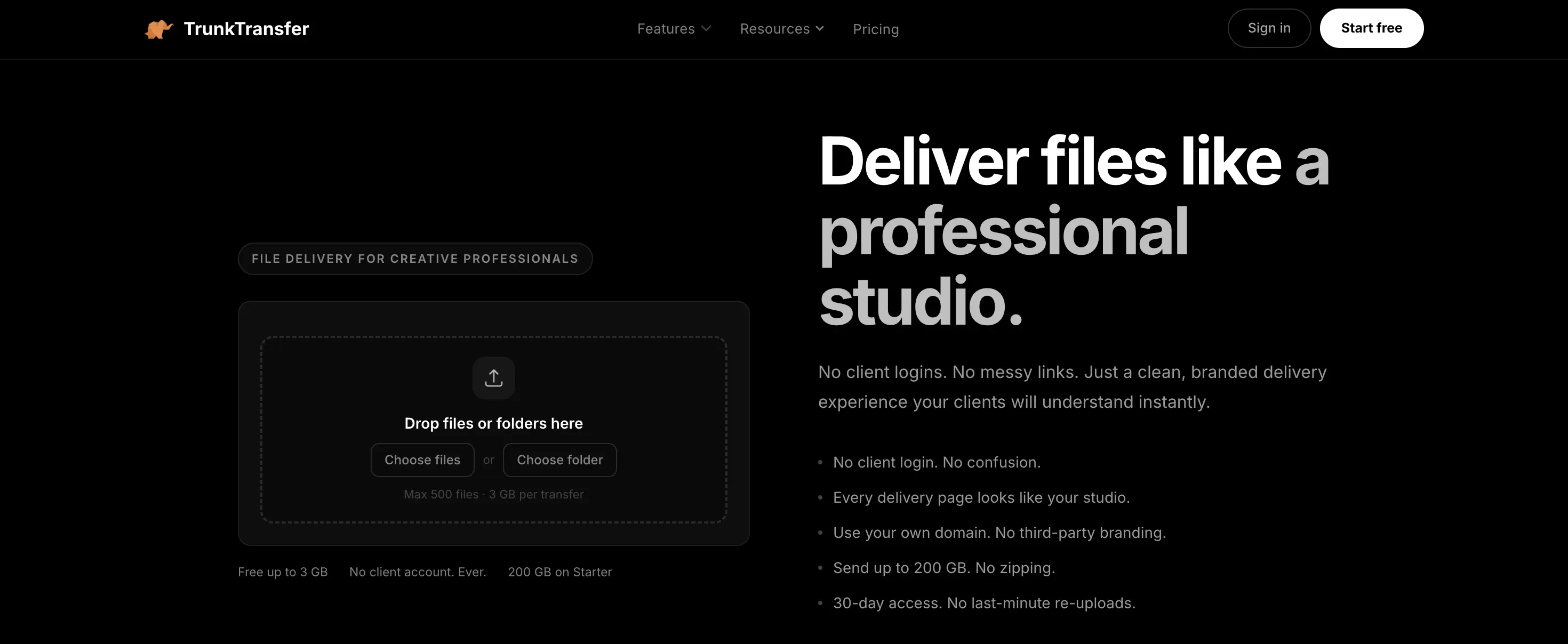
TrunkTransfer is built specifically for the agency-to-client file handoff. It is not a general-purpose cloud storage tool or a quick-send link generator. Everything about the product is designed around one moment: the client clicking the link and receiving your work.
Pricing
- Starter: $9/month or $72/year (7-day free trial, card required), 200GB storage, 200GB per transfer, 30-day expiry
- Pro: everything in Starter plus custom domain support (CNAME) and zero TrunkTransfer branding anywhere in the client experience
Transfer and storage limits
The 200GB per transfer limit applies on the Starter plan. You can send a full 4K ProRes export or a complete brand identity package as a single file with no zipping, no splitting, and no compression. The difference between Starter and Pro is how much total storage you get and how long links stay active. Files stay live for 30 days on the Starter plan, giving clients enough time to download without you having to chase them.
Branding
This is where TrunkTransfer stands apart from every other tool at a comparable price point. Clients land on a page that shows your agency name, logo, colours, and background. No TrunkTransfer branding anywhere. No third-party logo. No upsell prompts directed at your client.
On the Pro plan, you can set a custom domain, so the delivery link reads files.youragency.com instead of a TrunkTransfer URL. The URL itself becomes part of your brand identity.
Read our guide in how to setup your custom domain for delivery
Delivery confirmation
TrunkTransfer includes delivery confirmation on paid plans, so you know when the client has accessed their files. This removes the guesswork from the handoff and creates a record you can refer to if files go missing later.
Who it is best for
Boutique creative agencies, brand studios, and independent designers who deliver files to clients on a regular basis and care about how that delivery experience looks. Particularly strong for agencies that want the full delivery experience to carry their brand, including the URL.
2. WeTransfer
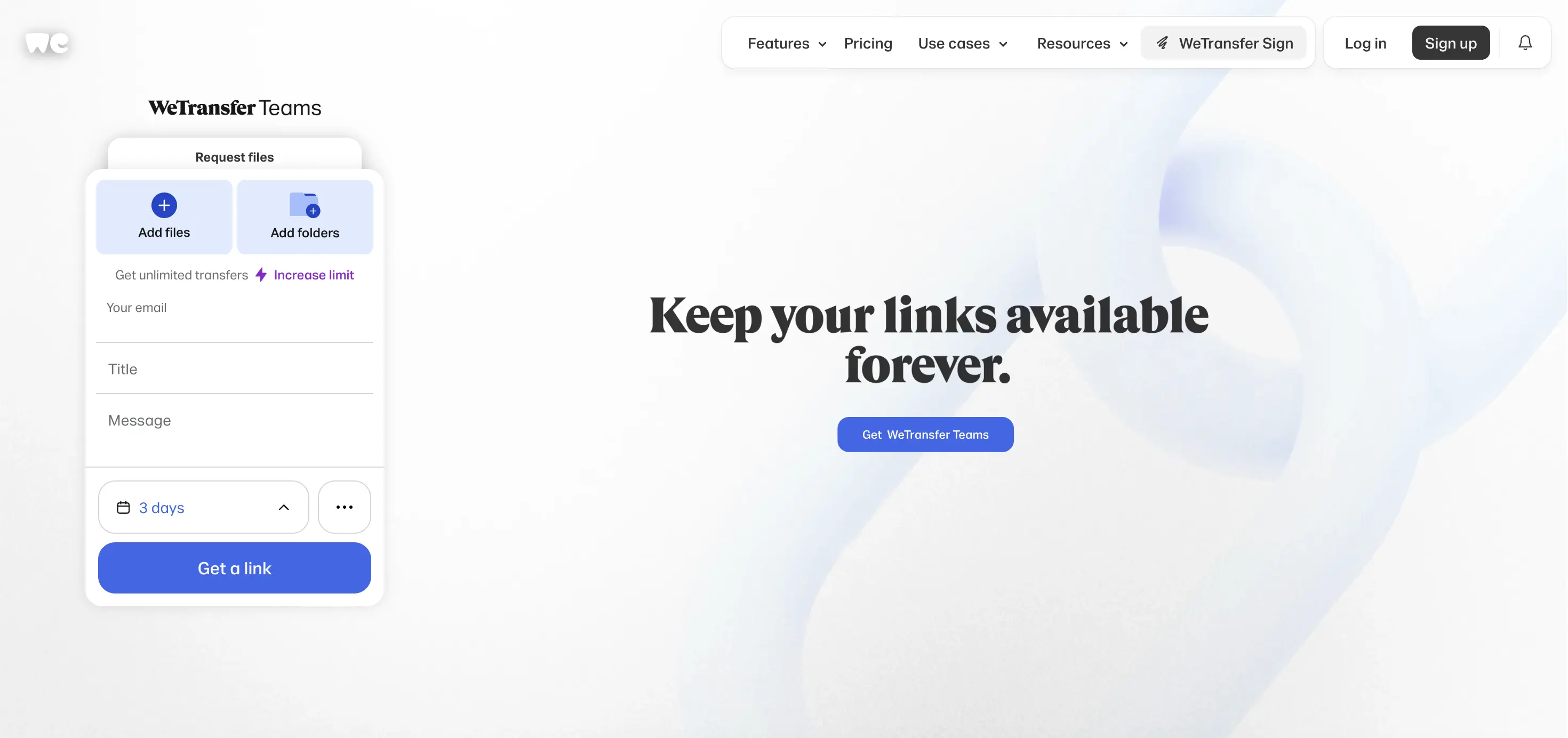
WeTransfer is the default that most people reach for when they need to send a large file. It is fast, widely recognised, and requires no setup. The recipient does not need an account to download, which removes friction on the client side.
Pricing
WeTransfer's free plan is capped at 10 transfers and 3GB per rolling 30-day period, with files expiring after 3 days. Paid plans start at around $8/month for a Starter tier, and $23/month for the Ultimate plan, which offers unlimited transfer size and storage.
Transfer and storage limits
The transfer cap situation on the free plan is a genuine constraint for active agencies: 10 transfers per month goes quickly when you are managing multiple client projects in parallel.
Branding
Customisation of backgrounds and emails is available on paid plans. However, the WeTransfer name and branding remain present throughout the client experience regardless of plan. The Pro plan allows customisation of WeTransfer emails and pages, but the recipient is still clearly interacting with WeTransfer, not with your agency.
Custom domains are not available on any plan.
Who it is best for
Occasional sends where speed and simplicity matter more than brand presentation. If you are sending a file to a colleague or a vendor rather than presenting deliverables to a paying client, WeTransfer is a fine choice.
Not ideal for
Agencies where the client delivery experience reflects directly on the agency's brand. The free plan's 10-transfer monthly cap creates friction. Several users have noted that WeTransfer doubled prices without notice and reduced customer service quality following its acquisition by Bending Spoons. That is worth factoring into a long-term tool decision.
3. Smash
Smash is a French file transfer service that has generous free tier and its clean, fast transfer experience. For agencies that want basic branding on their delivery pages without a large monthly commitment, Smash is one of option.
Pricing
The free plan offers 2GB transfer limits and 7-day file availability. The Pro plan at $10/month increases the transfer limit to 250GB and extends file availability to 30 days. The Team plan at $25/month supports up to 10 users while maintaining the 250GB transfer limit and 30-day availability.
Transfer and storage limits
The Pro plan allows 250GB per transfer. The Team plan supports up to 1TB per transfer. For most design and motion deliverables, these limits are more than adequate.
Branding
The Pro plan includes customisation of the file transfer link and allows you to create a custom download page with your logo and wallpaper. This is a meaningful step up from the generic experience offered by WeTransfer and Google Drive.
Custom domain (CNAME) support on Smash is locked behind the Enterprise plan, which is custom-priced. On the Pro and Team plans, the closest you get is a subdomain like youragency.fromsmash.com. The fromsmash.com portion of the URL always remains visible to the client, regardless of how much you customise the page itself.
Who it is best for
Agencies that want a clean branded delivery page without paying for a full custom domain setup. Good for smaller agencies or freelancers who send large files regularly and want the client experience to feel more considered than a generic WeTransfer link.
Not ideal for
Agencies where the full delivery URL needs to reflect their brand. Also worth noting: Smash free transfers above 2GB are placed in a waiting queue, which can mean slower delivery times for larger files on the free tier.
4. Dropbox Transfer
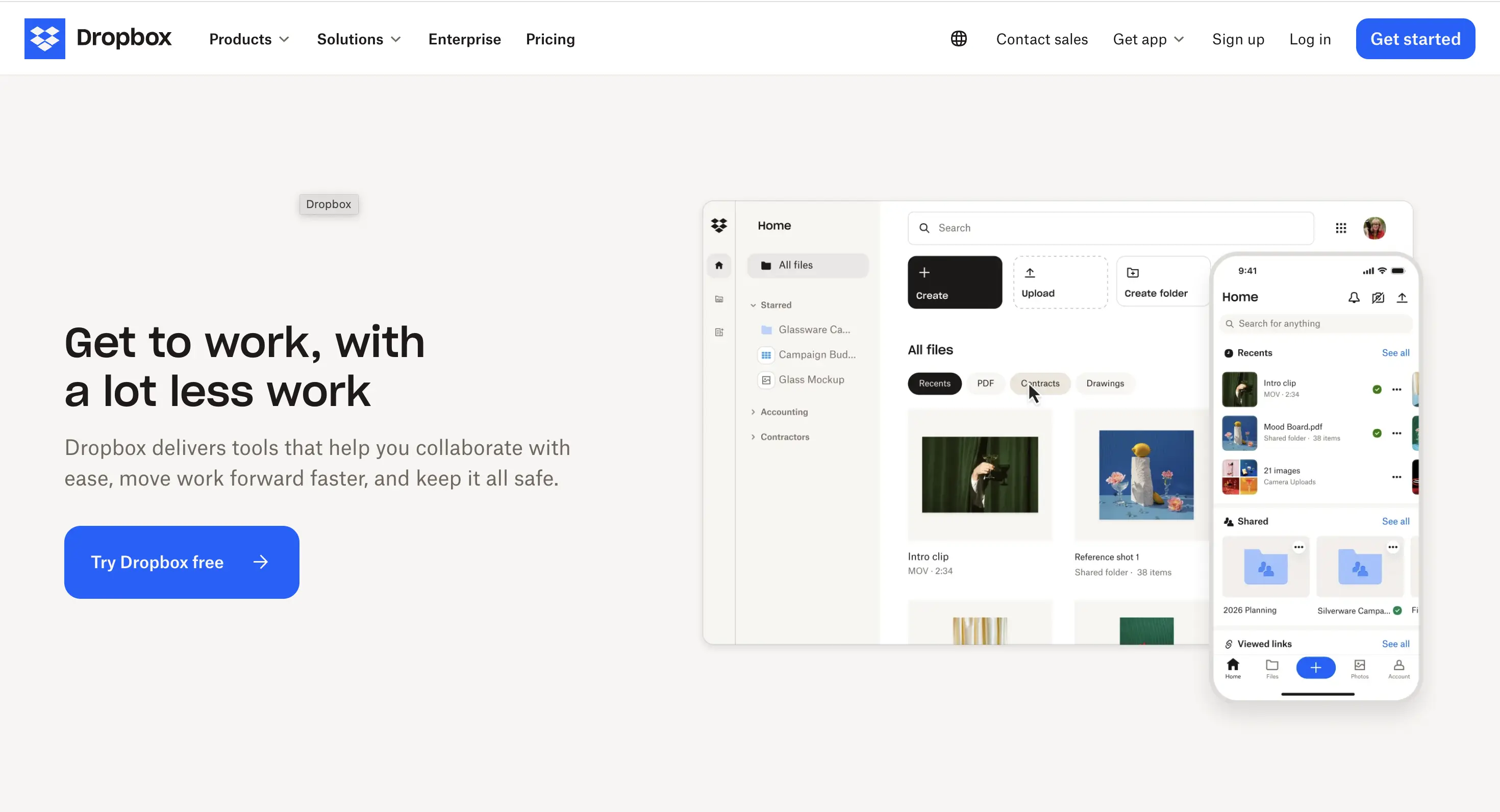
Dropbox Transfer is a feature inside the broader Dropbox product that lets you create a dedicated delivery link separate from your main Dropbox storage. It is more polished than a standard shared folder link, and it includes a view counter so you can see whether the recipient has accessed the files.
Pricing
Dropbox Transfer is included in Dropbox plans rather than sold separately. The Professional plan at approximately $15/month includes 100GB file transfer capability and brand customisation options. The Plus plan at around $9.99/month includes 50GB transfers but without branding features.
Transfer and storage limits
Dropbox Transfer lets you send large files to anyone, with transfer sizes ranging from 50GB to 250GB depending on the plan. Storage is generous across all paid plans, which is useful if you also use Dropbox as your primary file storage.
Branding
Branded sharing on Dropbox lets you add a company logo, name, or background image to shared files. This is limited compared to tools purpose-built for client delivery. The Dropbox interface and branding remain prominent, and custom domains are not available.
Who it is best for
Agencies already paying for Dropbox who want to use Transfer as an upgrade to standard folder sharing. If Dropbox is already your storage layer, it makes sense to use Transfer rather than paying for a separate tool.
Not ideal for
Agencies that want a fully branded delivery experience, or those not already in the Dropbox ecosystem. Paying for Dropbox primarily to access Transfer is expensive when purpose-built tools offer more branding control at lower cost.
5. MASV
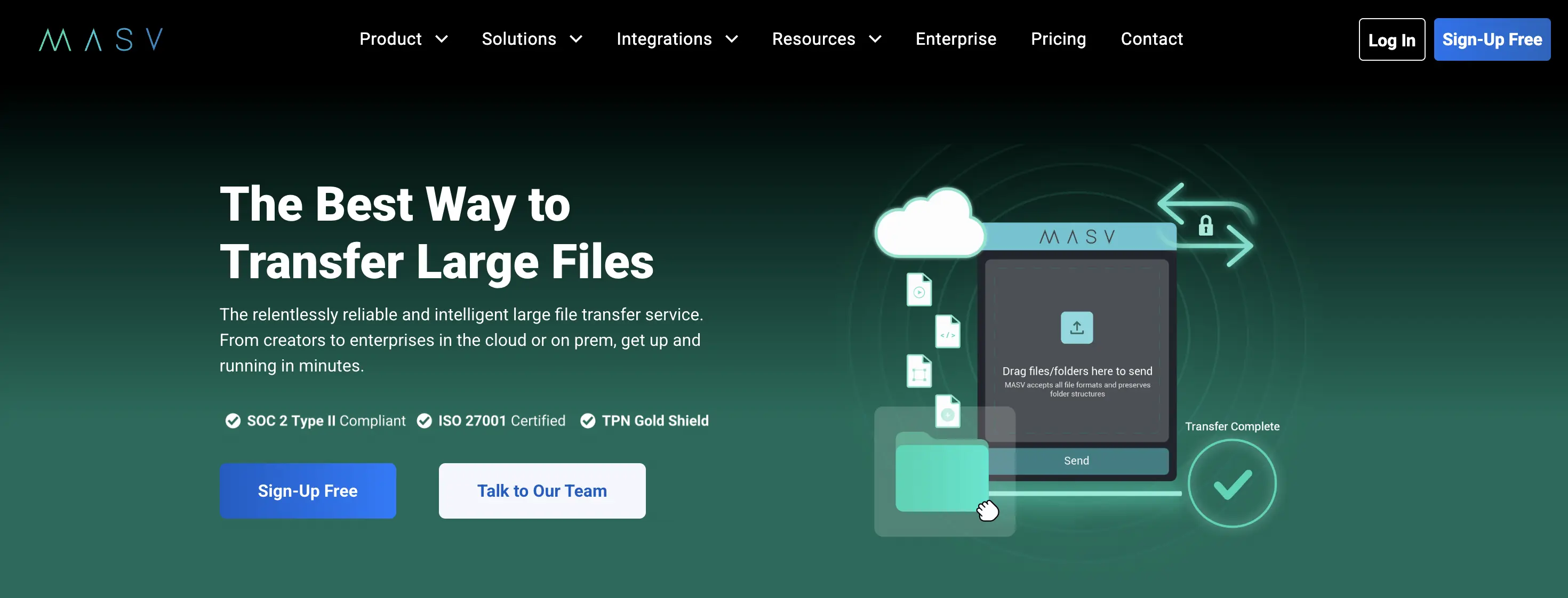
MASV is a purpose-built large file transfer platform used primarily by post-production houses, video teams, and media organisations. It is built for speed and reliability at scale, not for everyday deliverables.
Pricing
MASV offers new users 15GB of complimentary data transfer per month, refreshed automatically. Beyond that, MASV charges $0.25 per GB on its pay-as-you-go model. Subscription plans are available for high-volume users, but at typical agency usage volumes, the per-GB model is the default.
To put that in context: a 100GB video delivery costs $25 on MASV's pay-as-you-go pricing.
Transfer and storage limits
MASV supports individual file transfers up to 15TB with no hard cap on transfer size. This makes it the right choice when you are moving raw footage or uncompressed files that no other tool can handle.
Branding
MASV offers customisable upload portals that allow businesses to create branded portals for receiving and delivering files. However, branding is not the core use case and the interface reflects that. It is functional rather than polished from a client-experience perspective.
Who it is best for
Video production agencies, post-production teams, and broadcasters who regularly move files above 50GB. The per-GB pricing makes sense when transfers are infrequent but very large. MASV is widely used by video editors, post-production houses, and creative agencies that regularly share massive video files and raw footage.
Not ideal for
Agencies whose typical deliverables are under 50GB. The per-GB pricing adds up quickly at that scale compared to a flat-rate tool. At 1TB of monthly transfers, MASV costs approximately $250, which is significantly more expensive than a flat subscription tool for the same volume.
6. Google Drive
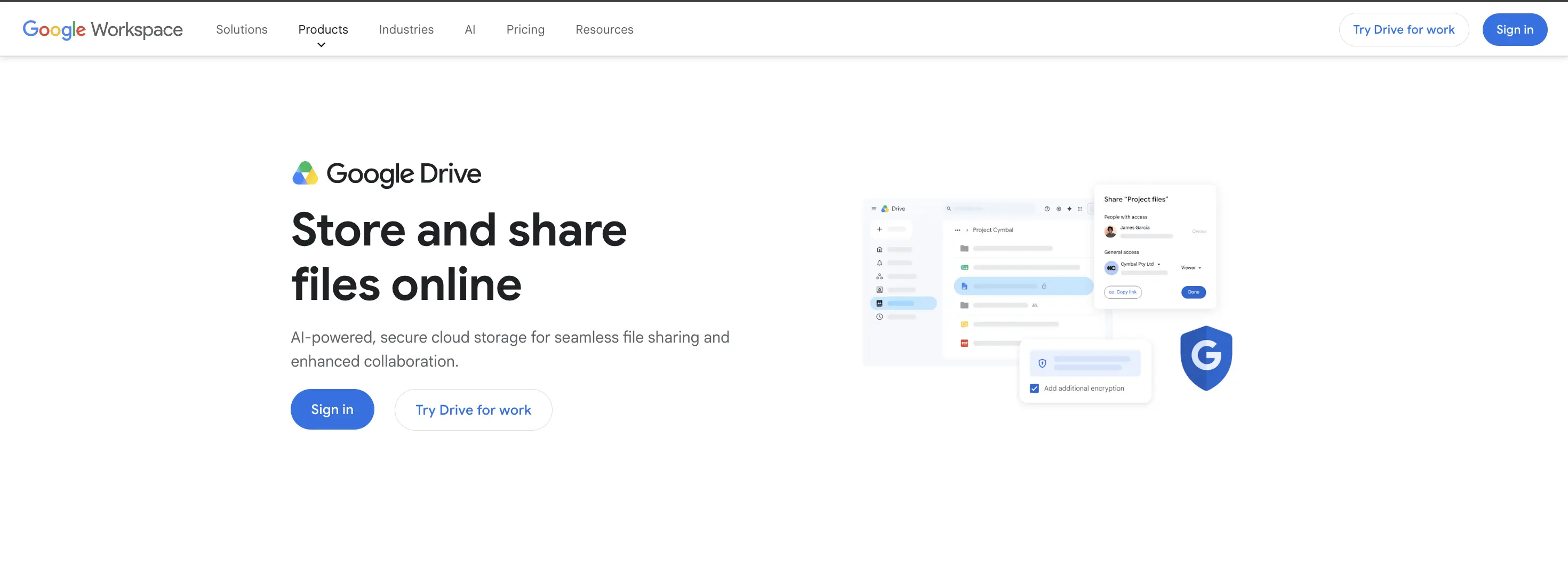
Google Drive is not a file delivery tool. It is cloud storage that doubles as file sharing. It is included here because it is what many agencies default to, and that default has consequences worth understanding.
Pricing
Free up to 15GB. Google One plans start at $1.99/month for 100GB. No hard transfer limit.
Transfer and storage limits
No meaningful transfer limit. Files stay available as long as you do not delete them or revoke access.
Branding
None. The recipient lands on a Google Drive page. There is no way to add your logo, customise the experience, or make the delivery feel like it comes from your agency. The URL will always be a Google Drive URL.
No delivery confirmation. You cannot see whether the client has actually downloaded the files.
Who it is best for
Internal file sharing within your agency. Sharing working documents and in-progress assets with collaborators. It is not suited for client-facing deliverables where presentation matters.
Not ideal for
Client delivery at project completion. Using Google Drive for final deliverables tells the client, implicitly, that no thought went into how their files were presented. That impression is at odds with the work a well-run agency puts into everything else.
How to choose
If branded delivery is your priority: TrunkTransfer is the only tool in this comparison that offers a custom domain (CNAME) outside of an enterprise contract. Every other tool either does not offer it at all or reserves it for custom-priced enterprise tiers. TrunkTransfer includes it on the Starter plan at $9/month.
If you want branding without a custom domain: Smash Pro at $10/month gives you a logo and custom background on the download page. It is a meaningful improvement over WeTransfer and costs the same.
If you are already paying for Dropbox: Use Dropbox Transfer on the Professional plan rather than paying for a separate tool. The branding is limited but it is better than a shared folder link.
If you regularly move files above 50GB: MASV is the right infrastructure tool. Accept that the client experience will be functional rather than branded, or use MASV for the transfer and a branded tool for the final delivery link.
If you are sending occasionally and branding does not matter: WeTransfer's free or Starter plan is fine. Fast, widely understood, no setup required.
The underlying question
Every tool in this list can move files from one place to another. That is a commodity.
The real question is what the client experiences at the other end. Every agency touchpoint, from the proposal to the invoice to the delivery link, shapes how the client perceives you. Generic tools put someone else's brand on your final deliverable.
For most boutique agencies, the gap between what they charge and how they deliver is visible. Closing that gap does not require expensive enterprise software. It requires the right tool and a few minutes of setup.
For the complete guide to client file delivery including workflow, file naming, and project-specific delivery checklists, see: Client File Delivery for Creative Agencies: The Complete Guide.
Pricing data sourced from official product pages and verified third-party sources. Always verify current pricing on the provider's website.
Frequently Asked Questions
What is the best file delivery tool for creative agencies?
TrunkTransfer is the only tool on this list that includes a custom domain and client portal at a standard price ($9/mo Starter). For agencies that need branded delivery where every link and page reflects the studio rather than a third-party platform, it is the most complete option. For occasional large sends where branding is not the priority, WeTransfer or Smash free tiers work.
What is the difference between file sharing and file delivery?
File sharing tools (Google Drive, Dropbox) are built for storing and collaborating on files over time. File delivery tools are built for handing off finished work: a clean download link, a set expiry, no client account required, and confirmation when the client downloads. Using storage tools for delivery works technically but creates a cluttered, unbranded experience for the client.
Do clients need to create an account to download files?
Not with purpose-built delivery tools. TrunkTransfer, WeTransfer, MASV, Smash, and Dropbox Transfer all allow clients to download without an account. Google Drive can require sign-in depending on sharing settings. Requiring a client to create an account to receive their deliverable is a friction point most clients will not bother with.
Which tool has the best custom domain support?
TrunkTransfer is the only tool in this comparison with a true custom domain (CNAME) at a standard plan price. Smash offers a custom domain only on its custom-priced Enterprise plan. Every other tool either does not support custom domains or gates them behind enterprise pricing. A custom domain means your client opens files.yourstudio.com, not a third-party URL.
What is a client portal and do these tools have one?
A client portal is a single persistent link that collects every file you have ever sent to a specific client. Clients bookmark it and find all their deliveries in one place instead of searching old emails. TrunkTransfer includes client portals from the Starter plan. None of the other tools in this comparison have an equivalent feature.
How much file storage do I need for client delivery?
Most creative agency deliveries fall between 1GB and 50GB per project. TrunkTransfer Starter supports up to 200GB per transfer at a flat rate, which covers virtually all brand, motion, and design project deliveries. If you regularly move raw footage above 200GB per file, MASV with its no-ceiling per-GB pricing is the appropriate tool.


