If you're looking at MASV alternatives because the per-GB cost is adding up on regular sends, or because you need a custom domain and client portal that MASV doesn't offer at any price, TrunkTransfer ($9/mo) covers both for less than most tools on this list. If MASV's unlimited file size is the specific thing you need but you want a lower entry cost for smaller jobs, WeTransfer Ultimate ($23/mo) or Dropbox Transfer are worth comparing depending on your actual file sizes. The rest of this guide covers all six with current pricing and what each one does well.
Quick Comparison
| Tool | Best For | Custom Domain | Client Portal | Free Limit |
|---|---|---|---|---|
| TrunkTransfer | Branded agency delivery | Yes (Starter+) | Yes (Starter+) | 3GB per transfer, 7-day expiry |
| WeTransfer | Occasional large sends | No | No | 3GB total, up to 10 sends/30 days, 1-3 day expiry |
| Dropbox Transfer | Dropbox users sending large files | No | No | 100MB per transfer, 7-day expiry |
| Hightail | Creative review and approval | No | No (Spaces feature) | 100MB per transfer, 2GB storage |
| Smash | Freelancers, casual branding | Enterprise only | No | 2GB per transfer |
| Google Drive | Teams already on Google Workspace | No | No | 15GB total storage |
Why Look for a MASV Alternative
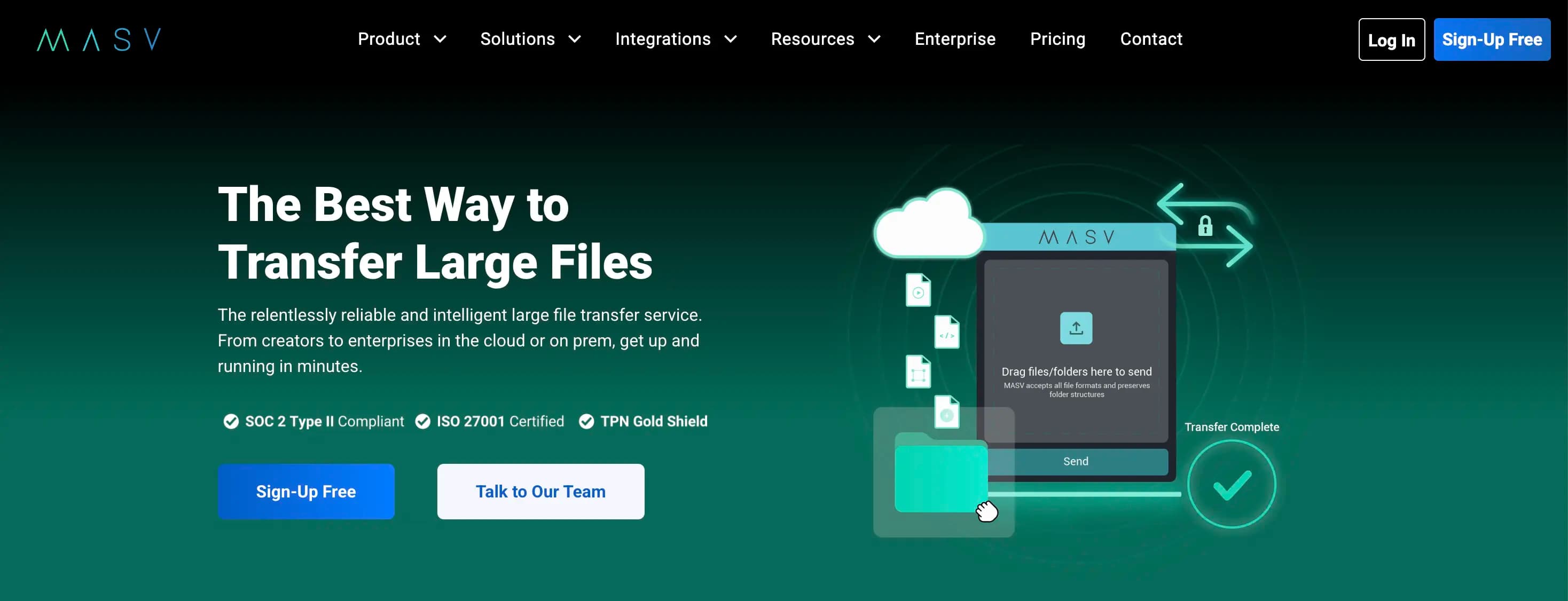
MASV is a specialist tool built around one thing: moving very large files reliably and fast, with no upper size limit. For broadcast, post-production, and VFX pipelines, it's genuinely hard to beat. The reasons agencies look elsewhere come down to three things:
Cost at regular volumes. The Starter plan's 15GB free per month disappears quickly if you're sending high-res final files regularly. After that it's $0.25/GB, so a single 100GB delivery costs $25 above the free allowance. The Value subscription brings the rate down to $0.21/GB, but the minimum commitment is $215/mo for 1TB on an annual plan. That's a large fixed cost if your volume is inconsistent.
No custom domain or client portal at any price. MASV's branded upload portals let you customize how clients send files to you, but the download side, where your client receives finished work, always uses MASV's own domain. There's no plan, including Enterprise, that puts the delivery link on your own domain. There's also no client portal: every delivery is a standalone link with a 5-day expiry.
Built for pipelines, not client handoffs. MASV's interface and feature set are oriented toward production and post workflows rather than the "final delivery to a client" moment. If what you need is a clean, branded page that looks like it came from your studio, MASV is the wrong tool regardless of price.
What to Look For Instead
A true custom domain. If branded delivery is the issue, the replacement needs to support a CNAME pointing to your own domain, not just a branded page on the vendor's infrastructure.
Predictable flat pricing. Per-GB pricing works well for irregular, very large sends. For regular agency delivery of final files (typically 1-50GB), a flat monthly rate is usually cheaper and more predictable.
File size that fits your actual workflow. MASV's unlimited ceiling is overkill for most agency deliveries. If you're sending final brand assets, motion graphics, or campaign files rather than raw 4K footage, 200GB per transfer is likely more than enough.
Client portals. A portal gives each client one link collecting every file you've ever sent them. MASV has no equivalent, so every delivery is a fresh link the client has to hunt for later.
The 6 Alternatives
1. TrunkTransfer
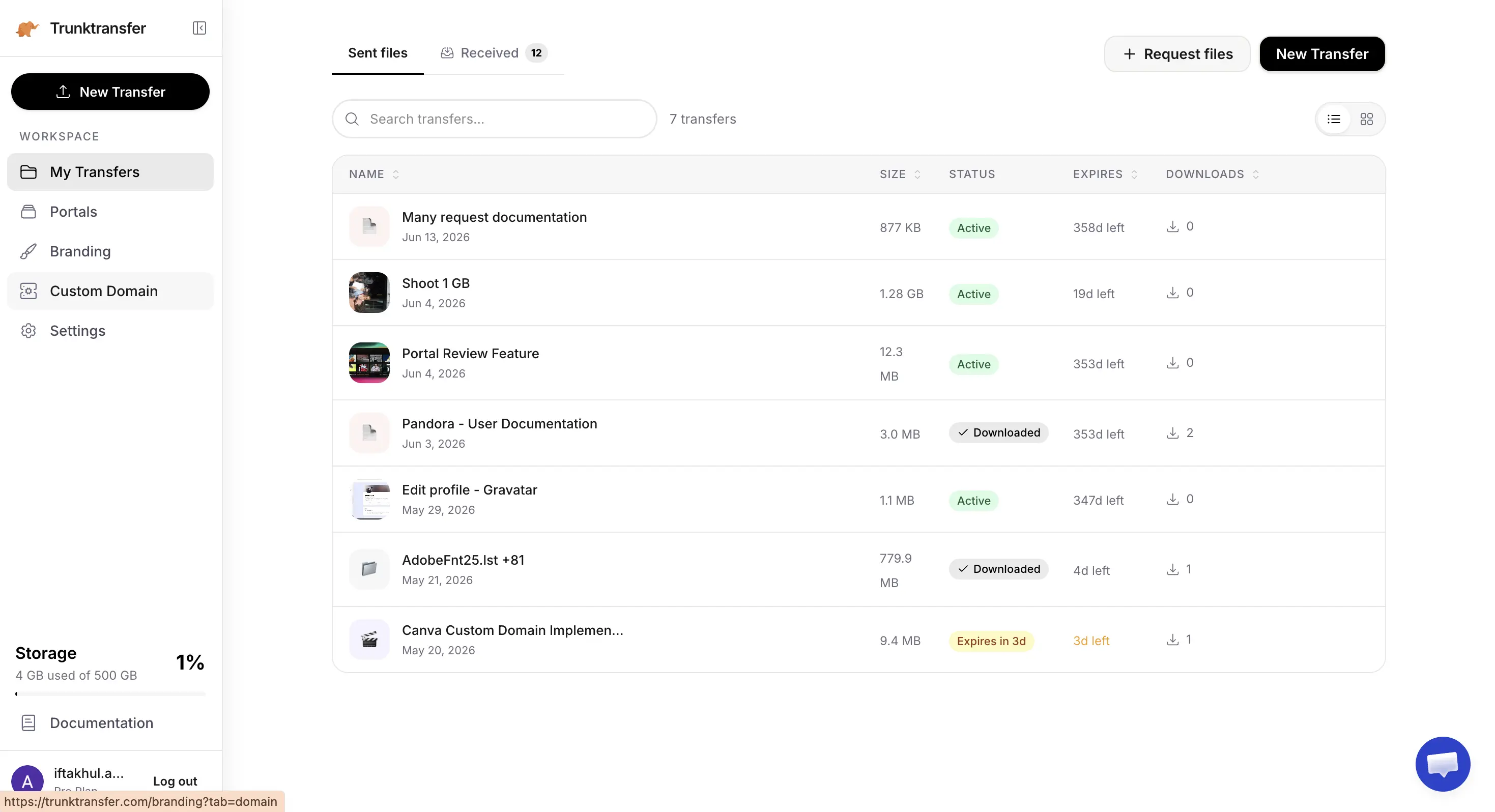
TrunkTransfer is built specifically for agencies handing off finished work to clients. The Starter plan ($9/mo, or $6/mo billed yearly) includes 200GB per transfer with a 30-day expiry, and includes a custom domain, full branding, and client portals. A 7-day free trial lets you try it before you commit.
Key features:
- Delivery pages on your own domain (e.g.
files.youragency.com), with no TrunkTransfer branding visible to clients - Client portals so each client has one link collecting every delivery you've sent them
- Email notifications when a client downloads a file
- Password protection and link expiry on every transfer
Pros:
- Custom domain and full branding from the $9/mo Starter plan, a fraction of MASV's Value plan cost
- Flat pricing, not per-GB, so a month with heavy sending costs the same as a quiet month
- Client portal included, so clients don't lose deliveries in old email threads
Cons:
- 200GB per transfer cap on Starter, not suitable for raw 4K footage or very large production files
- No pay-as-you-go option: the free tier covers 3GB per transfer, and the next step is $9/mo
- No speed optimization for large media pipelines the way MASV's infrastructure is tuned
How it compares to MASV: TrunkTransfer costs $9/mo flat versus MASV's $215/mo minimum subscription (or $0.25/GB pay-as-you-go above 15GB free). TrunkTransfer adds the custom domain and client portal that MASV doesn't have at any price, but caps individual transfers at 200GB on Starter where MASV has no ceiling. If your deliveries consistently exceed 200GB per file, MASV is the right tool. If they don't, TrunkTransfer is cheaper, more branded, and purpose-built for the client handoff. See the full TrunkTransfer vs MASV comparison for a closer side-by-side.
Best for: Agencies sending final files up to 200GB who want every delivery to look like it came from their studio, not a third-party transfer service.
2. WeTransfer
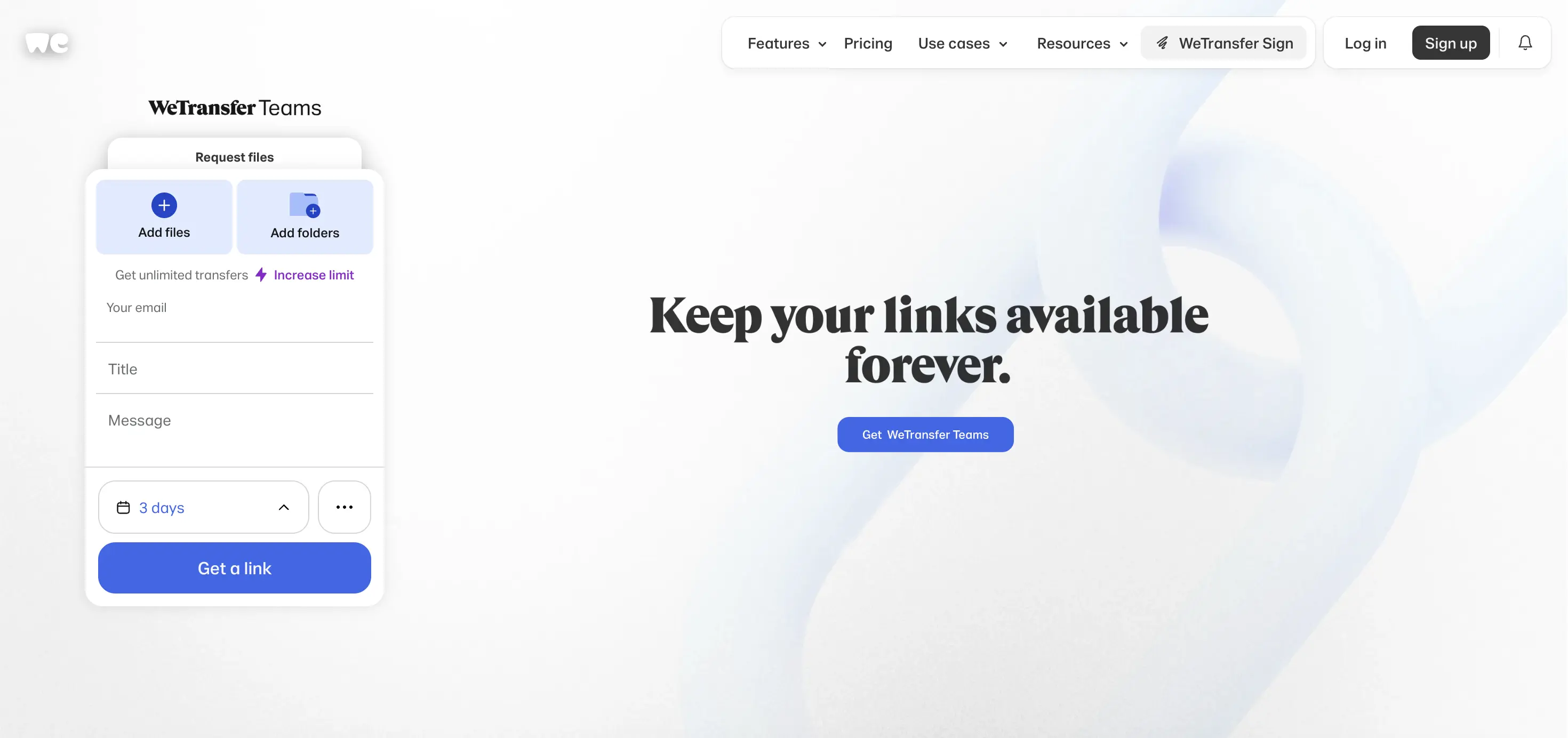
WeTransfer changed its plans significantly in 2026. The free plan now allows up to 10 transfers or 3GB total in any rolling 30-day period, and files stay available for only 1 to 3 days. The Starter plan ($8/mo) raises the monthly cap to 300GB. Ultimate ($23/mo) removes the transfer cap entirely, has no per-transfer size limit, and adds custom expiration dates, password protection, and some page branding, though still on a we.tl address, not your own domain.
Key features:
- No per-transfer size limit on Ultimate, with no monthly cap
- Password protection and custom expiration on Starter and above
- Some logo and color customization on Ultimate, but no custom domain at any price
- Teams plan ($25/user/mo, 2-user minimum) for shared workspaces
Pros:
- Ultimate ($23/mo) is flat-rate with no per-transfer size limit, far cheaper than MASV's Value plan for most agency volumes
- No per-GB billing, so a month with large sends costs the same as a quiet one
- Almost every client already recognizes a WeTransfer link
Cons:
- No branded delivery page, unlike MASV's branded upload portals
- No custom domain at any price
- 2026 free plan changes: 3GB total per month, links last only 1 to 3 days
How it compares to MASV: WeTransfer Ultimate ($23/mo) is considerably cheaper than MASV's Value plan ($215/mo minimum) and has no per-transfer size limit. MASV's advantage is speed infrastructure optimized for very large media files and branded upload portals, which WeTransfer doesn't offer. Neither has a custom domain. See the WeTransfer alternatives guide or TrunkTransfer vs WeTransfer for more.
Best for: Agencies switching from MASV because the per-GB cost is too high and don't need a custom domain.
3. Dropbox Transfer
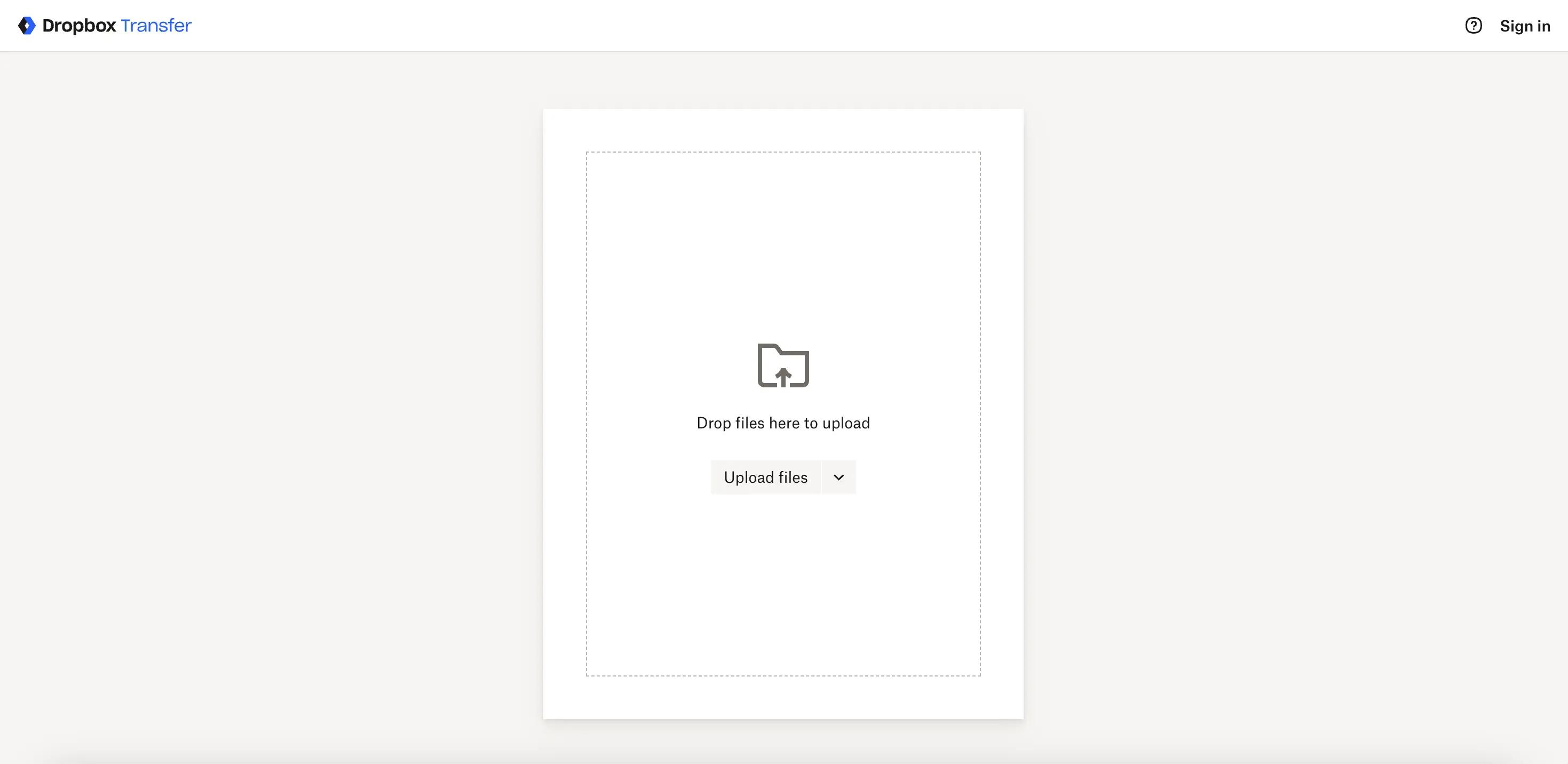
Dropbox Transfer is a feature within Dropbox for sending files via a link, separate from Dropbox's main storage. The free plan caps transfers at 100MB with a 7-day expiry. Dropbox Plus raises this to 2GB, and Professional or Advanced plans reach 100GB per transfer, with custom expiration and password protection.
Key features:
- Transfers don't count against your Dropbox storage quota
- Custom expiration dates and password protection on Professional and above
- Transfer stats and history on paid Transfer plans
- Familiar if your agency already uses Dropbox for internal files
Pros:
- If you already pay for Dropbox, Transfer is built in rather than a separate subscription
- Simple to use with no learning curve
- Recipients never need a Dropbox account to download
Cons:
- 100GB max transfer on Professional, far below MASV's unlimited ceiling
- 100MB free limit is the smallest on this list
- No custom domain or branding on any plan
How it compares to MASV: Dropbox Transfer caps at 100GB on Professional, where MASV has no ceiling. For the very large files MASV is designed for, Dropbox Transfer isn't a direct replacement. For agencies whose actual file sizes fit within 100GB and who are already on Dropbox, it's a free addition. See TrunkTransfer vs Dropbox Transfer or the Dropbox Transfer alternatives guide for more.
Best for: Dropbox subscribers sending files under 100GB who don't need MASV's speed infrastructure.
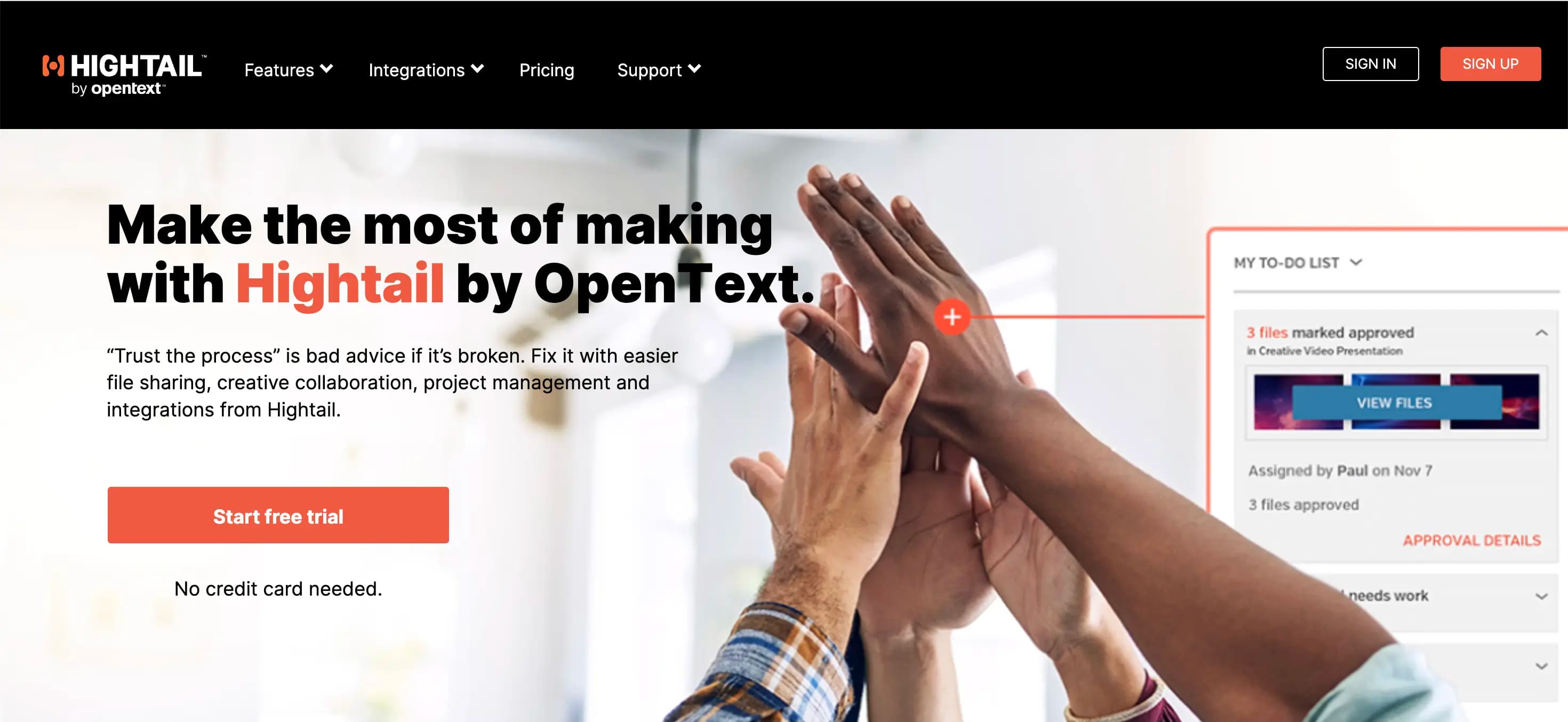
4. Hightail
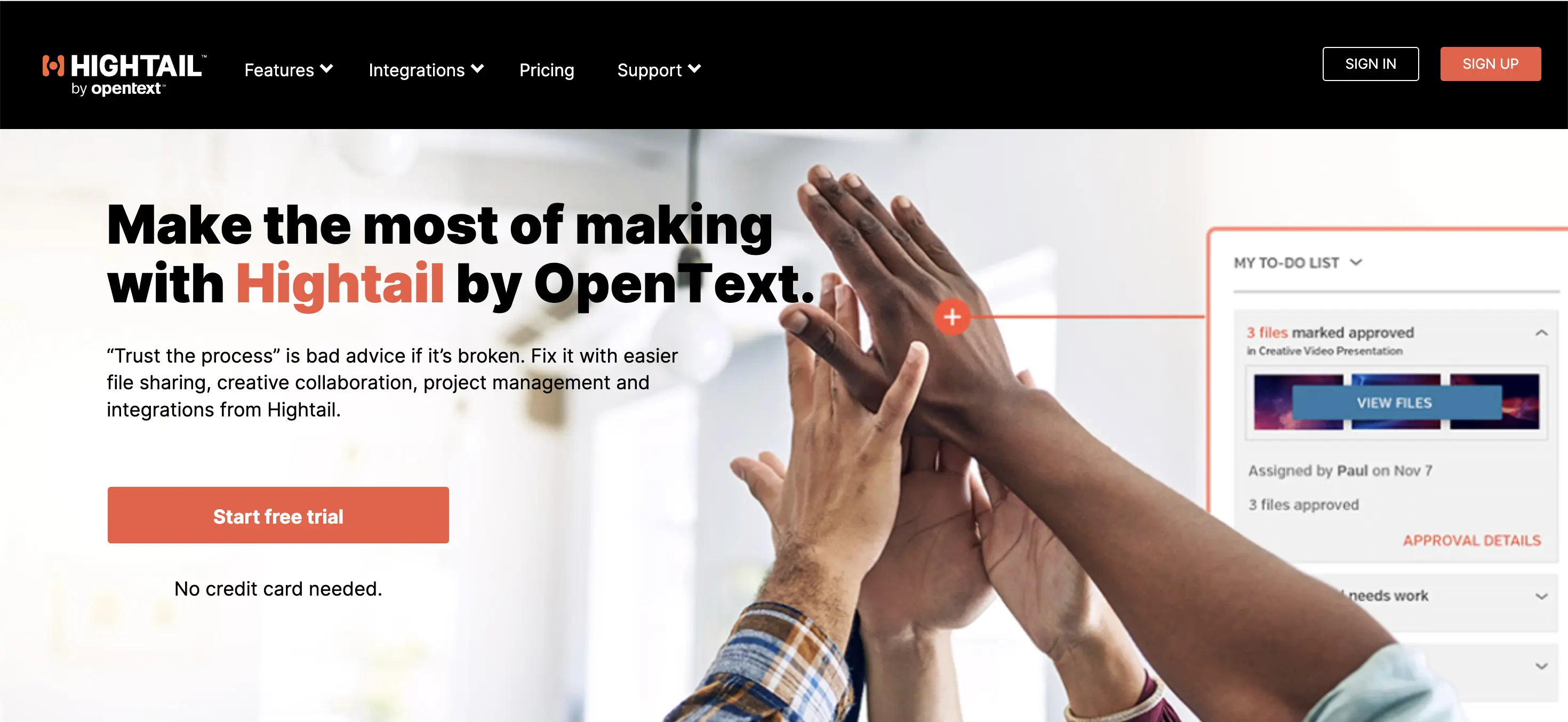
Hightail (owned by OpenText) is a creative file sharing and review platform with Spaces for each client, annotations, version control, and approval routing. Lite is free with 100MB uploads and 2GB storage. Pro is $12/user/mo (billed annually) with 25GB uploads and unlimited storage. Teams is $24/user/mo with 50GB uploads, custom branding (not a custom domain), and collaboration features. Business is $36/user/mo with 500GB uploads.
Key features:
- Client Spaces: a dedicated area per client collecting all project files with comments and version history
- Annotations on images and video, approval routing on Teams and above
- Custom branding from Teams ($24/user/mo), but no custom domain on any plan
- 500GB per upload on Business, 50GB on Teams
Pros:
- Client Spaces are a strong equivalent to a client portal, with the addition of annotations and version control
- Business plan (500GB uploads) handles large files without pay-per-GB billing
- Per-user pricing includes the full review and collaboration feature set, not just file delivery
Cons:
- 500GB upload cap on Business, still below MASV's unlimited ceiling
- No custom domain on any plan
- Per-user billing: a 5-person team on Teams pays $120/mo
How it compares to MASV: Hightail's Business plan (500GB uploads) handles large files without per-GB billing, but it caps out well below MASV's unlimited ceiling. Hightail adds client collaboration features that MASV completely lacks, so if your reason for leaving MASV is the lack of a client portal and review tools, Hightail is worth considering, though the per-user cost is high. See the Hightail alternatives guide or TrunkTransfer vs Hightail for more.
Best for: Agencies switching from MASV who need both large file delivery and creative review features in one tool, and don't need a custom domain.
5. Smash

Smash offers a free plan up to 2GB per transfer, with some logo and background customization even at no cost. The Pro plan (around €10/mo) raises this to 250GB with a 30-day link expiry. A true custom domain (CNAME) exists, but only on Smash's Enterprise plan, which is custom-priced. TrunkTransfer's $9/mo Starter plan is the only option on this list that includes a true custom domain as standard.
Key features:
- Logo and background customization available even on the free plan
- Download tracking and link history on paid plans
- No ads on any plan, including free
- Team plans scale up to 1TB per send
Pros:
- 1TB per send on Team plans, below MASV's unlimited ceiling but handling most agency deliveries
- Flat pricing on Pro (~€10/mo), not per-GB
- No ads on any plan, including free
Cons:
- A real custom domain requires the custom-priced Enterprise plan
- 250GB cap on Pro, and Team plans required for 1TB
- No client portal
How it compares to MASV: Smash's Team plans reach 1TB per send at a flat rate, cheaper than MASV's Value plan for most volumes, but without MASV's unlimited ceiling or speed infrastructure. Smash adds some branding that MASV's download side lacks, though a true custom domain still requires Enterprise. See TrunkTransfer vs Smash or the Smash alternatives guide for more.
Best for: Agencies switching from MASV whose files fit within 1TB and who want some branding on the download page without a full enterprise commitment.
6. Google Drive
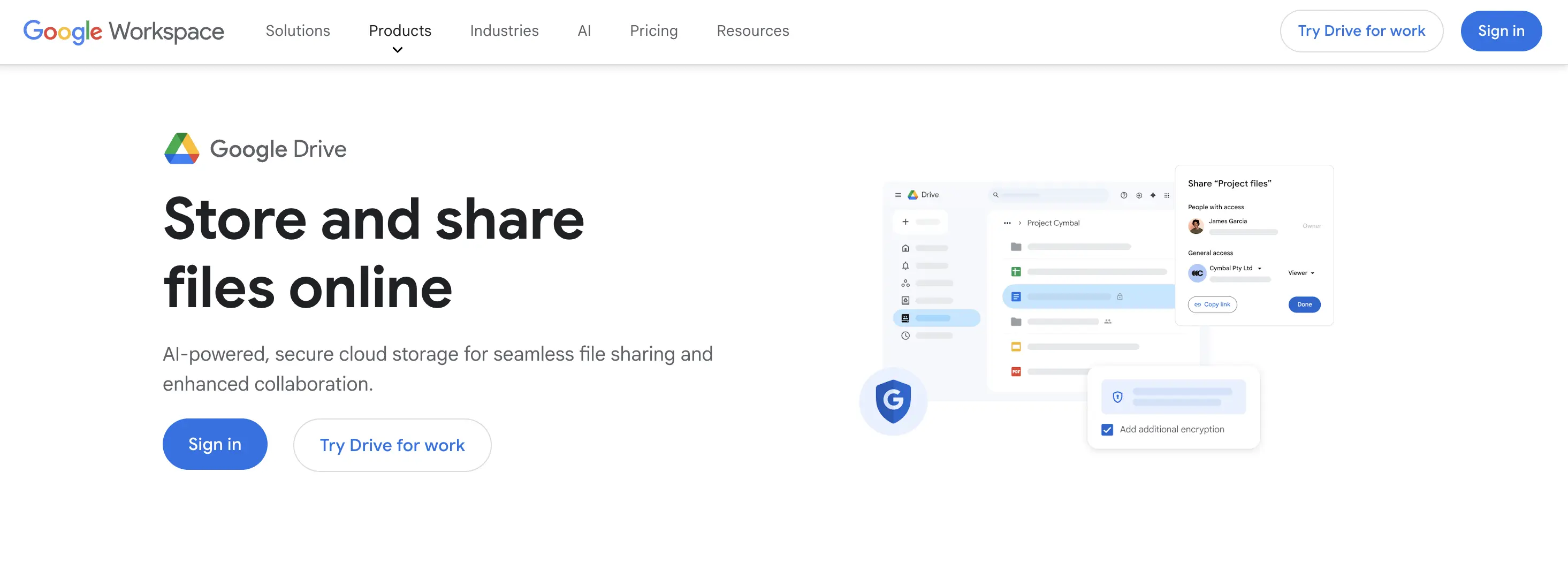
Google Drive is built for ongoing storage and collaboration, not specialist large file transfer. Personal accounts get 15GB of free storage with a 5TB per-file limit. Files can be shared via "anyone with the link" access without requiring a sign-in, but the page is always a Google Drive interface.
Key features:
- 5TB per-file limit, covering most agency delivery needs
- Real-time collaborative editing for Docs, Sheets, and Slides
- 15GB free, expandable with Google One plans
- Permissions and version history on files
Pros:
- 5TB per-file limit covers files MASV handles, without per-GB billing
- 15GB free storage, most clients already have a Google account
- No per-GB cost regardless of file size up to 5TB
Cons:
- No branding or custom domain on any plan, including Google Workspace
- No dedicated delivery workflow: no download notifications, no link expiry
- Recipients may need to sign in depending on sharing settings
How it compares to MASV: Google Drive's 5TB per-file limit covers most files that agencies would realistically send via MASV, without any per-GB cost. The trade-off is that Drive has no upload speed optimization for large files, no automatic link expiry, and no branding at all. For a free alternative to occasional MASV sends where file size fits within 5TB and branding doesn't matter, Drive works. See TrunkTransfer vs Google Drive for more.
Best for: Agencies switching from MASV whose files fit within 5TB and who primarily need to share files internally or with clients who already use Google Workspace.
Quick Picks by Use Case
- Need branded delivery with a custom domain and client portal at a flat rate: TrunkTransfer at $9/mo, 200GB per transfer.
- Need a flat rate with no per-transfer size limit, without per-GB billing: WeTransfer Ultimate ($23/mo).
- Need unlimited file size and speed for video production pipelines: MASV is still the right tool. The alternatives on this list all have caps.
- Need large file delivery plus creative review in one tool: Hightail Business ($36/user/mo, 500GB).
- Quick send under 1TB, some branding, no custom domain needed: Smash Pro (~€10/mo).
- Already on Google Workspace, files under 5TB, branding not needed: Google Drive.
Switching from MASV?
If you're moving away from MASV because the per-GB cost is adding up on regular client deliveries, and your files fit within 200GB per transfer, TrunkTransfer's Starter plan ($9/mo flat) gives you a custom domain and client portal that MASV doesn't have at any price, for less than MASV's free monthly allowance runs out in a typical month of agency work. The 7-day trial lets you set up the custom domain and see the branded delivery page before you commit.
If you send files consistently above 200GB per transfer, WeTransfer Ultimate ($23/mo, no per-transfer size limit) is the next step before returning to MASV's territory.
Send your first file from your own domain →
Frequently Asked Questions
What is MASV and what is it actually built for?
MASV is a large file transfer service built for production and post-production workflows. Its Starter plan is pay-as-you-go at $0.25/GB after 15GB free per month. The Value subscription plan starts at $215/mo for 1TB/month on an annual commitment, with plans up to 5TB/mo. There's no file size ceiling on any plan. Files are stored for 5 days per upload then expire automatically. It's used by broadcast, VFX, and post-production teams sending very large media files.
Does MASV have a custom domain?
No. MASV's branded upload portals let you customize how clients send files to you, but every download link uses MASV's own infrastructure. There is no plan, including Enterprise, that lets you deliver files from your own domain. TrunkTransfer is the only tool on this list with a true custom domain at a standard price, from the $9/mo Starter plan.
How does MASV's pricing actually work?
MASV Starter is pay-as-you-go: the first 15GB each month is free, then $0.25/GB. There's no monthly minimum, but a single 100GB delivery costs $21.25 above the free allowance ($0.25 x 85GB). The Value subscription brings the rate to $0.21/GB with a monthly data allotment starting at 250GB ($52.50/mo equivalent), up to 5TB/mo, all on an annual commitment with monthly payments. Overages on Value plans are charged at a discounted rate.
What is the free tier on MASV?
MASV's Starter plan includes 15GB of transfer per month at no cost. Files are stored for 5 days per upload. After 15GB it's $0.25/GB. A credit card is required for account verification even to access the free tier.
What is a client portal, and does MASV have one?
A client portal is a single link that collects every file you've sent to a specific client, so they don't need to search old emails. MASV doesn't have this: every delivery is a standalone link that expires after 5 days. TrunkTransfer includes a client portal from the Starter plan.
Can I track when a client downloads files from MASV?
Yes. MASV includes download tracking and notifications. TrunkTransfer sends an email notification when a client downloads a file. WeTransfer's Ultimate plan and Smash's paid plans also track downloads. Dropbox Transfer and Google Drive don't notify you on download.
Is there a flat-rate alternative to MASV for files under 1TB?
Yes. WeTransfer Ultimate ($23/mo) supports unlimited transfers with no size cap, no per-GB billing, and no monthly data cap. TrunkTransfer ($9/mo) supports up to 200GB per transfer at a flat rate and adds a custom domain and client portal. Smash's Team plans reach 1TB per send at a flat rate. All three are considerably cheaper than MASV's Value plan for agencies sending files that fit within those limits.
What changed with WeTransfer's plans in 2026?
WeTransfer restructured its entire lineup. The free plan now allows up to 10 transfers or 3GB total in any rolling 30-day period, with files available for only 1 to 3 days, down from the previous 7-day window. The old Pro and Premium plans were replaced by Starter ($8/mo, 300GB/month) and Ultimate ($23/mo, unlimited transfers, no per-transfer size limit).
Is there a free alternative to MASV?
MASV includes 15GB free per month. WeTransfer (3GB total across up to 10 sends per month), Smash (2GB per transfer), Hightail Lite (100MB per transfer), and Google Drive (15GB total storage) are all free options. For larger free allowances closer to MASV's 15GB/month, Google Drive's 15GB total storage is the closest, though it isn't a dedicated transfer tool. TrunkTransfer offers a 7-day free trial with 200GB per transfer if you need branding and a custom domain.