If you've been using SendGB's free plan and want to send files that look like they came from your studio rather than a generic file host, TrunkTransfer ($9/mo) is the most direct step up: custom domain, client portal, and no ads for less than a takeaway coffee per month. If you want to stay close to SendGB's casual "no registration, just send it" experience but without ads on the download page, Smash or TransferNow's free tiers are the closest alternatives. If you need to send files above 500GB occasionally without a subscription, SendGB's own Exceed option (€9.99 for 1TB) is actually one of the cheapest one-off options available anywhere, but outside that use case the alternatives below offer more for regular agency work.
Quick Comparison
| Tool | Best For | Custom Domain | Client Portal | Free Limit |
|---|---|---|---|---|
| TrunkTransfer | Branded agency delivery | Yes (Starter+) | Yes (Starter+) | 3GB per transfer, 7-day expiry |
| WeTransfer | Occasional large sends | No | No | 3GB total, up to 10 sends/30 days, 1-3 day expiry |
| Smash | Freelancers, some branding | Enterprise only | No | 2GB per transfer |
| TransferNow | Budget branded subdomain | Enterprise only | No | 5GB per transfer, 7-day expiry |
| MASV | Huge video/production files | No | No | 15GB/month, no per-file cap |
| Google Drive | Teams already on Google Workspace | No | No | 15GB total storage |
Why Look for a SendGB Alternative
SendGB is one of the most generous free file transfer tools available in 2026. No registration, no transfer limit, 5GB per send, password protection, download notifications, and a 7-day link window. For personal use or quick one-off sends where the recipient experience doesn't matter, it's hard to beat.
The reasons agencies look elsewhere come down to three things:
Ads on the download page. SendGB's free plan shows ads to the person downloading your files. For a final delivery to a client, a download page showing ads from a third party is the opposite of a professional handoff. SendGB Extra (€29.90/year) removes the ads, but even then the page carries SendGB's branding, not yours.
No custom domain or client portal at any price. There's no plan on SendGB where the download link uses your own domain or where clients have a dedicated space collecting all their past deliveries. Every send is a standalone link that expires, and the download page always looks like SendGB, not your studio.
No persistent client workspace. SendGB's links expire: 7 days on free, no expiry during the Extra membership but tied to the annual renewal. There's no way to give a client a single bookmarkable link that collects everything you've ever sent them.
What to Look For Instead
No ads on the download page. At minimum, a client-facing tool shouldn't be showing the recipient ads from a third party while they download your work.
A true custom domain. files.yourstudio.com versus a SendGB link is the difference between a professional handoff and a generic file host. Check that the tool supports a CNAME pointing to your own domain.
Client portals. A portal gives each client one link collecting every file you've sent them. Once a client has that link, they can find any delivery you've ever made to them without emailing you for a new link.
Predictable pricing. SendGB's Exceed option (pay-per-transfer) works out expensive for regular use: €4.99 for 200GB per send adds up fast if you're delivering files weekly. A flat monthly subscription is almost always cheaper for agencies with regular volume.
The 6 Alternatives
1. TrunkTransfer
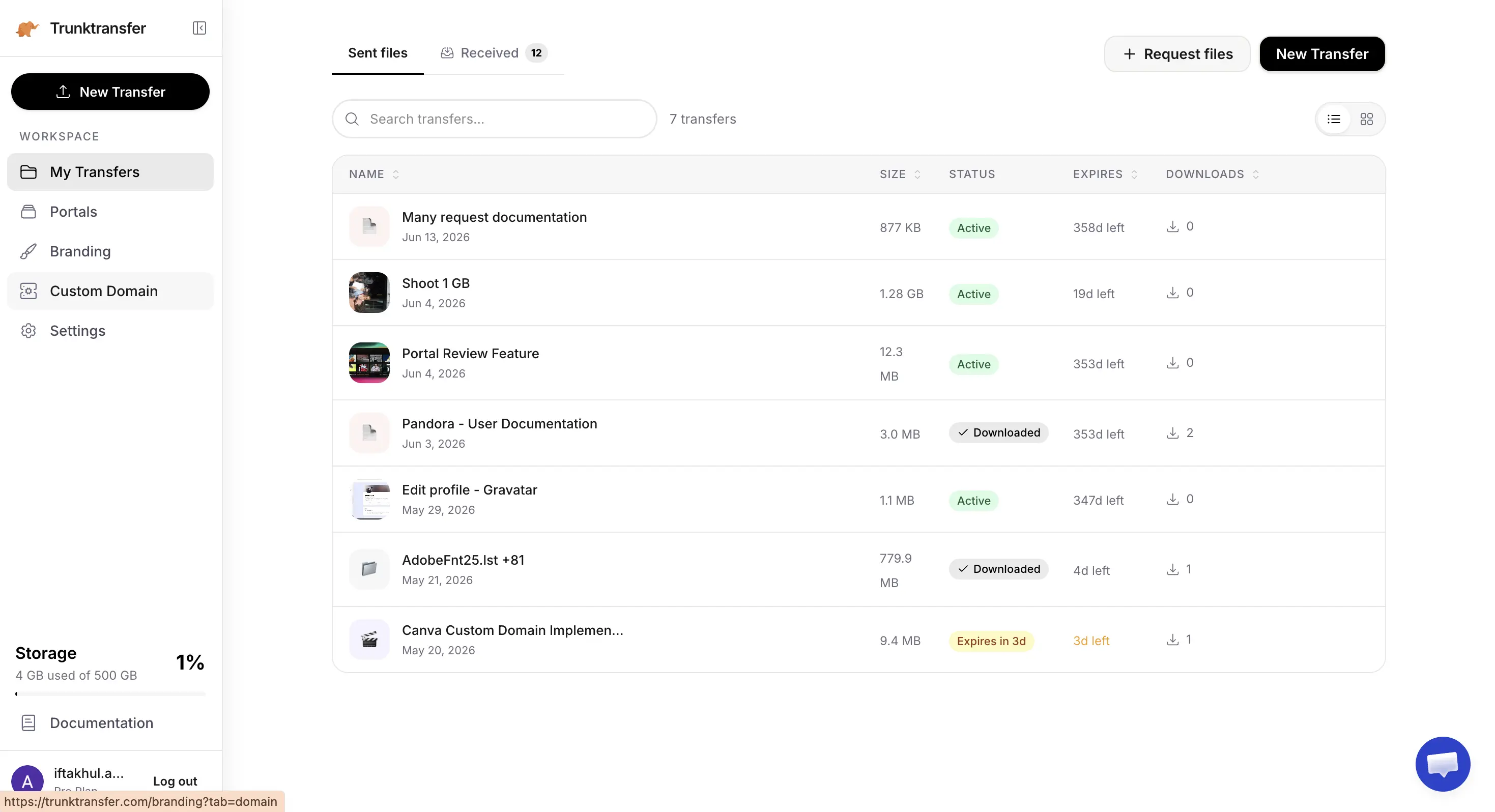
TrunkTransfer is built specifically for agencies handing off finished work to clients, with no ads on any page. The Starter plan ($9/mo, or $6/mo billed yearly) includes 200GB per transfer with a 30-day expiry, and includes a custom domain, full branding, and client portals. A 7-day free trial lets you try it before you commit.
Key features:
- Delivery pages on your own domain (e.g.
files.youragency.com), with no TrunkTransfer branding visible to clients - Client portals so each client has one link collecting every delivery you've sent them
- Email notifications when a client downloads a file
- Password protection and link expiry on every transfer, including the free plan
Pros:
- No ads on any plan, including free
- Custom domain and client portal from $9/mo, the only tool on this list with both at a standard price
- Flat pricing, not per-transfer, so regular agency delivery doesn't accumulate cost the way SendGB Exceed does
Cons:
- 200GB per transfer on Starter, below SendGB Extra's 500GB cap
- No pay-per-transfer option: the free tier covers 3GB, and the next step is $9/mo
- Files expire on a schedule (7 days free, 30 days Starter), so it's not a place to archive work long-term
How it compares to SendGB: SendGB's free plan shows ads to your clients and has no custom domain or client portal at any price. TrunkTransfer's Starter ($9/mo) adds a custom domain, client portal, and 200GB per transfer, with no ads, for less than SendGB Extra costs per month on an annual plan. See the full TrunkTransfer vs SendGB comparison for a closer side-by-side.
Best for: Agencies using SendGB who want to stop sending clients to an ad-covered page and replace it with a branded delivery page on their own domain.
2. WeTransfer
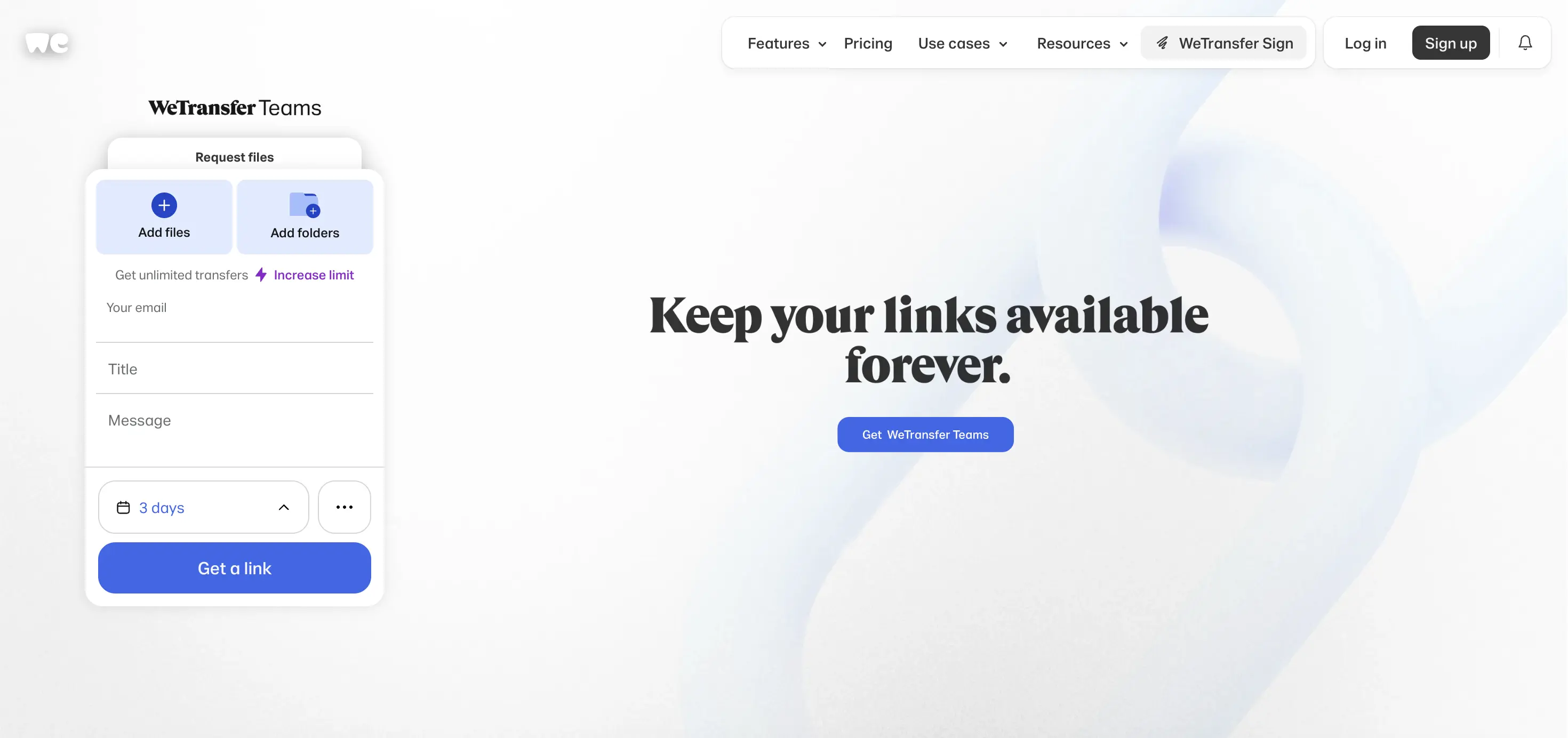
WeTransfer changed its plans significantly in 2026. The free plan now allows up to 10 transfers or 3GB total in any rolling 30-day period, and files stay available for only 1 to 3 days. The Starter plan ($8/mo) raises the monthly cap to 300GB. Ultimate ($23/mo) removes the transfer cap entirely, has no per-transfer size limit, and adds some page branding, though still on a we.tl address, not your own domain.
Key features:
- No per-transfer size limit on Ultimate, with no monthly cap
- Password protection and custom expiration on Starter and above
- Some logo and color customization on Ultimate, but no custom domain at any price
- No ads on any plan, including free
Pros:
- No ads on any plan, including free, unlike SendGB's free tier
- Almost every client already recognizes a WeTransfer link
- Ultimate ($23/mo) has no per-transfer size limit, at a flat rate
Cons:
- The 2026 free plan is more restrictive than SendGB's: 3GB total per month across all sends, not 3GB per send, and files only last 1 to 3 days versus SendGB's 7 days
- No custom domain at any price
- No client portal
How it compares to SendGB: WeTransfer's free tier is more restrictive than SendGB's in 2026 (3GB total per month, 1-3 day links, 10-transfer cap versus SendGB's 5GB per send, 7-day links, unlimited transfers). WeTransfer has no ads on any plan, which is the main advantage over SendGB's free tier for client-facing use. Neither has a custom domain or client portal. See the WeTransfer alternatives guide or TrunkTransfer vs WeTransfer for more.
Best for: Agencies who want to move off SendGB's ad-supported free plan to a cleaner free experience, and send less than 3GB per month.
3. Smash

Smash offers a free plan up to 2GB per transfer, with some logo and background customization even at no cost. The Pro plan (around €10/mo) raises this to 250GB with a 30-day link expiry. A true custom domain (CNAME) is only available on Smash's custom-priced Enterprise plan. No ads on any plan, including free.
Key features:
- Logo and background customization available even on the free plan
- No ads on any plan, including free
- Download tracking and link history on paid plans
- Team plans scale up to 1TB per send
Pros:
- No ads on any plan, the most direct upgrade from SendGB's ad-supported free experience
- Free plan includes logo and background customization, more than SendGB offers even on Extra
- Flat pricing on Pro (~€10/mo), similar to SendGB Extra's annual cost
Cons:
- Free plan limit (2GB) is smaller than SendGB's (5GB)
- A true custom domain requires the custom-priced Enterprise plan
- No client portal
How it compares to SendGB: Smash's free tier (2GB, no ads, some customization) is smaller than SendGB's (5GB, ads, no customization) but better suited for client-facing use because the client doesn't land on an ad-covered page. Smash Pro (~€10/mo) costs slightly more than SendGB Extra (€29.90/year, about €2.50/mo) but adds logo and background customization on the download page. Neither has a true custom domain at a standard price. See TrunkTransfer vs Smash or the Smash alternatives guide for more.
Best for: Agencies switching from SendGB's free plan who want some visual customization on the download page and no ads, without paying much more.
4. TransferNow
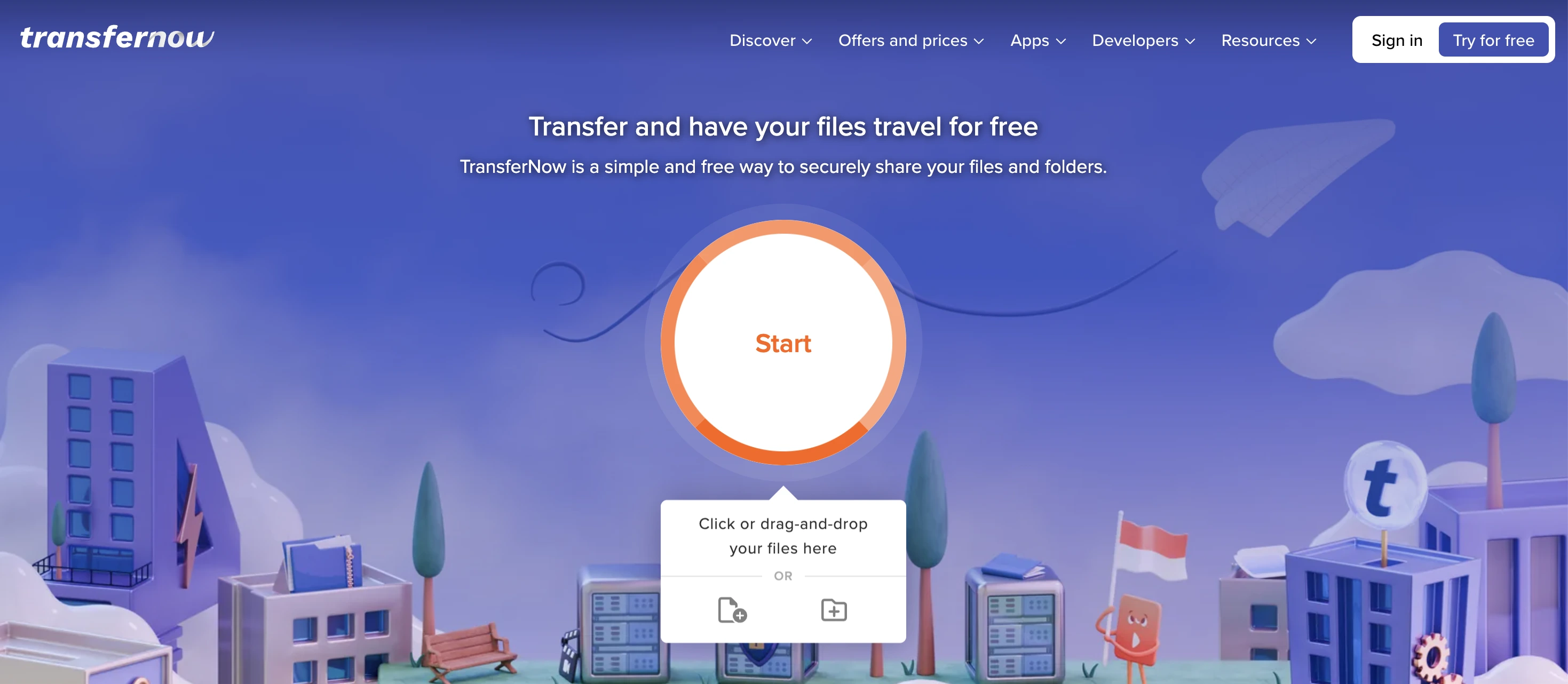
TransferNow's free plan allows 5GB per transfer with a 7-day link expiry, the same ceiling as SendGB's free plan, with no ads and password protection included. The Starter plan ($5/mo monthly, or $3/mo on a 2-year plan) adds 10GB per transfer, 100GB storage, and 30-day expiry. Premium ($10/mo monthly, or $6/mo on a 2-year plan) gives 250GB per transfer, 1TB storage, 365-day expiry, and a branded subdomain (yourstudio.transfernow.net). A true custom domain (CNAME) is Enterprise-only.
Key features:
- 5GB free per transfer, no ads, no registration required
- Branded subdomain (
yourstudio.transfernow.net) from Premium ($10/mo) - Full visual customization on all paid tiers
- 365-day link validity on Premium, the longest on this list
Pros:
- Free plan matches SendGB's 5GB limit with no ads and no registration required
- Premium adds a branded subdomain and full visual customization for $10/mo
- 365-day link validity on Premium
Cons:
- A true custom domain requires Enterprise, the same gate as Smash
- No client portal on any plan
- Team plan jumps straight to 10 users at $30/mo with no smaller tier
How it compares to SendGB: TransferNow's free tier (5GB, no ads, 7-day expiry) is a near-direct upgrade from SendGB's free tier on the client-facing experience: same file size, same expiry window, but no ads on the download page. Premium ($10/mo) adds a branded subdomain, which SendGB Extra doesn't offer at any price. Neither has a true custom domain at a standard price. See TrunkTransfer vs TransferNow or the TransferNow alternatives guide for more.
Best for: Agencies switching from SendGB who want the same 5GB free limit with no ads, and are willing to pay for a branded subdomain but don't need a true custom domain.
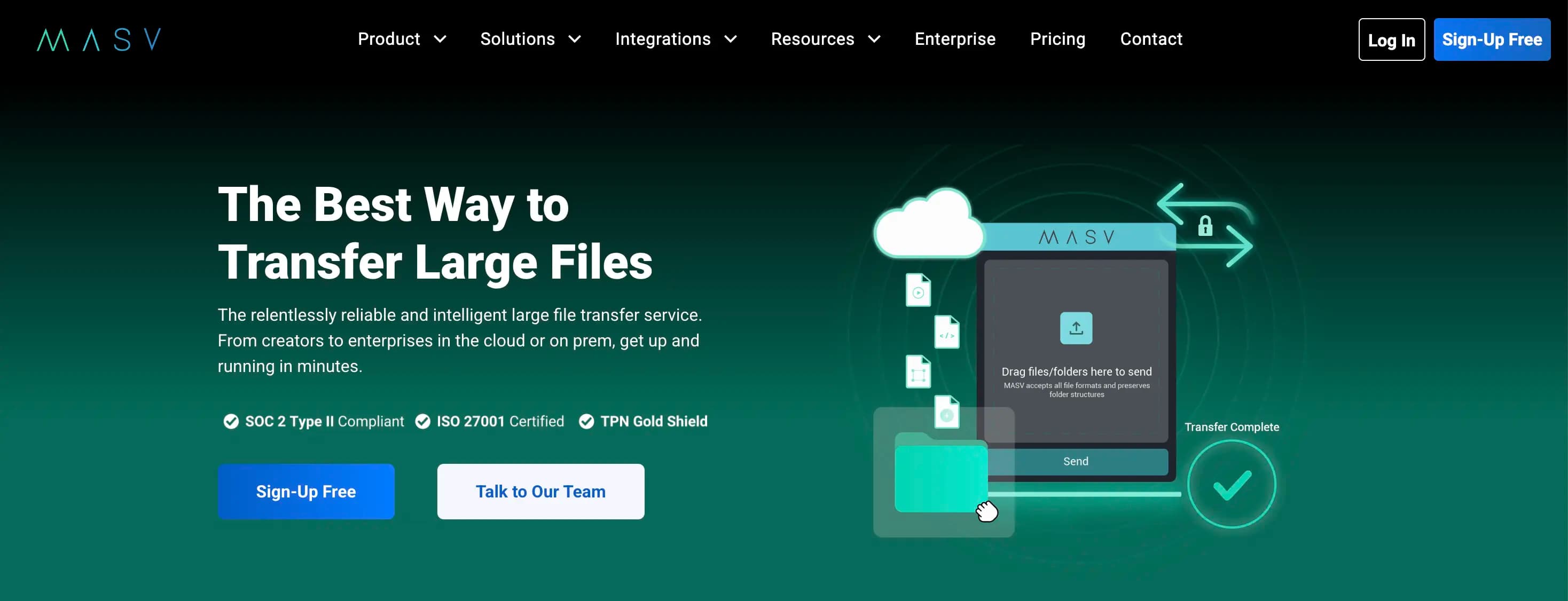
5. MASV
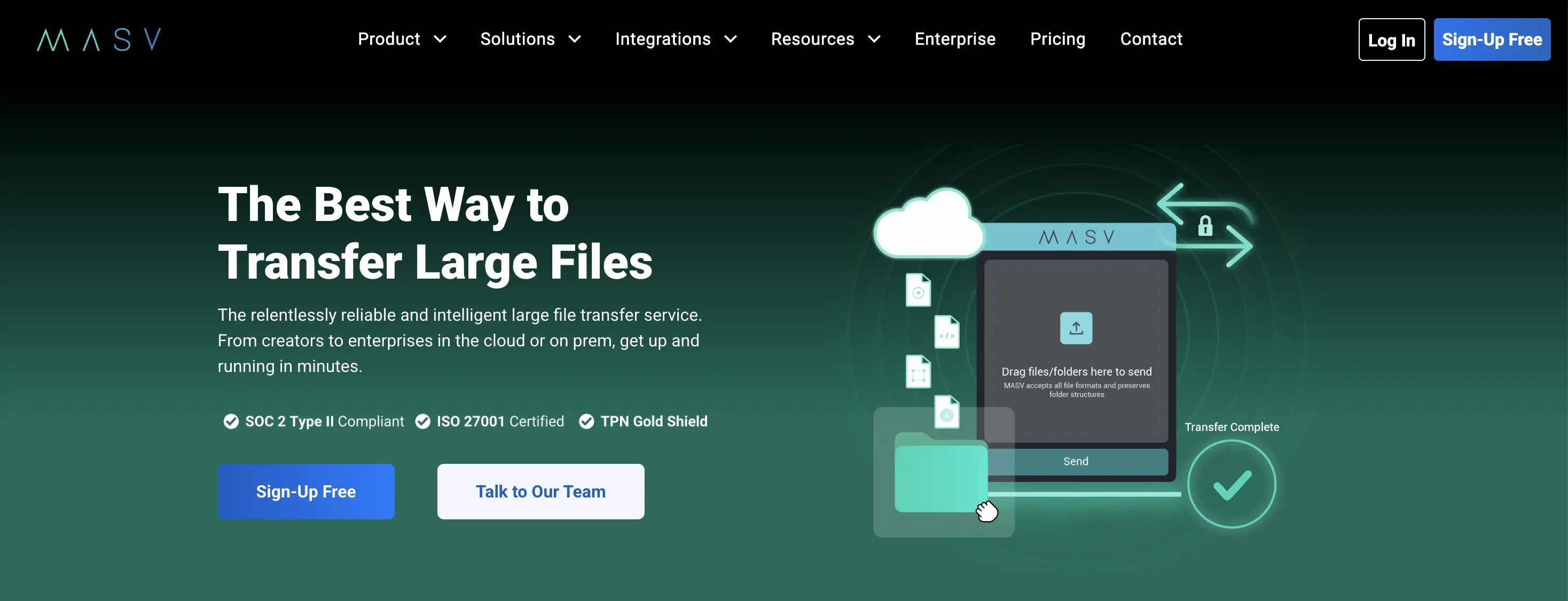
MASV is built for production teams moving very large media files. There's no file size cap. The first 15GB each month is free, and after that it's pay-as-you-go at $0.25/GB. Files are stored for 5 days after upload, then expire automatically.
Key features:
- No upper limit on file size
- Pay-per-use pricing with no seat licenses or contracts
- Branded upload portals for receiving files from clients
- AES-256 encryption, SOC 2 and ISO 27001 certified
Pros:
- No file size ceiling, unlike SendGB's 500GB cap on Extra or 1TB cap on Exceed
- SOC 2 and ISO 27001 certification for clients with security requirements
- 15GB free per month, the most generous free allowance on this list for large sends
Cons:
- $0.25/GB after 15GB adds up for regular agency delivery, more expensive than SendGB Exceed for files under 200GB
- No custom domain or client portal at any price
- 5-day storage per upload, shorter than SendGB's 7-day free window
How it compares to SendGB: SendGB Exceed (€9.99 for 1TB) is actually cheaper than MASV for a single 1TB send ($0.25/GB x 985GB above free = $246.25 on MASV's Starter). MASV's advantage is no ceiling at all and speed infrastructure built for broadcast pipelines. For most agency deliveries under 500GB, SendGB Extra or the alternatives above cost less. See TrunkTransfer vs MASV or the MASV alternatives guide for more.
Best for: Agencies sending very large production files (above 500GB) who have outgrown both SendGB and the other tools on this list.
6. Google Drive
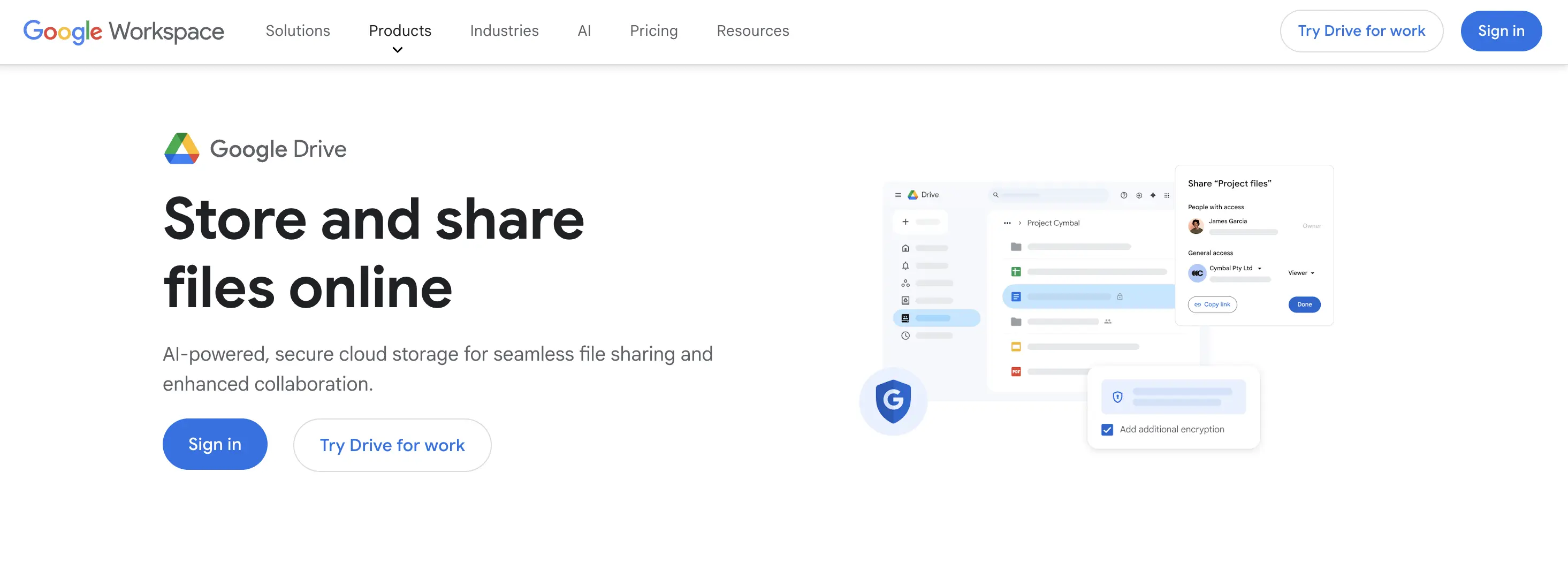
Google Drive is built for ongoing storage and collaboration. Personal accounts get 15GB of free storage shared across Gmail and Photos, with a 5TB per-file limit. Files can be shared without requiring the recipient to sign in, but the page is always a Google Drive interface with no branding.
Key features:
- 5TB per-file limit, covering the vast majority of agency deliveries
- 15GB free storage, expandable with Google One plans
- Real-time collaborative editing for Docs, Sheets, and Slides
- No ads on shared file pages
Pros:
- 5TB per-file limit with no per-transfer cost, covers everything SendGB handles and more
- No ads on shared pages, unlike SendGB's free tier
- Most clients already have a Google account
Cons:
- No branding or custom domain on any plan, including Google Workspace
- No dedicated delivery workflow: no download notifications, no automatic link expiry
- Recipients may need to sign in depending on sharing settings
How it compares to SendGB: Google Drive's 5TB per-file limit dwarfs SendGB's 5GB free tier and even its 1TB Exceed cap, with no per-transfer cost. Drive has no ads on shared pages, which is an immediate upgrade over SendGB's free tier for client-facing use. The trade-off is no branding, no custom domain, and no clean delivery workflow: files sit in Drive and don't expire automatically. See TrunkTransfer vs Google Drive or the Google Drive alternatives guide for more.
Best for: Agencies switching from SendGB who primarily share files under 5TB, already use Google Workspace, and don't need branding on the download page.
Quick Picks by Use Case
- Want to stop sending clients to a SendGB-branded, ad-covered page: TrunkTransfer at $9/mo, custom domain and client portal included.
- Want the same 5GB free limit as SendGB but with no ads: TransferNow's free tier matches it directly.
- Want some visual customization on the download page without paying much: Smash free (2GB, no ads, logo and background customization).
- Occasional 1TB send, no subscription: SendGB's own Exceed option (€9.99) is actually the cheapest one-off 1TB transfer on this list.
- Files over 500GB regularly: MASV for unlimited size, or WeTransfer Ultimate ($23/mo) with no per-transfer size limit at a flat monthly rate.
- Already on Google Workspace, files under 5TB, branding doesn't matter: Google Drive.
Switching from SendGB?
If you've been using SendGB because it's free and easy but your clients keep landing on a page with third-party ads and a SendGB logo, TrunkTransfer's Starter plan ($9/mo) gives you the opposite: a delivery page on your own domain, with your logo and colors, and a client portal so clients can always find past deliveries without emailing you for a new link. The 7-day trial lets you set up the custom domain and see the branded delivery page before committing.
If you only need the free plan cleaned up, TransferNow's free tier (5GB, no ads, no registration) is the closest like-for-like upgrade from SendGB's free experience.
Send your first file from your own domain →
Frequently Asked Questions
###What is SendGB and how does it work? SendGB is a free file transfer service. The free plan allows transfers up to 5GB with no registration required, no transfer limit per month, password protection, download notifications, and a 7-day link window. Files up to 250MB store for 90 days; larger free files store for 7 days. The paid Extra plan (€29.90/year) removes ads, raises the transfer limit to 500GB, and provides 1TB of storage with no expiry during the membership. The Exceed option is a pay-per-transfer model: €2.99 for 50GB, €4.99 for 200GB, €9.99 for 1TB, with no subscription.
###Does SendGB have a custom domain or client portal?** No. There is no plan on SendGB, including Extra, where the download link uses your own domain or where clients have a persistent space collecting all their deliveries. Every send is a standalone link. TrunkTransfer is the only tool on this list with a true custom domain and client portal at a standard price, from $9/mo.
###Why does SendGB show ads on the download page?** SendGB's free plan is funded by ads shown to recipients on the download page. The Extra plan (€29.90/year) removes these ads. For client-facing delivery, ads on the download page are a problem regardless of file size, since the client is downloading your finished work through a page that promotes third-party products.
###Does the recipient need a SendGB account to download files?** No. SendGB links work without any account or registration for the recipient, the same as TrunkTransfer, WeTransfer, Smash, TransferNow, and MASV. Google Drive is the exception: "anyone with the link" access doesn't require sign-in, but restricted sharing does.
###What is SendGB Exceed and when does it make sense?** SendGB Exceed is a pay-per-transfer option for large files without a subscription: €2.99 for up to 50GB, €4.99 for up to 200GB, €9.99 for up to 1TB. Files are available for 7 days. It makes financial sense for occasional very large one-off sends: a single 1TB send for €9.99 is cheaper than a month of MASV pay-as-you-go or WeTransfer Ultimate. For regular agency delivery, a flat monthly subscription (TrunkTransfer, WeTransfer, Smash) is almost always cheaper.
###Can I use my own domain for file delivery instead of SendGB?**
TrunkTransfer is the only tool on this list with a true custom domain at a standard price, included from the $9/mo Starter plan. TransferNow's Premium plan ($10/mo) gives a branded subdomain (yourstudio.transfernow.net), and Smash offers some customization on free and Pro plans, but both gate a true custom domain behind Enterprise pricing. SendGB, WeTransfer, MASV, and Google Drive don't offer a custom domain on any plan.
###What changed with WeTransfer's plans in 2026?** WeTransfer restructured its entire lineup. The free plan now allows up to 10 transfers or 3GB total in any rolling 30-day period, with files available for only 1 to 3 days, down from the previous 7-day window. The old Pro and Premium plans were replaced by Starter ($8/mo, 300GB/month) and Ultimate ($23/mo, unlimited transfers, no per-transfer size limit). SendGB's free plan is now more generous than WeTransfer's on almost every metric: larger per-send limit (5GB vs 3GB total), longer links (7 days vs 1-3 days), and no monthly transfer cap.
###Is there a free alternative to SendGB with no ads?** TransferNow's free plan matches SendGB's 5GB per-transfer limit with no ads and no registration required. Smash's free plan allows 2GB per transfer with no ads and some logo/background customization. WeTransfer's free plan (3GB total per month, 1-3 day links) is more restrictive and also has no ads. TrunkTransfer doesn't have a free plan, but its 7-day trial covers 200GB per transfer with no ads on any page.