

Updated April 2026 · 11 min read · Tested across free and paid tiers
TL;DR
- TrunkTransfer is the top pick for creative professionals who deliver work to clients. Unlike Smash, you get a custom domain with zero platform branding, branded delivery pages, and delivery confirmation — all without forcing your client to sign up for anything.
- Smash is a solid tool for one-off large file sends. Its real gaps show when you need persistent delivery (files that do not expire), a fully custom domain without the fromsmash.com URL, or delivery organized around clients rather than individual transfers.
- The custom domain (CNAME) feature on Smash is only available on the Enterprise plan - not Pro or Team. If a branded URL matters to your business, that changes the pricing math significantly. Trunktransfer is best option for you
Smash launched in 2017 out of Paris and built a strong reputation for doing one thing really well: letting you send any size file, for free, without a monthly cap. No file size limit on the free tier, no quota on the number of transfers, and password protection included - that combination is hard to match.
So why are people looking for alternatives?
Three things come up most often. First, every Smash transfer is ephemeral -files expire between 1 and 30 days depending on your plan, always. There is no option to keep a delivery link alive permanently, even on paid plans.
Second, files over 2 GB on the free plan go into a lower-priority waiting queue - you are in the equivalent of economy class, waiting for paid subscribers to be processed first.
Third, the custom domain (CNAME) feature is only available on the Enterprise plan. Pro and Team subscribers get a subdomain like yourstudio.fromsmash.com, but the fromsmash.com portion always remains visible. For professionals building a client-facing brand, that matters.
This guide covers 8 alternatives to Smash in 2026, with verified pricing, honest pros and cons, and source links for every key claim.
What Smash Does Well and Where It Falls Short
Where Smash works well:
- No file size limit on any tier, including the free plan
- No monthly cap on number of transfers
- Password protection available without registration
- Customizable sharing URLs even on free tier (e.g.,
smash.com/your-project-name) - Available on web, iOS, Android, Mac, and Outlook plugin on paid plans
- 256-bit AES encryption on all transfers
- GDPR compliant with EU-based servers
Where Smash falls short:
- Files over 2 GB on the free plan enter a waiting queue - lower priority than paid subscribers
- Branding and custom download pages require a paid plan (Pro at ~$10/mo)
- Custom domain (CNAME) is Enterprise-only - Pro and Team get a subdomain but fromsmash.com stays in the URL
- No delivery organized around clients or projects - every transfer is a standalone link
- No delivery confirmation on the free plan
If any of those gaps are your actual reason for looking, the alternatives below map to each one.
Quick Comparison Table
| Tool | Free File Limit | Files Ever Expire? | Custom Domain | Starting Price | Best For |
|---|---|---|---|---|---|
| TrunkTransfer | 200 GB | No (on paid) | Yes, no TrunkTransfer branding | $9/mo | Client delivery under your own domain |
| SwissTransfer | 50 GB | Yes (30 days) | No | Free only | Large one-off free transfers |
| MASV | 15 GB/mo credit | Yes (5–7 days) | No | Free (15 GB/mo) / $0.25/GB | Video production, broadcast |
| Filemail | 5 GB | Yes (7–365 days) | No | Free / $15/mo | Desktop app + resume support |
| TransferNow | 5 GB | Yes (7–365 days) | No | Free / ~$7/mo | Teams, no monthly quota |
| WeTransfer | 3 GB (3 GB/mo cap) | Yes (3 days free) | No | Free / $8/mo | General sending, brand recognition |
| Dropbox Transfer | 100 MB (free) | Yes | No | ~$10/mo | Existing Dropbox users |
| Google Drive | 15 GB (shared) | No | No | Free / $2.99/mo | Internal team sharing |
The 8 Best Alternatives to Smash
1. TrunkTransfer
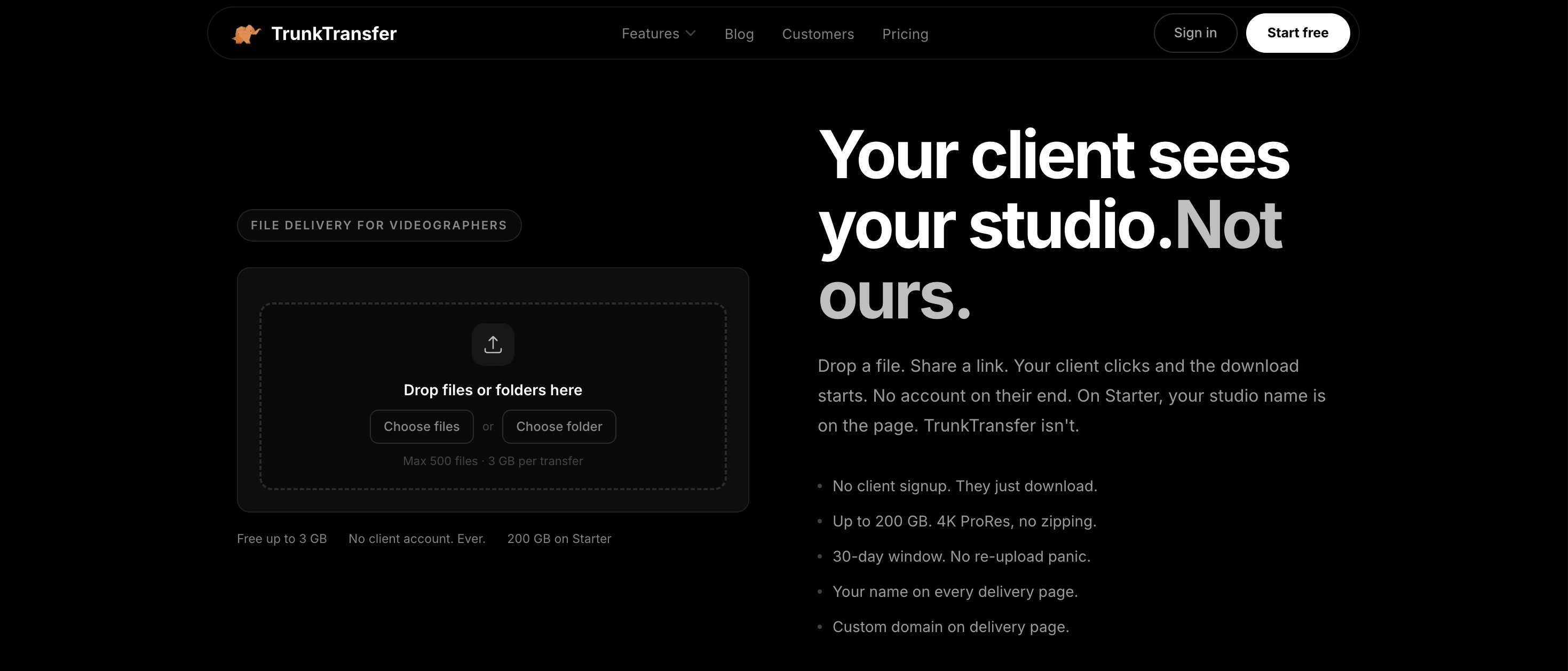
Best for creative professionals delivering work to clients
Smash lets you send any size file. TrunkTransfer is built around what happens after you hit send.
When your client receives a TrunkTransfer delivery, they land on a page with your logo, your studio name, and your own custom domain in the browser URL. Nothing says TrunkTransfer anywhere. That is a meaningful difference from Smash, where even paying Pro and Team subscribers get a yourstudio.fromsmash.com subdomain - the fromsmash.com portion stays visible. On TrunkTransfer, you connect your own domain and that is all your client sees, from the link they click to the page where they download the files.
This matters for one simple reason: if you charge professional rates, your delivery should look professional. A branded URL under your own domain reinforces that. A subdomain under someone else's platform undermines it, however slightly. For a full breakdown of what branding levels actually mean, see the branded file delivery feature page or the guide: What is Branded File Delivery?
Beyond the branding difference, TrunkTransfer solves two other gaps that show up on Smash's free plan: delivery confirmation and file expiry. TrunkTransfer notifies you when your client opens and downloads the files, so you stop sending "just checking you got everything" follow-ups. And on paid plans, your delivery links do not expire on a countdown like Smash's 30-day maximum. You stay in control of when the link goes away.
The free plan covers 3 GB per transfer with a 7-day link. The Starter plan at $9/mo covers 200 GB with 30-day links.
The key difference from Smash: Smash optimizes for sending any size file. TrunkTransfer optimizes for the impression your client has when they receive what you sent.
Pros
- Custom domain: your URL, your brand, no TrunkTransfer name anywhere
- Branded delivery page with no client signup required
- Delivery confirmation when files are opened and downloaded
- Free plan available (3 GB per transfer, 7-day link)
- Starter at $9/mo includes 200 GB and 30-day links
- No ads, no waiting queues, no throttling
Cons
- Not designed for review and approval workflows
- Newer product, smaller track record than Smash
Pricing: Starter: $9/mo or $72/yr (200 GB, 30-day link) · 7-day free trial
Best for: freelance videographers, photographers, graphic designers, and agencies who want client deliveries under their own domain with zero third-party branding
Start your 7-day trial with Trunktransfer
2. SwissTransfer
Best purely-free alternative for large files
If your main reason for looking beyond Smash is the priority queue for free transfers over 2 GB, SwissTransfer is the most direct answer. You get up to 50 GB per transfer, completely free, with no waiting queue and no lower-priority treatment. Files stay available for up to 30 days, which matches Smash's paid plan maximum.
SwissTransfer is run by Infomaniak, a Swiss hosting company. It has no paid tier at all, which means no upsell and no revenue pressure. The trade-off is that the feature set is permanently capped: no branding, no delivery confirmation, no team features, and no custom domain. What you see is what you get, for free.
For privacy-conscious senders, SwissTransfer uses AES-GCM encryption during transfer and AES-256 at rest, with data stored exclusively in Switzerland under Swiss privacy law (FADP) — not subject to US or EU jurisdiction.
Pros
- 50 GB free per transfer, no waiting queue for large files
- No account required
- No ads
- Files available for up to 30 days
- Strong encryption and Swiss data jurisdiction
- iOS and Android apps available with download tracking
Cons
- No paid plan means no path to unlocking more features
- No branding, custom domain, or custom delivery experience
- Per-IP daily transfer cap can block heavy senders
- Web interface has no download tracking (mobile app only)
Pricing: Free only (50 GB, 30-day link) · No paid tier
Best for: anyone who regularly sends large files and needs the most generous free transfer tool available without any queuing
3. MASV
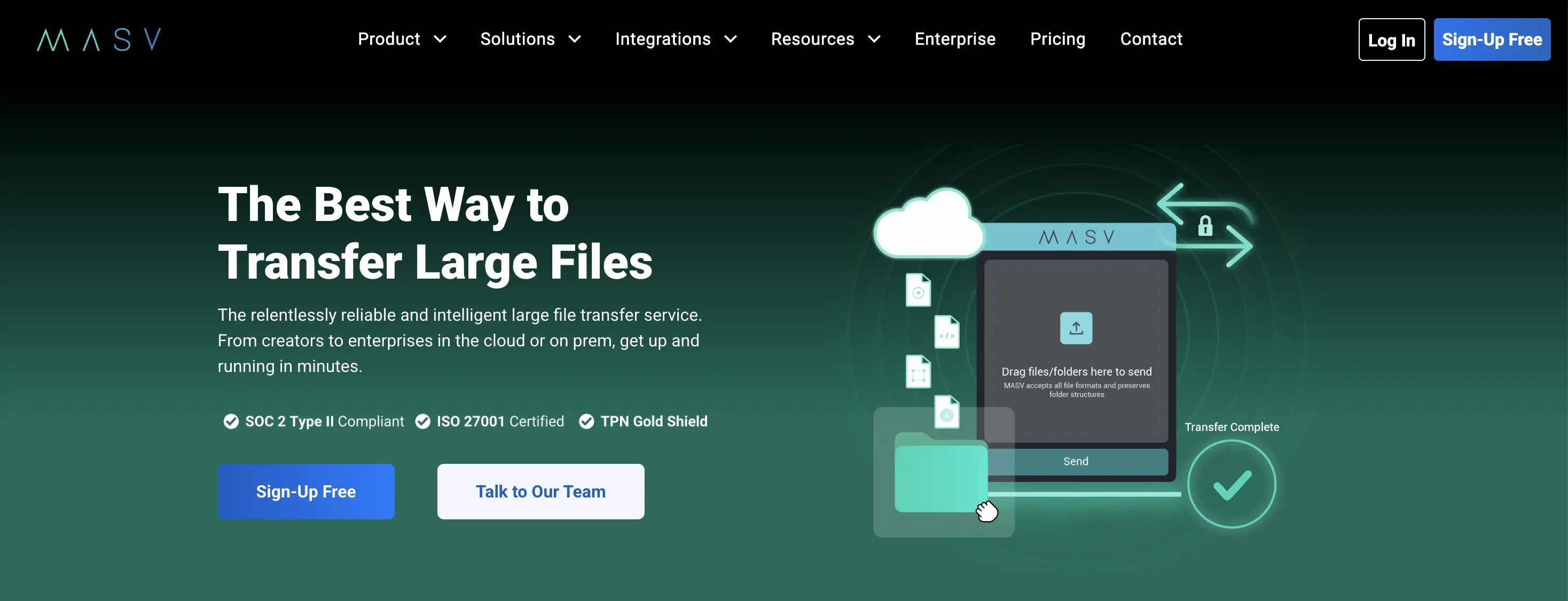
Best for video production and broadcast speeds
MASV is in a different performance category. It uses a proprietary accelerated network delivering speeds up to 10 Gbps, compared to Smash's AWS-based standard HTTP transfers. For production teams moving multi-gigabyte camera rushes, color-graded masters, or audio sessions against a deadline, that speed difference is real.
MASV includes 15 GB of free transfer credit refreshed every month — no monthly subscription required. Beyond that, it charges $0.25 per GB. One critical nuance: MASV charges per egress (download), not per upload. If your client downloads a 100 GB file twice, you pay for 200 GB. Setting a download limit on each transfer is an easy way to control costs.
Branded portals are available and MASV is used by broadcasters and post-production studios for time-sensitive deliveries.
Pros
- No file size limit — up to 15 TB per transfer
- Accelerated transfer speeds, significantly faster than HTTP
- 15 GB free monthly credit
- Branded portals available
- No mandatory monthly fee — pay only when you use it
Cons
- Charges per download (egress), not per upload — costs can compound with multiple downloads
- $0.25/GB adds up fast at scale (1 TB = $250)
- Credit card required even for the free tier
- No custom domain
Pricing: 15 GB free monthly · $0.25/GB after · Subscription plans available
Best for: video production companies, post-production studios, and broadcast teams where transfer speed and file size ceiling matter most
MASV vs TrunkTransfer: full comparison
4. Filemail
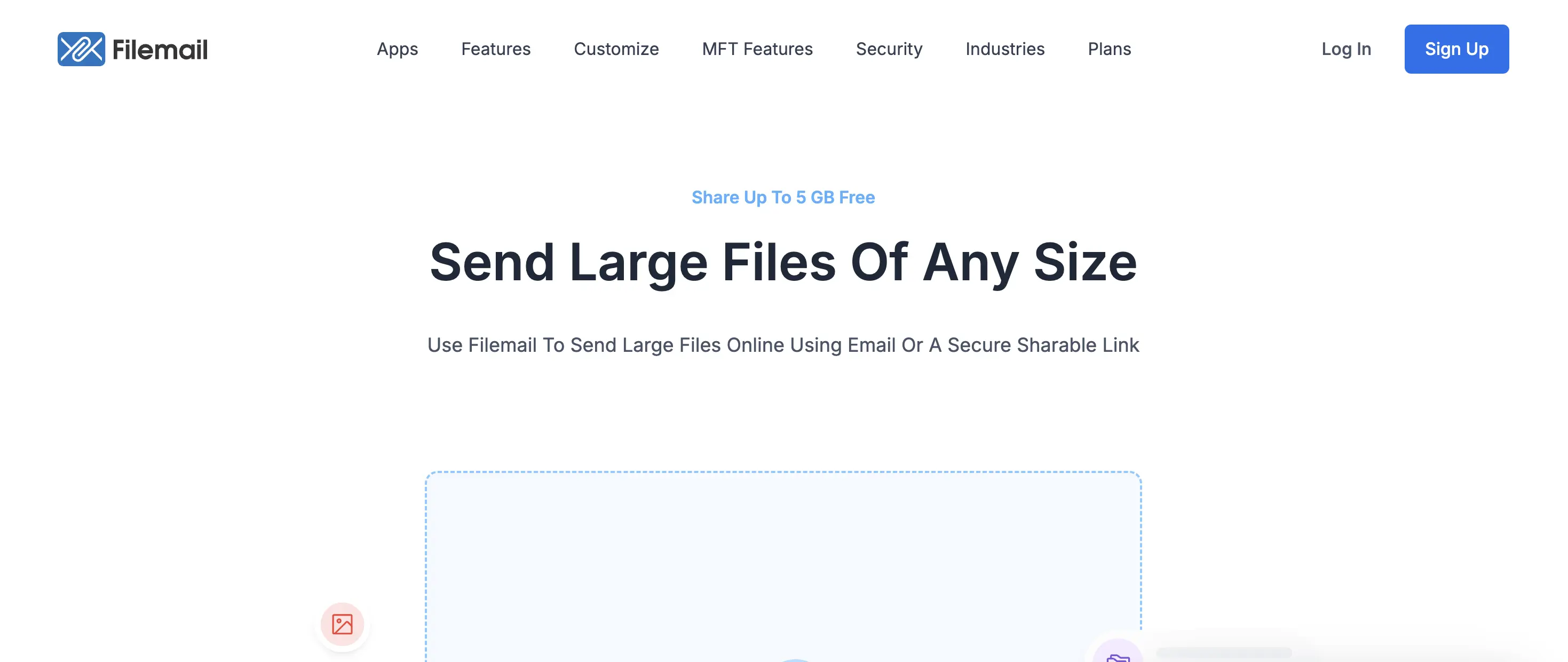
Best for professionals who need desktop apps and resume support
Filemail is the most overlooked tool in this category. It offers 5 GB free per transfer with no account required and no ads. What it adds over Smash's free tier is resume support for interrupted uploads and a desktop app for Windows, Mac, and Linux.
If you are regularly uploading files over 1 GB on a business internet connection that drops occasionally, Smash's free tier will put you in a queue and potentially start you over. Filemail picks up where it left off. For large files in real-world network conditions, that matters.
Paid plans extend file size to 250 GB with a dedicated desktop app, Outlook plugin, and longer retention — up to 365 days on Business plans — which beats Smash's 30-day maximum.
Pros
- 5 GB free with no account and no ads
- Resume interrupted uploads without restarting
- Desktop apps for Windows, Mac, and Linux
- Outlook plugin on paid plans
- Files can be retained up to 365 days on paid plans (vs Smash's 30-day max)
- Virus scanning on all uploads
Cons
- Free limit is 5 GB vs Smash's no-cap free tier
- No branding or custom delivery page on free plan
- No password protection on free tier
- No custom domain on any plan
Pricing: Free (5 GB, 7-day link) · Pro: from approx. $15/mo (250 GB)
Best for: professionals who need desktop app support, resume capability, and longer file retention than Smash's 30-day maximum
Filemail vs TrunkTransfer : full comparison
5. TransferNow
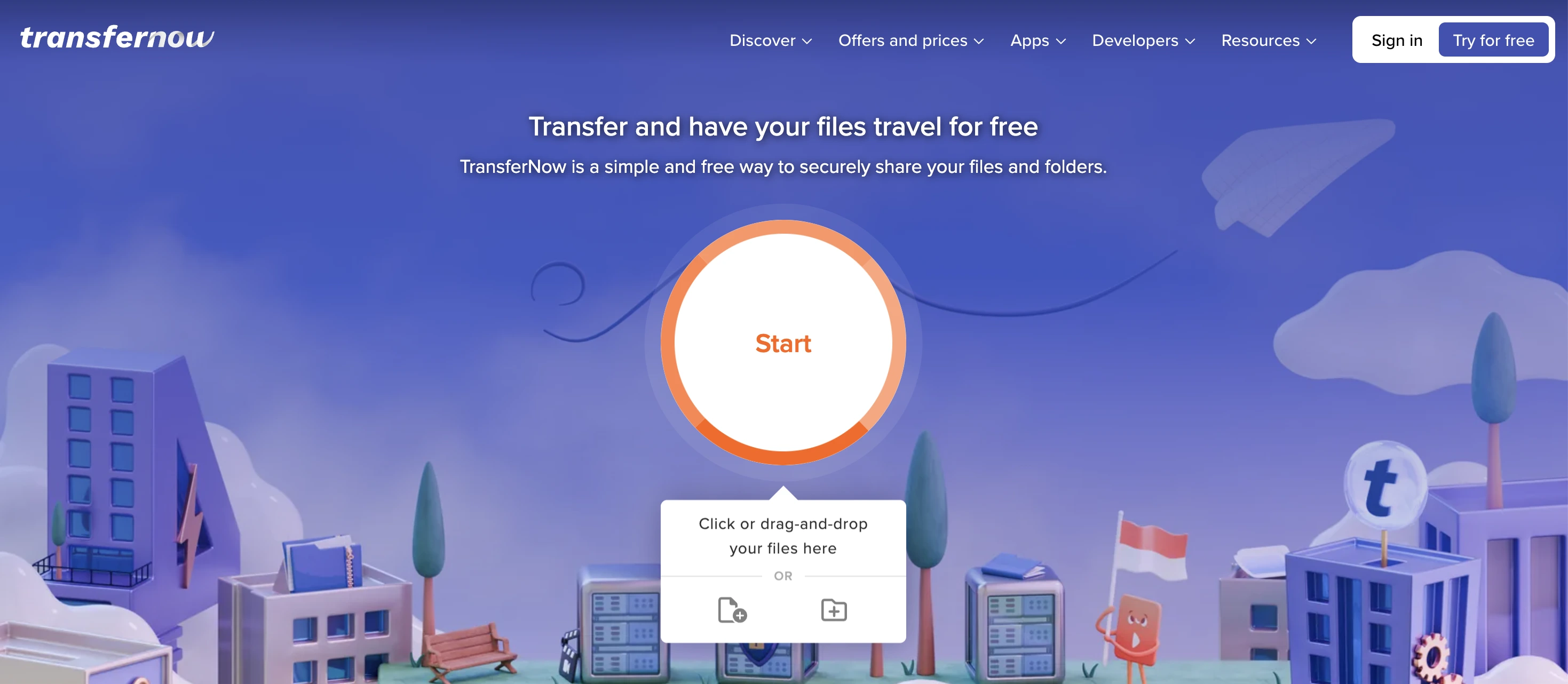
Good value for teams and European users
TransferNow is a French file transfer service that has been running since 2013. The free plan offers 5 GB per transfer with no monthly cap — unlike Smash, where the free tier puts large files in a priority queue, TransferNow processes all free transfers at the same speed.
Paid plans unlock branding, custom download pages, password protection on all plans (free too), longer retention (up to 365 days), and an embeddable file request widget you can drop on your own website. Team plans are priced flat rather than per seat, which keeps costs predictable.
Pros
- 5 GB free with no monthly or daily cap
- No account required for basic sending
- Password protection included free
- No priority queue for free users
- Embeddable file request widget on paid plans
- Team pricing available at flat rates
Cons
- Free tier shows ads
- Branding requires a paid plan
- No custom domain
- No delivery confirmation
Pricing: Free (5 GB, 7 days) · Paid plans from approx. $7/mo
Best for: small teams and European users who need frequent transfers at no cost and no waiting queue
TransferNow vs TrunkTransfer: full comparison
6. WeTransfer
The household name, with real limitations
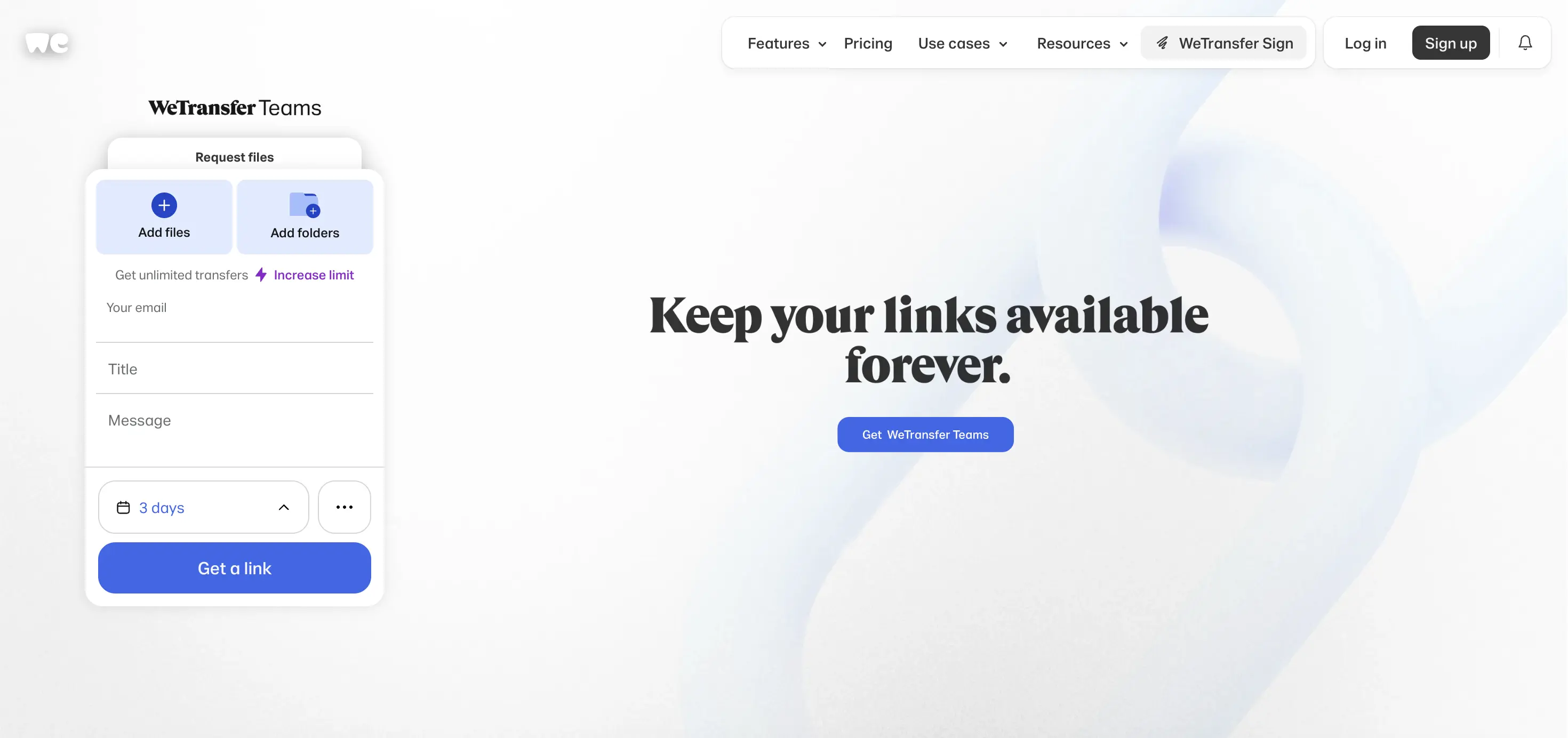
WeTransfer is the most recognized file transfer brand globally, which has one practical benefit: most clients know it and trust a link from it instinctively. That brand recognition has value if your clients are not technically fluent.
Compared directly to Smash, WeTransfer's free plan is weaker in almost every metric. The free plan caps at 3 GB total per 30-day rolling window with a 10-transfer limit, and free links expire in just 3 days. Smash has no monthly cap, no transfer limit, and 7-day free links.
WeTransfer also permanently shut down its Reviews and Portals features on December 22, 2025 following its acquisition by Bending Spoons. The Starter plan at $8/mo increases the monthly volume to 300 GB but keeps the 10-transfer cap.
Pros
- Widely recognized brand, most clients already know it
- Clean, simple interface
- Starter plan adds meaningful volume at low cost
- Available on mobile and desktop
Cons
- Free plan is much weaker than Smash (3 GB total per month, 3-day expiry)
- 10-transfer monthly cap applies even on Starter plan
- Portals and Reviews permanently removed December 22, 2025
- No custom domain on any plan
Pricing: Free (3 GB/mo cap, 3-day link) · Starter: $8/mo · Ultimate: $23/mo
Best for users where brand recognition with clients matters more than file size or transfer limits
WeTransfer vs TrunkTransfer: full comparison
7. Dropbox Transfer
For people already paying for Dropbox
Dropbox Transfer is a delivery feature inside Dropbox, not a standalone product. If you are already on a paid Dropbox plan, it is a sensible option: recipients download without needing an account, you get a clean link, and files sit inside your existing storage.
The free Dropbox tier is limited to 2 GB of total storage, making Transfer effectively unusable without a subscription. But if you pay for Dropbox Plus or higher, Transfer is already included and avoids a separate subscription.
Pros
- No account needed for recipients
- Integrates into existing Dropbox storage
- Reliable links from a well-known platform
- Good security on paid plans
Cons
- 100 MB transfer cap on free Dropbox — near-unusable
- Requires a paid Dropbox plan for any real use
- Not a standalone product
- No branded delivery or custom domain
Pricing: Included with Dropbox Plus (~$10/mo) or higher
Best for: people already paying for Dropbox who need a delivery link without a second subscription
Dropbox Transfer vs TrunkTransfer: full comparison
8. Google Drive
Practical for internal sharing, not for client delivery
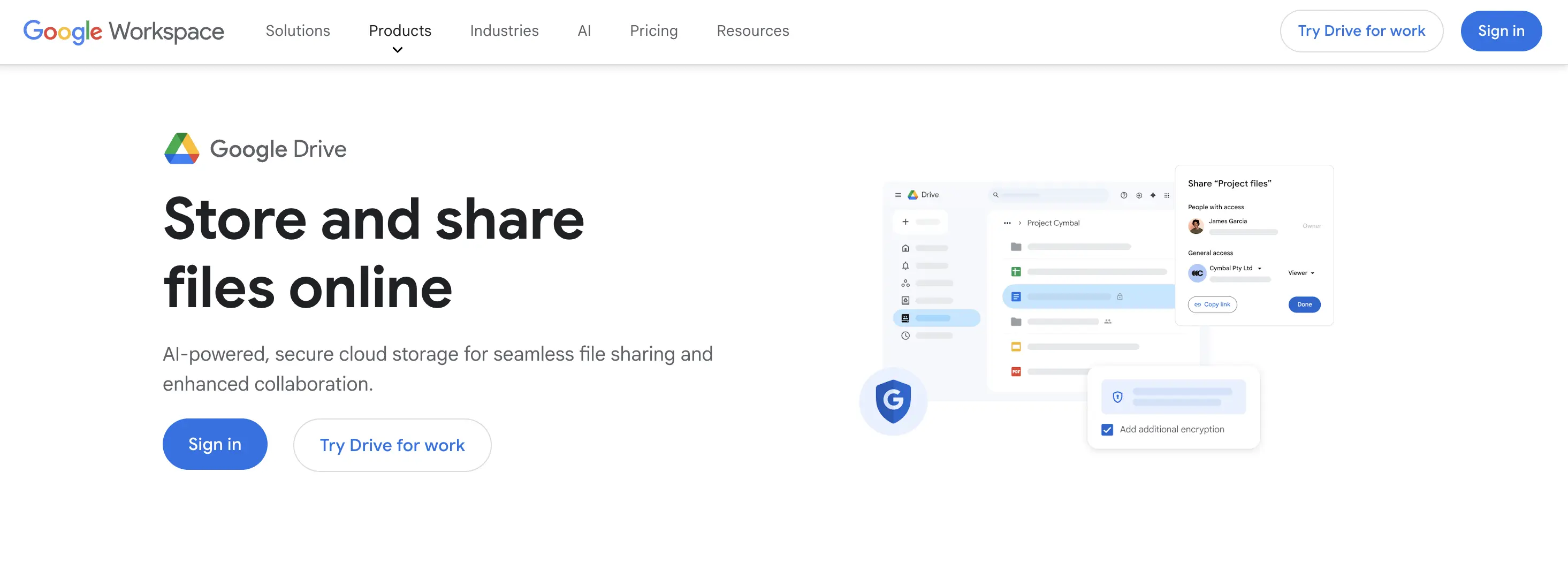
Google Drive is not a file transfer tool in the same category as Smash. It is cloud storage with sharing features. But it ends up in these comparisons because it is the most common fallback for people who are not using a dedicated tool.
The 15 GB of free storage is generous and files do not expire, which is an advantage over every dedicated transfer tool on this list. The downside for professional use: shared links look like generic Google Drive URLs, there is no branded delivery experience, and the experience works best when your recipient also has a Google account.
Pros
- 15 GB free, files never expire
- Most people already have access
- Smooth within Google Workspace teams
- Google One from $2.99/mo for 100 GB
Cons
- Generic Drive URLs, no branded delivery
- Not designed for external client-facing delivery
- Privacy: data on Google infrastructure, not a dedicated privacy-law jurisdiction
Pricing: Free (15 GB) · Google One from $2.99/mo (100 GB)
Best for: internal team sharing inside Google Workspace, not for professional client delivery
Google Drive vs TrunkTransfer: full comparison
Choose the Right Smash Alternative
If you deliver files to clients as a regular part of your work, TrunkTransfer is the alternative that addresses something none of the others do: what the delivery looks like from your client's side.
Here is why it stands out from every other tool on this list, including Smash:
- Your own domain, not someone else's platform. When your client clicks the link, they see your domain in the browser URL -- not fromsmash.com, not trunktransfer.com, not anything except your studio or brand name. Smash's custom domain (CNAME) feature is locked behind the Enterprise plan. TrunkTransfer includes it on the Starter plan at $9/mo.
- A branded delivery page, not a generic download screen. Your logo, your colors, your name. The page your client lands on looks like part of your business, not a third-party tool you are borrowing.
- Delivery confirmation. You know exactly when your client opened the files and when they downloaded them. No more sending "just checking you got everything" follow-up emails. Smash's free plan has no download notification. Paid Smash plans offer it, but only at the Pro tier.
- No client friction. Your client clicks the link, sees your delivery page, and downloads the files. No account to create, no Smash login prompt, no third-party branding that makes them wonder what they just clicked.
- Files do not expire on a countdown. Smash's maximum link life is 30 days on paid plans, then the link dies and the files are deleted. On TrunkTransfer's paid plans, you control when the delivery link expires -- your client does not get cut off mid-project because a timer ran out.
Smash optimizes for the sender. TrunkTransfer optimizes for the moment your client receives the work. For a one-off personal transfer, that difference does not matter. For a professional handoff to someone paying you, it is the whole point.
Ready to try TrunkTransfer? Send your first branded delivery in under 2 minutes. No client signup required. Start your 7-day trial at trunktransfer.com
Frequently Asked Questions
Does Smash have a custom domain feature?
Partially. Pro and Team subscribers get a custom subdomain in the format yourstudio.fromsmash.com. The fromsmash.com portion stays visible in the URL. A true custom domain (CNAME) where your own domain replaces fromsmash.com entirely is only available on the Enterprise plan.
If a fully custom domain matters to your business, this changes the cost significantly compared to TrunkTransfer, where custom domain is available on the Starter plan at $9/mo.
Which Smash alternative supports custom domains without Enterprise pricing?
TrunkTransfer. Custom domain support is available on the Starter plan at $9/mo, so your client sees only your domain in the URL with no TrunkTransfer branding anywhere. On Smash, the equivalent feature (true CNAME) requires an Enterprise plan with custom pricing.


