

Branded file delivery means your client receives files through your own domain, your own logo, and your own name. No third-party platform is visible anywhere. The link says `files.yourstudio.com, the page shows your brand, and nothing tells your client you used an outside tool to send the files.
That is the definition. The rest of this guide explains why it matters and which tools actually deliver it.
Why Branded File Delivery Matters
Every touchpoint with a client is part of your presentation. The proposal, the contract, the invoice, the final delivery. Most creative professionals spend significant time on the first three and then send files via a generic WeTransfer link.
That link does three things you probably did not intend:
It shows your client a different brand. The URL says wetransfer.com. The page has WeTransfer's logo. Your client is reminded, at the moment they receive your work, that you used someone else's tool. For studios charging professional rates, that detail matters more than most people admit.
It signals you did not control the experience. A branded delivery page under your own domain signals intention. You set this up. You chose how it looks. The files arrive as part of your service, not as an afterthought.
It loses the follow-up. Generic file links give you no visibility into whether your client downloaded the files. You end up sending "just checking you got everything" emails. Branded delivery tools built for professionals include download notifications so you know exactly when the delivery is complete.
Branded File Transfer vs Branded File Sharing
These terms are often used interchangeably but they describe slightly different things.
Branded file transfer refers to the act of sending files with your brand on the delivery. The focus is the one-way handoff: you send, client receives. The brand appears on the download page and in the link.
Branded file sharing is broader. It can include two-way workflows where clients can access, comment on, or approve files through a branded workspace. Portals fall into this category.
For most creative agencies, the immediate need is branded file transfer: a clean, professional delivery experience under your own domain. The portal and review workflow is the next step once basic delivery is solved.
What "Branded" Actually Means
Not all tools mean the same thing when they say "branding." There are three levels:
Level 1: Custom subdomain.
You get a URL like yourstudio.wetransfer.com or yourstudio.filemail.com. The platform name stays in the URL. Your client still sees the third-party tool. Most tools that advertise "branding" are at this level.
Level 2: Custom branding on the page. Your logo and colors appear on the download page, but the URL still shows the platform name. Better than nothing, but your client still knows you used an outside service.
Level 3: Fully custom domain.
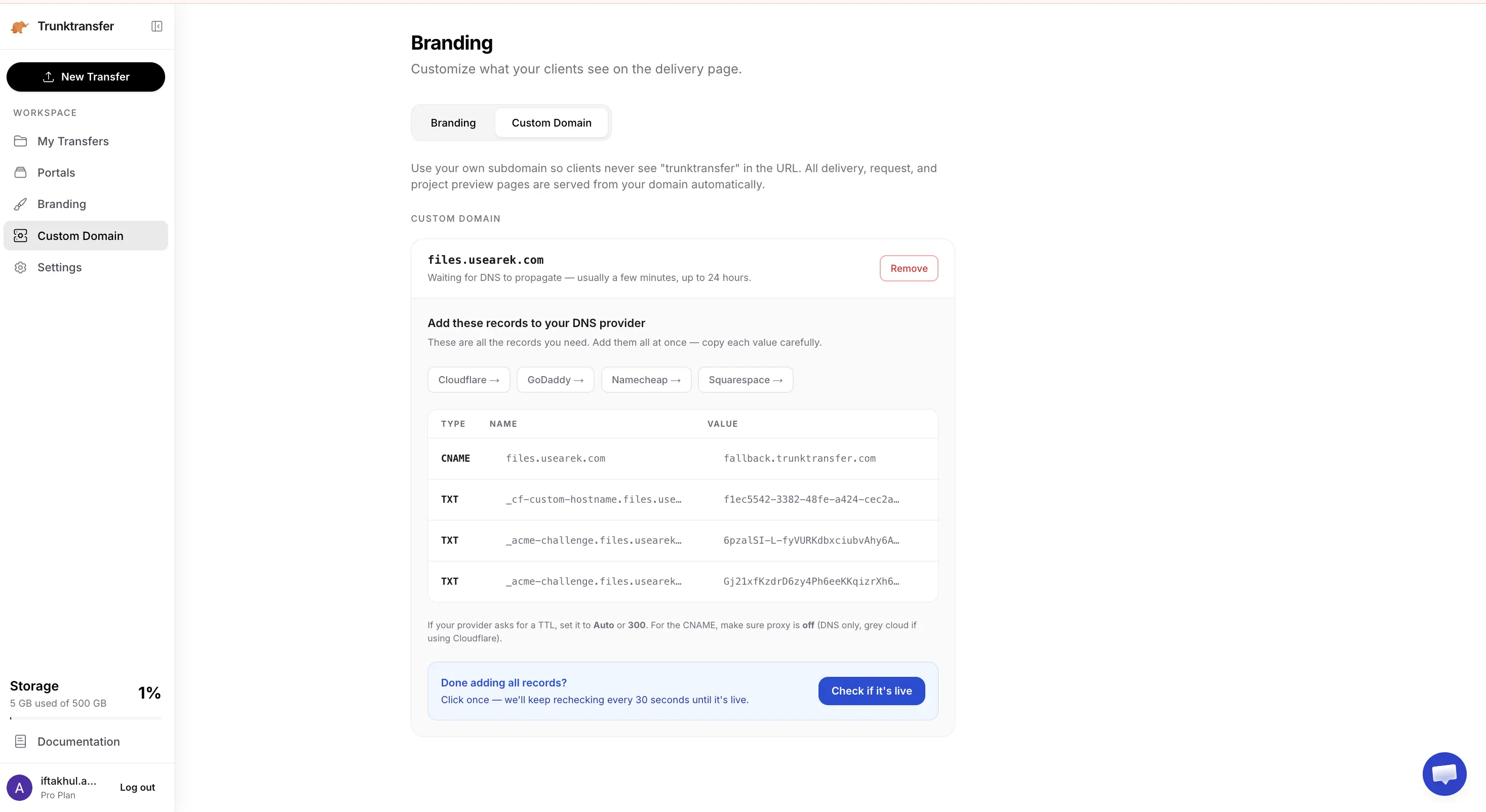
The URL shows only your domain. files.yourstudio.com. Nothing in the URL, nothing on the page, refers to the platform you used. This is true branded file delivery. Very few tools offer this at an accessible price point.
Best Branded File Delivery Tools for Agencies in 2026
Quick Comparison
| Tool | Custom Domain | Branding Level | Starting Price |
|---|---|---|---|
| TrunkTransfer | Yes, fully custom | Level 3: use your own domain | $9/mo |
| Filemail | No | Level 2: subdomain only | Free / $15/mo |
| Smash | Enterprise only | Level 2: subdomain on paid | Free / ~$10/mo |
| WeTransfer | No | Level 1: platform name always visible | Free / $8/mo |
| Hightail | No | Level 2: subdomain on paid | Free / $12/mo |
| Dropbox Transfer | No | None | ~$10/mo |
1. TrunkTransfer
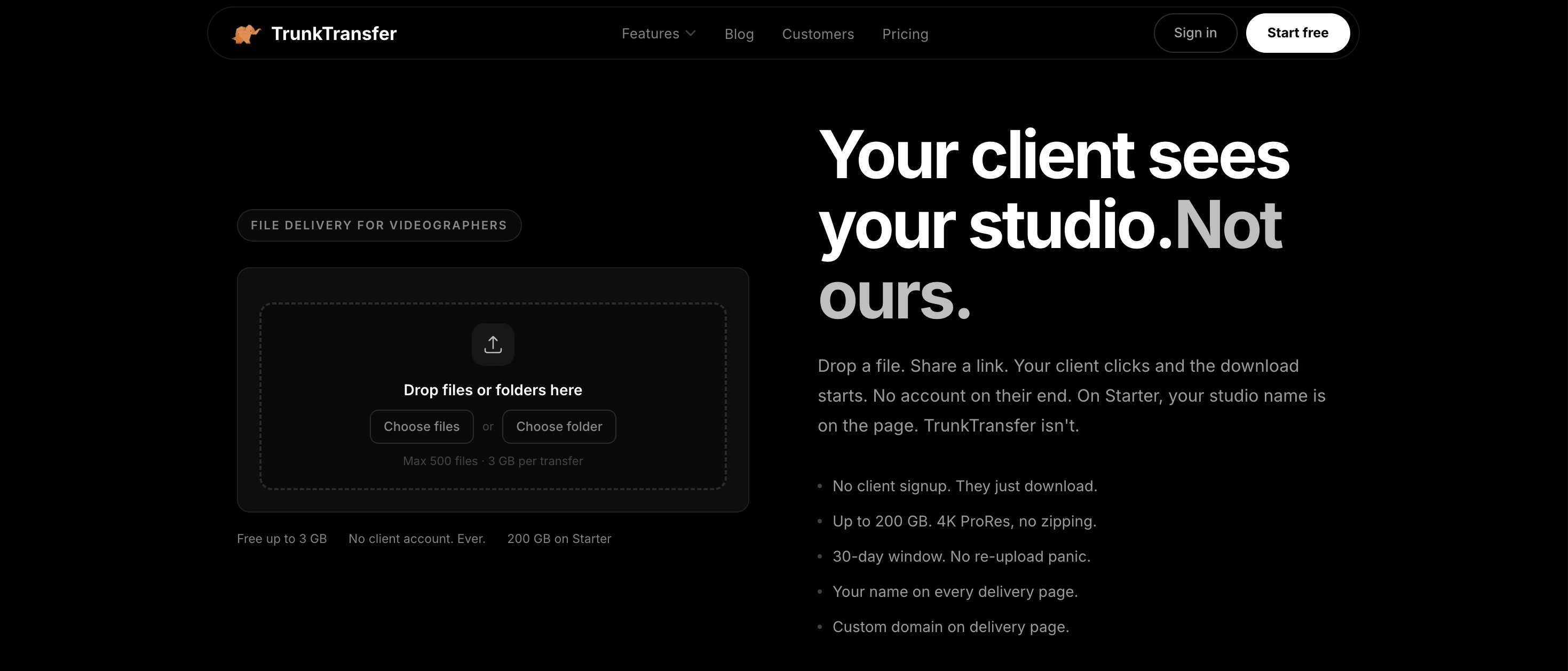
The only tool with a fully custom domain at entry-level pricing.
TrunkTransfer is built specifically for creative agencies and freelancers who deliver work to clients. On the Starter plan at $9/mo, you connect your own domain so every delivery link comes from files.yourstudio.com. No trunktransfer.com, no subdomain with TrunkTransfer's name anywhere.
The delivery page shows your logo, your studio name, and your colors. Your client clicks the link and downloads the files without creating an account or installing anything. You get notified when they open and download.
For agencies managing multiple clients, TrunkTransfer supports client portals where clients can approve deliverables and leave comments, all under your branded domain.
What makes it the strongest option for agencies:
- Fully custom domain: your URL only, no platform name anywhere
- Branded delivery page with no client signup required
- Client portal with approval and comments on Starter (3 portals)
- Delivery confirmation when files are opened and downloaded
- 7-day free trial available (card required, no charge until trial ends)
- Starter at $9/mo covers 200 GB per transfer and 30-day links
Pricing: Starter $9/mo · Pro (team seats, unlimited portals, 500 GB)
2. Filemail
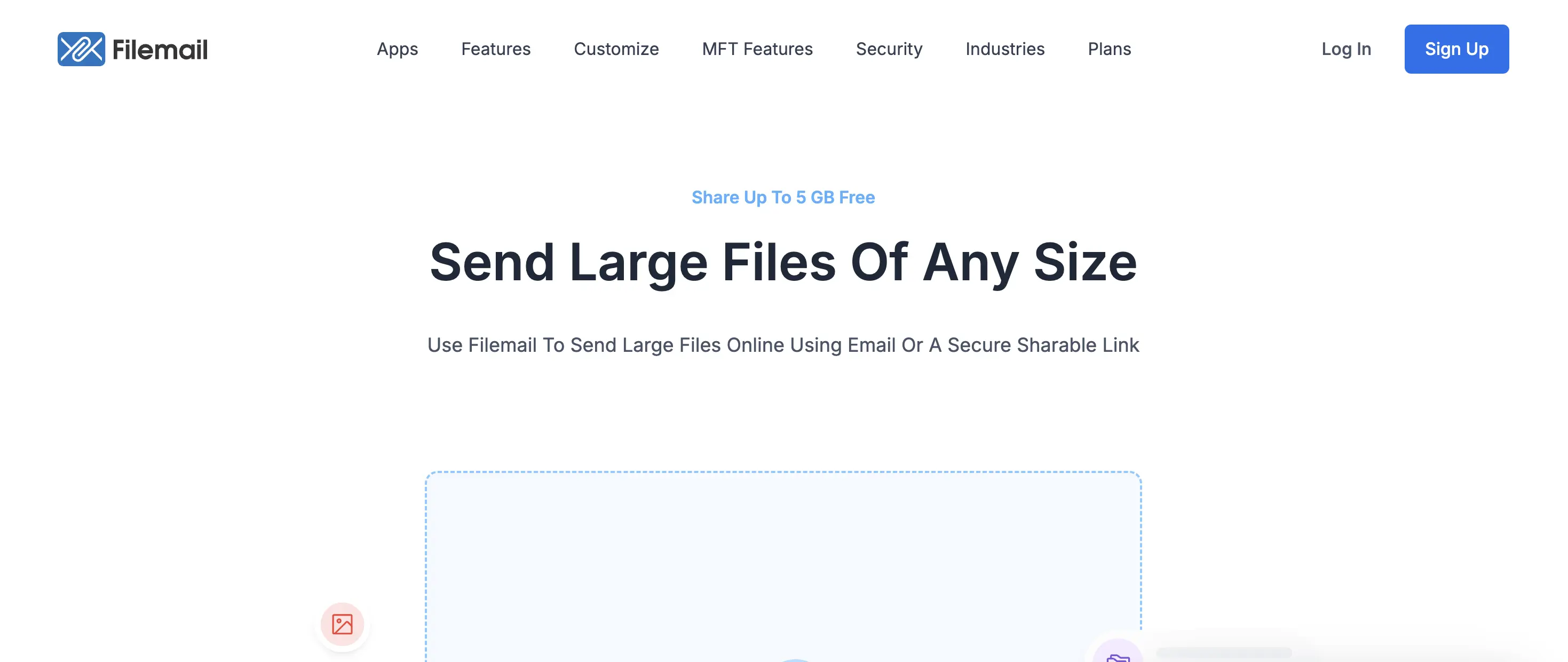
Filemail offers branded delivery via custom subdomain (yourstudio.filemail.com) on paid plans. The filemail.com portion of the URL stays visible regardless of plan. Strong desktop apps and resume support make it reliable for large file transfers, but the branding stops at Level 2.
Best for: Agencies who need reliable large file transfer and can accept the platform name staying in the URL.
3. Smash

Smash offers a custom subdomain on paid plans and true CNAME custom domain on Enterprise. The free tier has no file size limit, which is useful for occasional large transfers. For branded delivery at scale, the Enterprise pricing makes it less accessible than TrunkTransfer for smaller agencies.
Best for: Agencies already at Enterprise scale who need no file size cap alongside custom domain.
4. Hightail
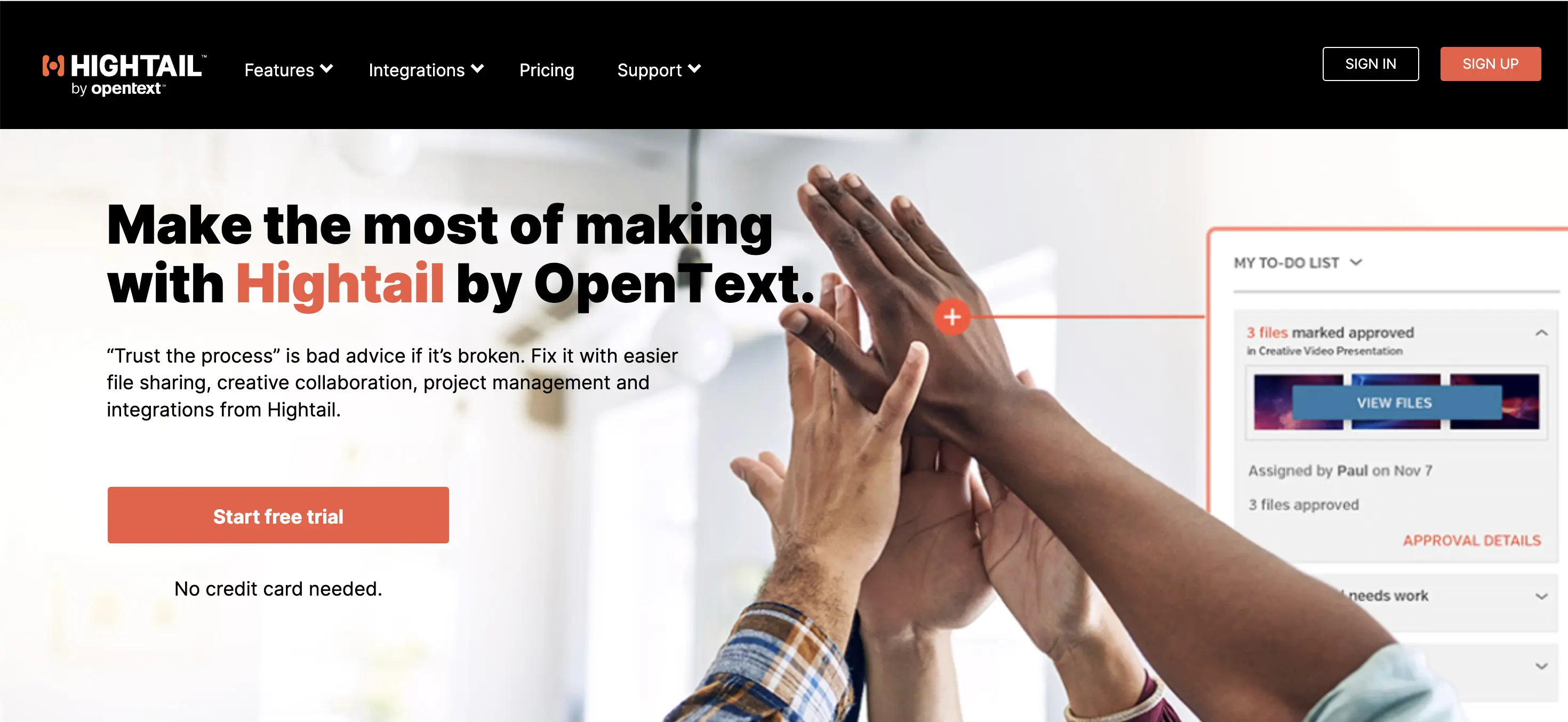
Hightail sits in the review and approval category more than pure file delivery. It has visual markup, version control, and Adobe CC integration. Branding is available on paid plans but stops at subdomain level. The free tier is limited to 100 MB.
Best for: Agencies where the review workflow is as important as the delivery itself.
How to Set Up Branded File Delivery
If you are setting up branded file delivery for your agency for the first time, the process on TrunkTransfer takes about 10 minutes:
- Sign up and upgrade to Starter
- Go to Settings and add your custom domain
- Add a CNAME record pointing to TrunkTransfer in your DNS provider
- Upload your logo and set your brand colors
- Send your first delivery. Clients receive it at your domain.
Your clients never see TrunkTransfer. They see your studio. Read our documentation for more information,
Frequently Asked Questions
What is branded file delivery?
Branded file delivery means your client receives files through your own domain and branding rather than a third-party platform. The download link shows your domain, the page shows your logo, and nothing indicates you used an outside tool. It is the difference between sending a generic WeTransfer link and sending a delivery that looks like part of your professional service.
What is the best branded file delivery tool for creative agencies?
TrunkTransfer is the strongest option for creative agencies. It supports a fully custom domain on the Starter plan at $9/mo, meaning your client sees only your domain from the link through to the download page. Most alternatives offer branding via subdomain, where the platform name stays visible in the URL. TrunkTransfer removes it entirely.
What is the difference between branded file transfer and white label file delivery?
They mean the same thing. Branded file transfer, branded file delivery, and white label file delivery all refer to sending files in a way that shows your brand rather than the platform's. The term white label emphasizes that the underlying tool is invisible: your client has no idea which service you used.
Does WeTransfer support custom domains?
No, on any plan. Even WeTransfer's paid tiers show wetransfer.com in the delivery URL. WeTransfer also discontinued its Portals feature in December 2025, which removed the closest thing it had to a branded client workspace.
Can I send files from my own domain without building custom software?
Yes. TrunkTransfer lets you connect your existing domain in a few minutes using a CNAME record. No development required. Once connected, every delivery link comes from your domain automatically.
What do clients see when I use branded file delivery?
With TrunkTransfer, your client sees your domain in the browser URL, your logo on the delivery page, and your studio name throughout. There is no mention of TrunkTransfer anywhere. They click the link, see the delivery, and download the files. No account creation, no installs.
Is branded file delivery worth it for freelancers?
Yes, especially if you charge professional rates. The way you deliver work is part of the product. A generic platform link at the final handoff undercuts the impression you built throughout the project. A branded delivery page under your own domain reinforces that you are running a professional operation. TrunkTransfer's 7-day free trial lets you test this before committing.


