

WeTransfer had a good run. For years it was the cleanest, no-fuss way to send a file too big for email. Upload, grab a link, done. But a few things have changed.
In late 2024, Bending Spoons acquired WeTransfer and restructured its pricing. Then in December 2025, WeTransfer shut down its Portals feature, which many creative studios used to deliver projects to clients in a structured, branded workspace. That left a lot of people scrambling.
On top of that, the free plan is tighter than it looks: 3 GB per transfer, capped at 10 transfers or 3 GB total per month, and links expire after 7 days. For a freelance videographer sending a single 4K grade to a client, that cap hits fast.
This guide compares 10 alternatives to WeTransfer that are actually worth switching to in 2026. Each one has been evaluated on file size limits, client experience, branding options, and real-world pricing.
WeTransfer Free Plan Limits in 2026
For anyone looking for a quick answer on what WeTransfer actually gives you:
| Limit | WeTransfer Free |
|---|---|
| Max file size per transfer | 3 GB |
| Monthly transfer cap | 10 transfers or 3 GB total |
| Link expiry | 7 days |
| Custom domain | No, on any plan |
| Branded delivery | Paid only |
| Portals feature | Discontinued December 2025 |
| Password protection | Paid only |
| Client account required | No |
WeTransfer does not offer a custom domain on any paid plan. If that is a requirement, TrunkTransfer is the only tool on this list that supports it at an entry-level paid price.
Why People Are Leaving WeTransfer in 2026
It is not just about the file size cap. The bigger frustration for professionals is that WeTransfer treats every transfer as a throwaway event. Upload, share link, done. There is no memory of what you sent, no way to organize deliverables by client, and no visibility into whether your client actually opened anything.
For anyone sending files to external clients as a regular part of their work, three problems come up repeatedly:
- Generic experience. A bland WeTransfer download page does not say anything about your brand. Your client gets a page, and a URL, that looks like a million other WeTransfer links. Even if you pay for WeTransfer, the platform name is still front and center.
- No delivery confirmation. You have no idea if the client downloaded the files, so you end up sending a follow-up email anyway.
- Fragmented workflow. Every project is a separate link with no connection to anything else. Clients lose the link, and you re-upload the same files.
The good news: there are now better tools for every type of use case, whether you are a solo creative, a production agency, or just someone who needs to move large files without paying $19 a month for the privilege.
Quick Comparison Table
| Tool | Custom Domain | Free File Limit | Branded Delivery | Starting Price | Best For |
|---|---|---|---|---|---|
| TrunkTransfer | Yes, fully custom | No free plan | Yes | $9/mo (7-day trial) | Branded delivery under your own domain |
| Smash | No | No limit (2 GB priority) | Paid only | Free / ~$8/mo | Casual to mid-volume senders |
| MASV | No | 15 GB/mo free credit | Yes | Free / $0.25/GB | Video production, film |
| Filemail | No | 5 GB | Paid only | Free / $15/mo | Large one-off transfers |
| TransferNow | No | 5 GB | Paid only | Free / ~$7/mo | Teams, European users |
| Google Drive | No | 15 GB (shared) | No | Free / $2.99/mo | Internal team sharing |
| Dropbox Transfer | No | 100 MB (free) | No | ~$10/mo | Existing Dropbox users |
| MoreTransfer | No | 4 GB/mo free | No | Free / paid | Former WeTransfer Reviews users |
| Hightail | No | 100 MB | Paid only | Free / $12/mo | Creative review workflows |
| Send Anywhere | No | 10 GB (link) | No | Free / $5.99/mo | Device-to-device transfers |
The 10 Best Alternatives to WeTransfer
1. TrunkTransfer
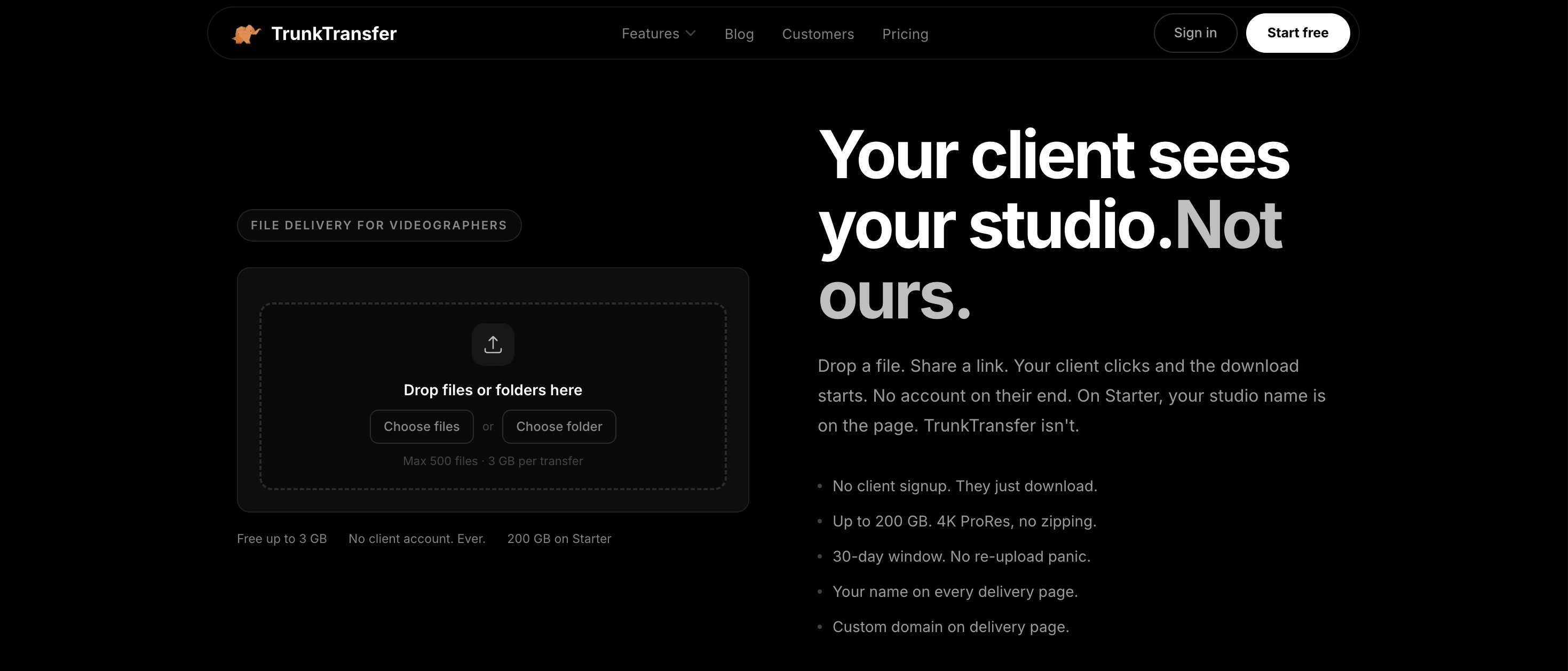
Best for freelancers and agencies who want zero third-party branding on client deliveries
TrunkTransfer is built specifically for creative professionals who deliver work to clients. The focus is not just on moving files from A to B. It is on making the delivery feel like a proper handoff under your own name, not someone else's platform.
Most branded delivery tools still put their own name on the download page or in the link URL. TrunkTransfer does not. With a custom domain, your client sees your domain in the browser, your logo on the page, and nothing that says TrunkTransfer anywhere. From your client's perspective, you built this. That distinction matters when you charge professional rates. See the full feature page: Branded file delivery for agencies, or the comparison guide: What is Branded File Delivery?
When your client clicks the link, they land on a delivery page that looks and feels like part of your studio or agency. No account required on their end. No ads. No friction. Just the files, presented the way you would if you were handing over a USB drive in person.
It also includes delivery confirmation, so you stop sending "just checking you got those files" emails. You know exactly when the files were opened and downloaded.
Worth noting: WeTransfer shut down its Portals feature in December 2025. TrunkTransfer's project delivery workflow fills that gap directly, with a cleaner client experience and no Bending Spoons price hike.
Pros
- Custom domain support: your URL, your brand, no TrunkTransfer name anywhere
- Branded delivery page with no client signup required
- Delivery confirmation so you stop chasing clients for an update
- Clean, fast upload experience for large creative files
- Starter plan at $9/mo includes 200 GB and 30-day link expiry
- 7-day free trial, card required, no charge until the trial ends
- No ads, no Bending Spoons, no surprises buried in the terms of service
Cons
- Not designed for review and approval workflows
Pricing: Starter: $9/mo or $72/yr (200 GB, 30-day link), 7-day free trial
Best for: freelance videographers, graphic designers, photographers, and agencies who want deliveries sent from their own domain with zero third-party branding
Start your 7-day trial at trunktransfer.com
2. Smash

Best free option for large file transfers
Smash is the most generous free file transfer tool available right now. There are no file size limits on the free tier, no cap on the number of transfers per month, and no account needed to send. Files over 2 GB get processed at lower priority, but for most casual or moderate use it works well.
Paid plans add branding, password protection, extended expiry, and faster upload priority for large files. It is a solid all-around tool if you do not need the client delivery experience that TrunkTransfer focuses on.
Pros
- No file size limit, even on the free plan
- Unlimited transfers per month
- Available on web, iOS, Android, and Mac
- Branding options on paid plans
- GDPR compliant with servers in the EU
Cons
- Files over 2 GB may upload slowly on the free tier
- Branding requires a paid plan
- No persistent workspace or project organization
- Free links expire after 7 days
Pricing: Free (unlimited size, 7-day link) · Paid plans from approx. $8/mo
Best for: designers and creatives who need a free, no-cap option for occasional large transfers
TrunkTransfer vs Smash: full comparison
3. MASV
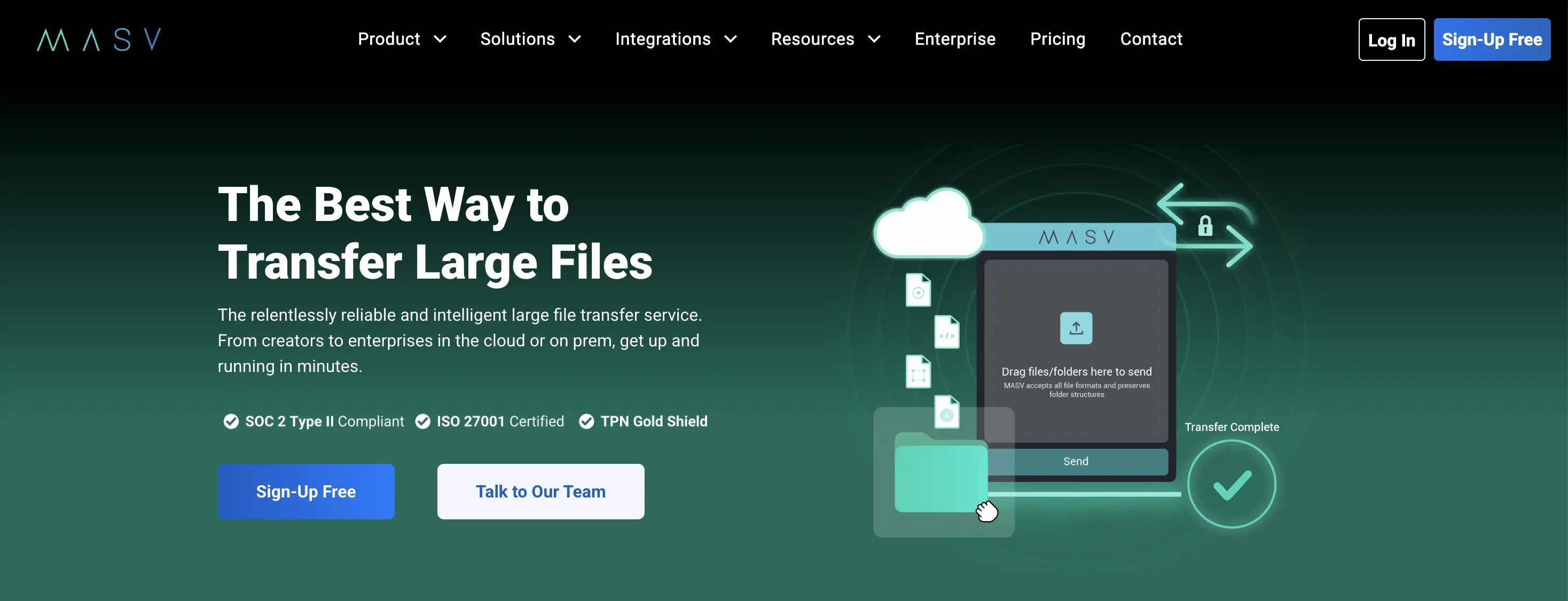
Best for video production and broadcast professionals
MASV is purpose-built for the video production and broadcast industry. There is no monthly subscription. You pay per gigabyte transferred, which makes it affordable for sporadic heavy use but expensive if you send large files every day.
Upload speeds are significantly faster than most alternatives because MASV uses an accelerated transfer protocol rather than standard HTTP. For studios sending full-resolution camera rolls, color grades, or post-production packages, that speed difference is real and meaningful.
Pros
- No file size limit at all
- Fast accelerated transfers, not just basic HTTP uploads
- Pay-per-use model with no monthly commitment
- Branded portals available
- Trusted by major studios and broadcasters
Cons
- No free tier
- Can get expensive at high volume with pay-per-GB pricing
- Overkill for smaller files or occasional transfers
Pricing: Pay-per-GB (approx. $0.25/GB) · No free tier, no monthly fee
Best for: video production companies, film studios, post-production houses
TrunkTransfer vs MASV: full comparison
4. Filemail
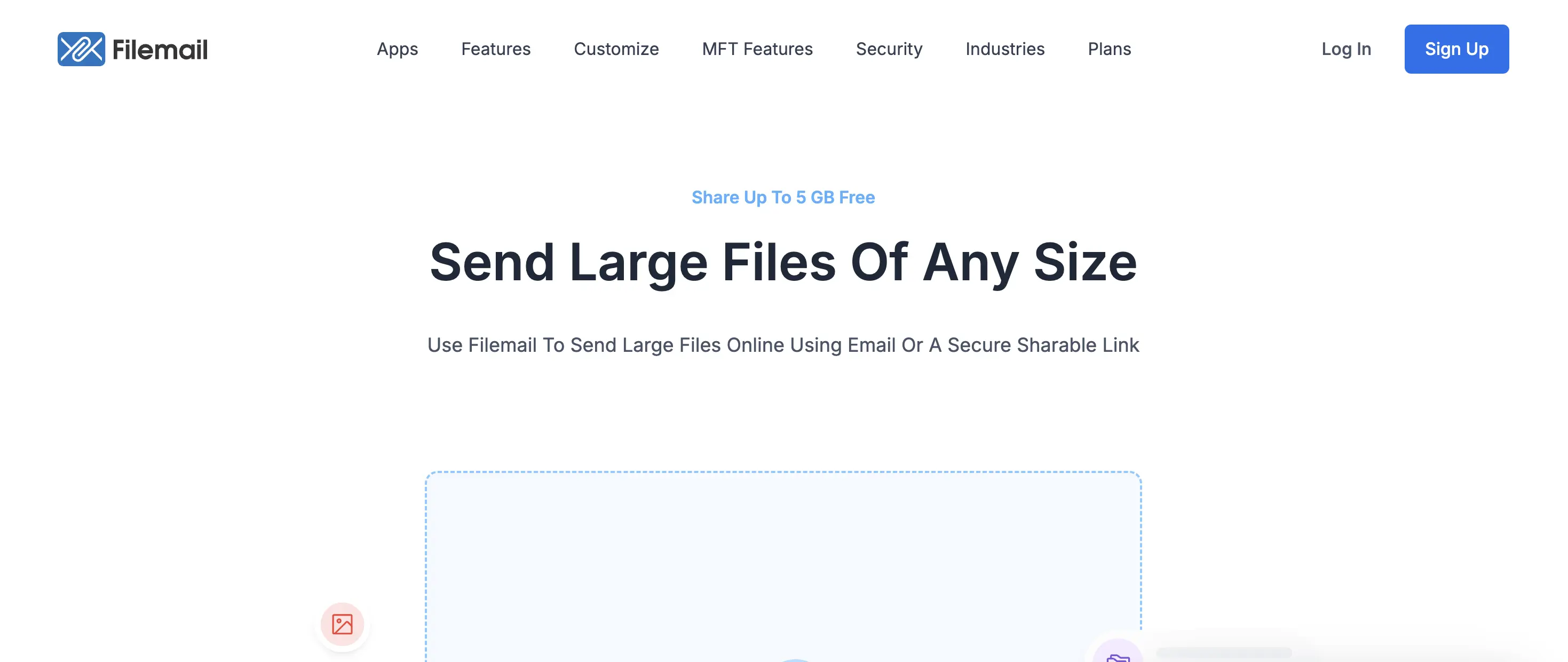
Generous free tier with resume support
Filemail has one of the more generous free plans available: 5 GB per transfer, no registration required, and no ads. It also includes a resume transfer feature, which matters if you are uploading a 4 GB file on an unstable connection and it drops at 90%.
Desktop apps are available for Windows, Mac, and Linux, plus an Outlook plugin, which makes it practical for professional workflows rather than just one-off browser transfers.
Pros
- 5 GB free with no signup required
- No ads on any tier
- Resume interrupted transfers without starting over
- Desktop apps and an Outlook plugin
- Virus scanning on all uploads
Cons
- No branding or custom delivery page on the free plan
- No password protection on the free tier
- Interface feels more utilitarian than premium
Pricing: Free (5 GB, 7-day link) · Professional: from approx. $15/mo (250 GB)
Best for: professionals sending large one-off files who want no ads and reliable resume support
TrunkTransfer vs Filemail: full comparison
5. TransferNow
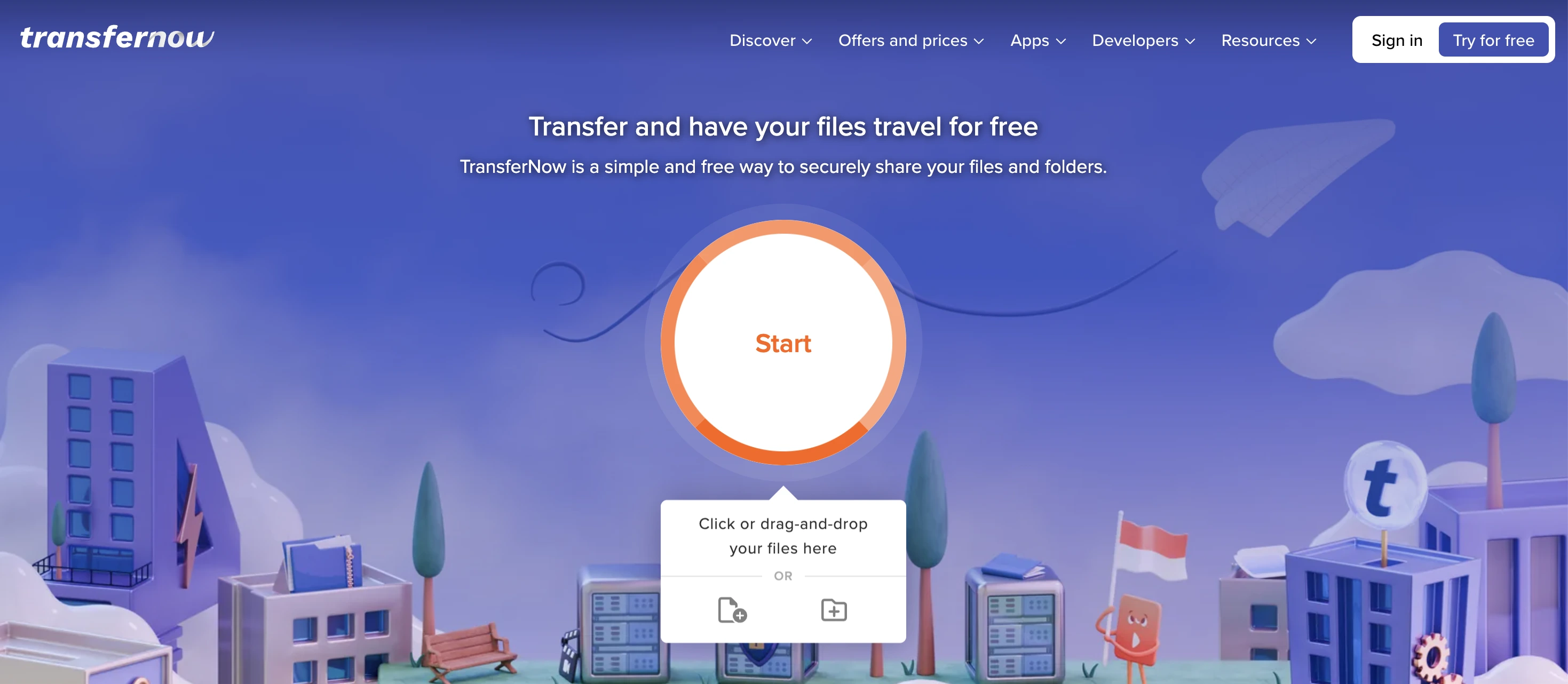
Good value for teams and European users
TransferNow beats WeTransfer on the free tier in most categories: 5 GB per transfer, no monthly quota, and no account required. It has been around long enough to have enterprise features like SSO, customizable branding on paid plans, and a file request widget you can embed on your own website.
For European businesses, it is a strong option given its privacy posture. The team pricing is also significantly cheaper than WeTransfer Teams, which is worth looking at if you have multiple people sending files regularly.
Pros
- 5 GB free with no monthly transfer cap
- Embeddable file request widget for your own site
- SSO available on Enterprise plans
- Much cheaper team pricing than WeTransfer
- Customizable branding on paid plans
Cons
- Branding requires a paid plan
- Free tier still shows ads
- No delivery experience designed around client-facing work
Pricing: Free (5 GB, no quota) · Paid plans from approx. $7/mo
Best for: small teams, European businesses, and anyone replacing WeTransfer Teams
TrunkTransfer vs TransferNow: full comparison
6. Google Drive
Best free storage option for internal sharing
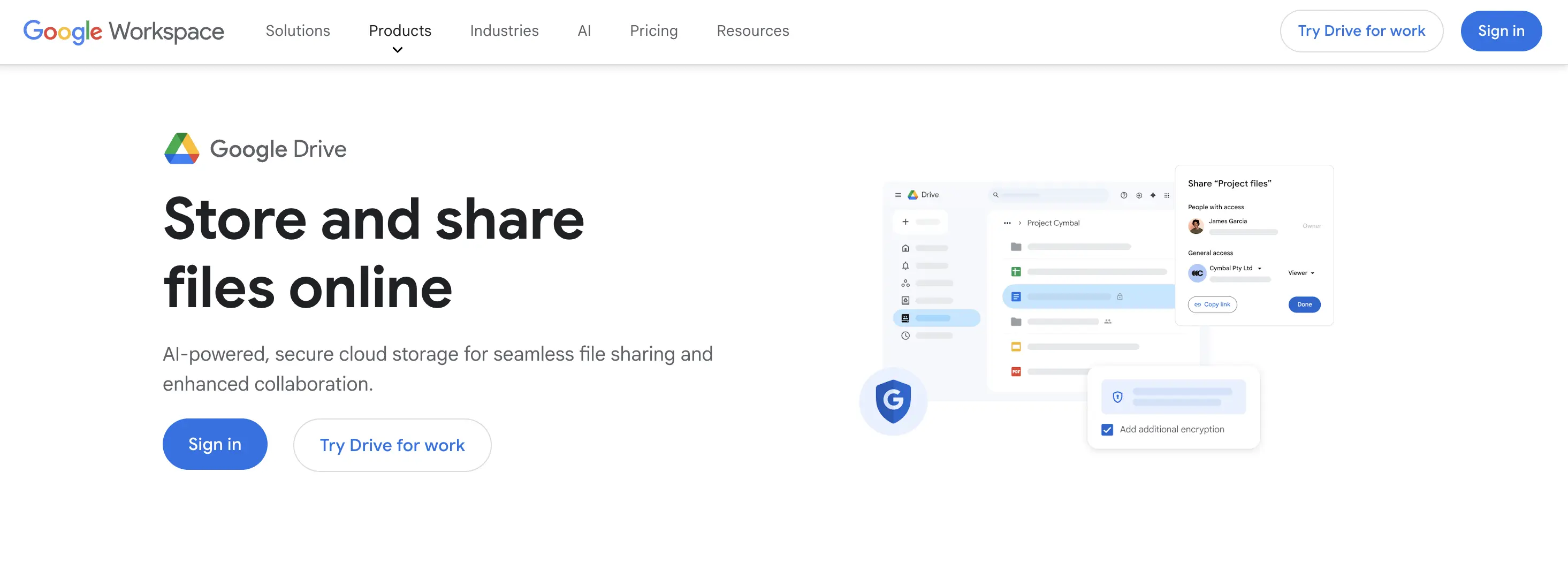
Google Drive gives you 15 GB of free storage shared across your Google account. Sharing a file is straightforward: generate a link and set the permissions. The recipient does not need a Google account to download, though the experience works better if they have one.
The honest framing here: Google Drive is not designed for client delivery. It is optimized for the sender and their own ecosystem. Shared links look like generic Google URLs, there is no branded experience, and the interface is built around your folders rather than the recipient's experience. For internal team sharing, it is excellent. For professional client delivery, it looks like you cobbled something together.
Pros
- 15 GB free with files that never expire
- Most people already have it set up
- Works seamlessly within Google Workspace
- Google One storage from $2.99/mo for 100 GB
Cons
- No branded delivery experience
- Links look generic and unpolished to clients
- Not built for external client delivery workflows
- Some large files require Drive to convert or compress
Pricing: Free (15 GB) · Google One from $2.99/mo (100 GB)
Best for: internal teams and Google Workspace users, not for client-facing delivery
TrunkTransfer vs Google Drive: full comparison
7. Dropbox Transfer
For people already paying for Dropbox
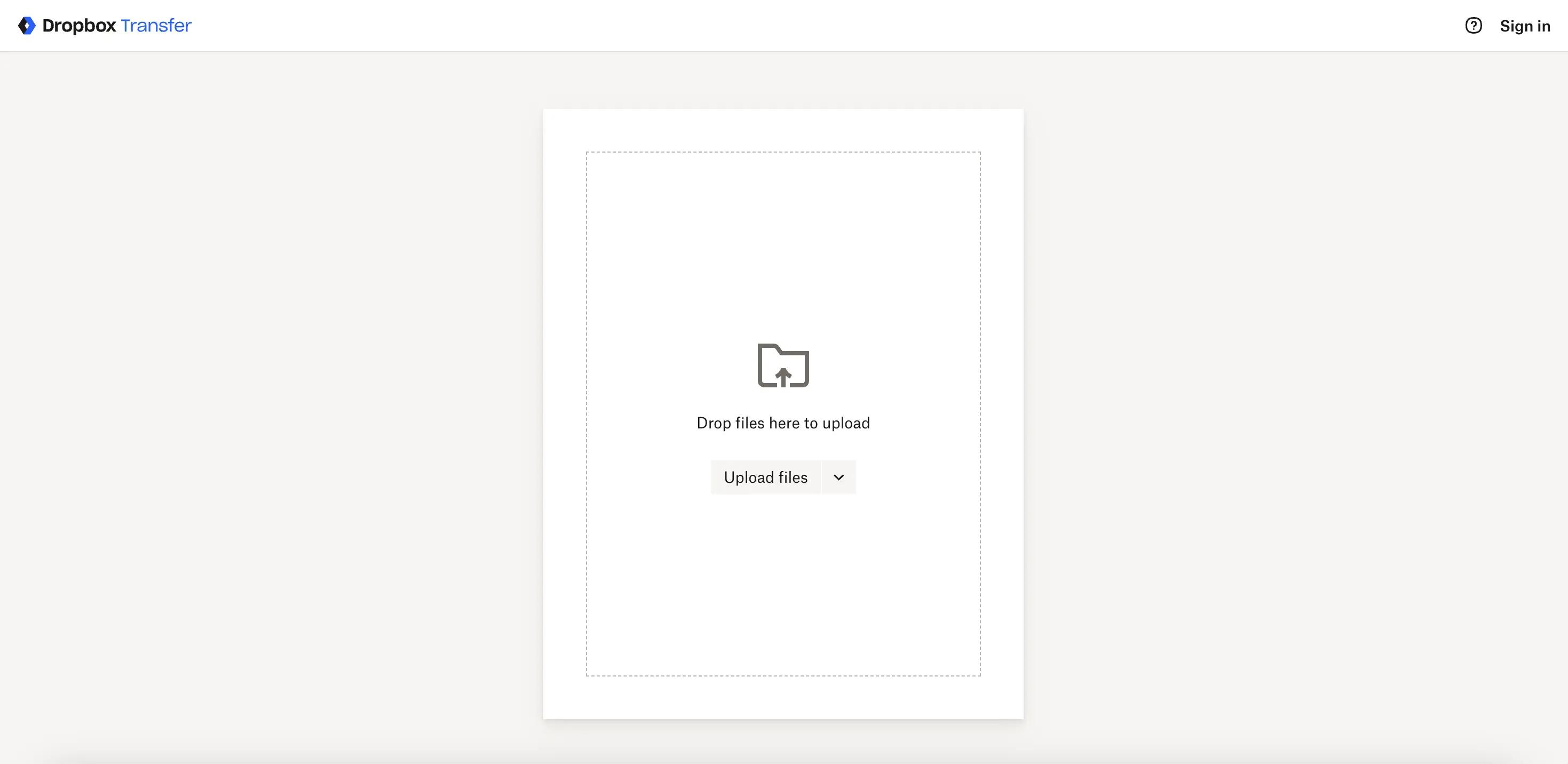
Dropbox Transfer is a feature within Dropbox, not a standalone product. If you already pay for Dropbox, it is worth using: the recipient does not need an account, you get a clean shareable link, and files stay organized within your existing Dropbox storage.
The catch is the free limit. Dropbox's free plan gives you 2 GB of total storage, and Transfer files count against that. For most creative work, you will hit the wall quickly unless you are already on a paid Dropbox plan.
Pros
- No account needed for recipients
- Integrates with your existing Dropbox storage
- Clean, reliable sharing links
- Good security options on paid plans
Cons
- Only 100 MB transfer limit on the free Dropbox tier
- Requires a Dropbox subscription to be useful for large files
- No branded delivery experience for clients
- Not a standalone product
Pricing: Included with Dropbox Plus ($10/mo) or higher
Best for: existing Dropbox users who want a WeTransfer-style send link without a new subscription
TrunkTransfer vs Dropbox Transfer: full comparison
8. MoreTransfer
Built for former WeTransfer Reviews users and anyone who left over the terms of service
MoreTransfer exists for two groups of ex-WeTransfer users: people who miss Reviews, and people who left over the terms of service episode.
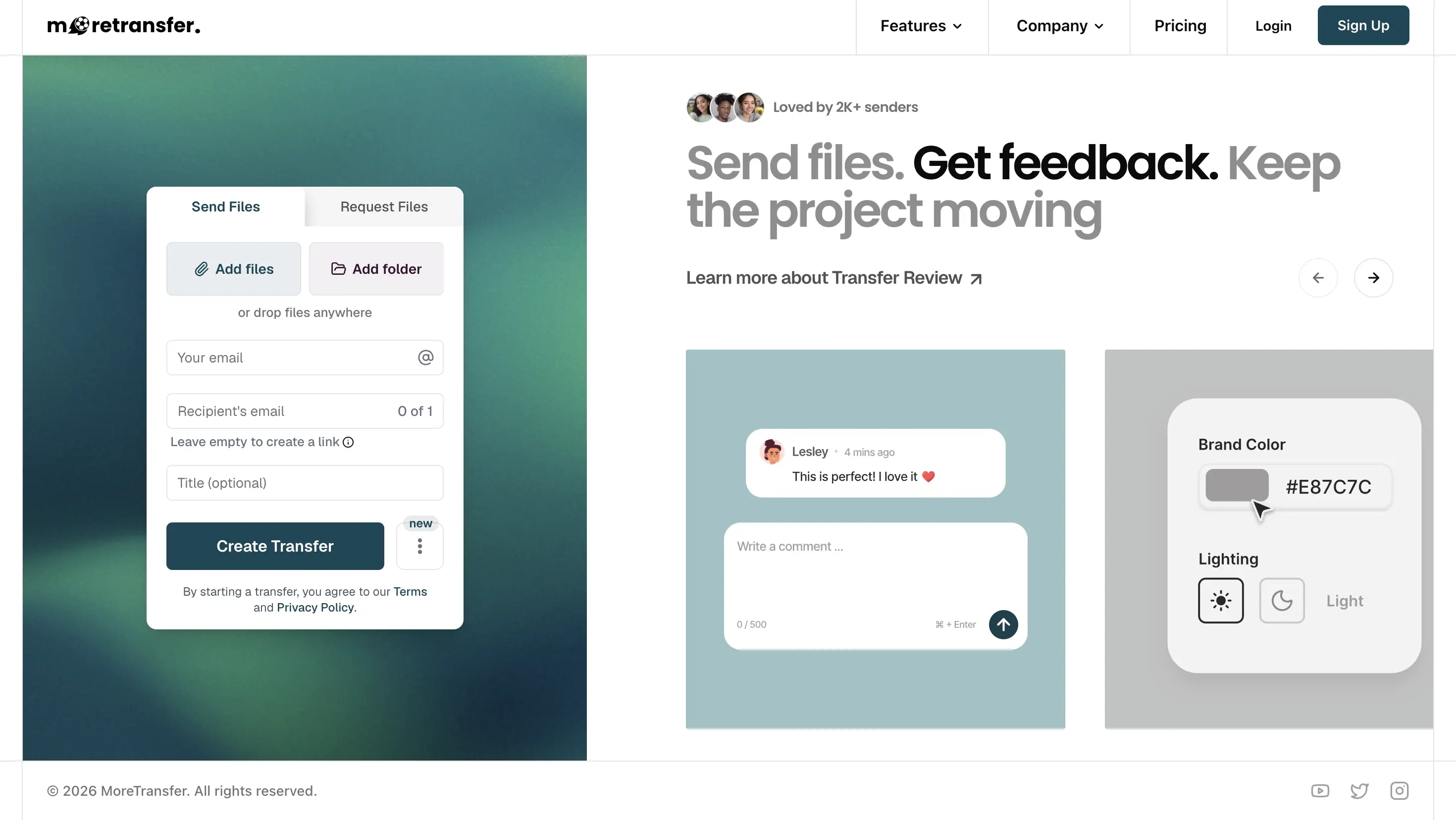
The review side first. WeTransfer retired Portals and Reviews in December 2025. MoreTransfer's Transfer Review recreates the feedback half of that workflow: you send files, enable comments, and clients leave feedback on the same link, including timecoded comments on video, without creating an account. If your Portals use case was client comments on a delivery, this is the closest direct replacement for that specific feature.
The ownership side is just as central to their pitch. MoreTransfer states plainly that it never scans, sells, or licenses your files, and that files are permanently deleted when they expire. If the 2025 terms of service episode is part of why you are reading this list, MoreTransfer makes ownership its core promise rather than a footnote.
A few limits worth knowing. The free tier gives 4 GB of transfers per month with a 3-day expiry, only marginally roomier than WeTransfer's 3 GB monthly cap, so the free plan is not the main draw. And branding on MoreTransfer means a customized delivery page on their platform. Delivery still happens from moretransfer.com on every tier. If your Portals use case was one persistent branded workspace per client under your own domain, that is a client portal, not a transfer review, and you want a tool with portals and a custom domain option for that.
Pros
- Timecoded client comments on video without the client creating an account
- File ownership and privacy as an explicit core promise, not a footnote
- Closest direct replacement for the WeTransfer Reviews feedback workflow
Cons
- Free tier is 4 GB per month with a 3-day expiry: barely roomier than WeTransfer free
- Delivery always from moretransfer.com: no custom domain on any tier
- No persistent per-client workspace: each transfer is still a separate link
Pricing: Free (4 GB/month, 3-day expiry) · paid plans start from $8/month
Best for: former WeTransfer Reviews users who want timecoded client comments on transfers, and anyone who left WeTransfer specifically over the terms of service changes
9. Hightail

Built for creative review and approval, not just delivery
Hightail sits in a different category than most tools on this list. It is not just a file transfer service. It is a creative collaboration platform with visual commenting, approval workflows, and Adobe Creative Cloud integration.
If your problem is not just delivery but the feedback loop after delivery, Hightail addresses that. Clients can leave timestamped comments on video files, mark up images directly, and approve assets without email chains. That said, the free plan caps you at 100 MB, which rules it out for large file delivery unless you are paying.
Pros
- Visual markup and approval workflows built in
- Adobe Creative Cloud integration
- Version control for creative projects
- Client-friendly review experience
Cons
- Free plan limited to 100 MB
- Overkill if you just need to send and confirm delivery
- More expensive than simpler alternatives
Pricing: Free (100 MB) · Paid from approx. $12/mo
Best for: creative teams who need a review and approval loop, not just one-way file delivery
TrunkTransfer vs Hightail: full comparison
10. Send Anywhere
Quick device-to-device transfers
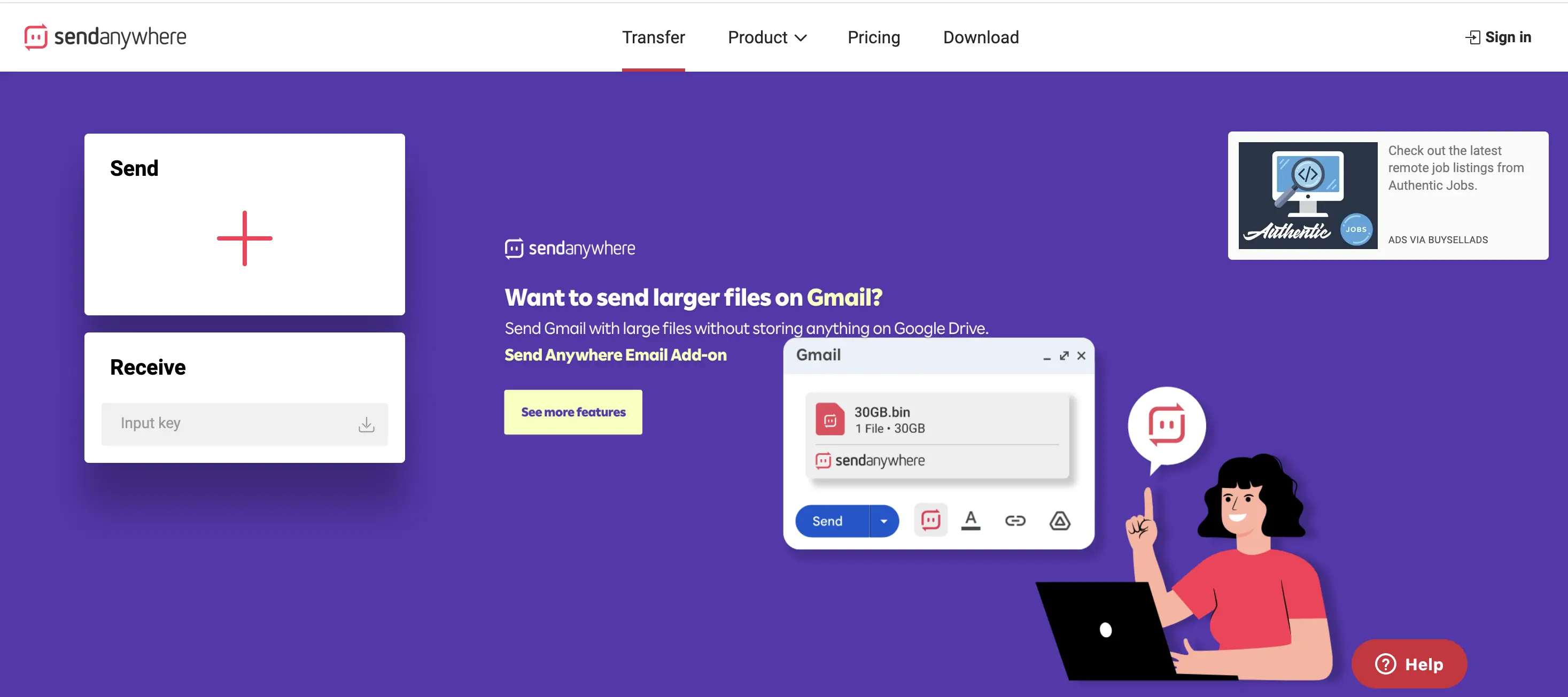
Send Anywhere takes a different approach to file transfer. Instead of upload-then-share-link, you can do a direct real-time transfer between devices using a six-digit code, with no server in the middle. For one-to-one transfers where both people are present at the same time, there are no file size limits at all.
For the shareable-link use case, it supports files up to 10 GB with a link that expires within 48 hours. It is a useful utility but does not replace a client delivery workflow.
Pros
- Direct device-to-device transfer with no server middleman
- No file size limit on direct transfers
- 10 GB via shareable link on the free plan
- No account needed
Cons
- Link transfers limited to 10 GB and expire in 48 hours
- Direct transfers require both parties to be online at the same time
- No branding or client delivery experience
Pricing: Free (10 GB link / unlimited direct) · Plus from $5.99/mo
Best for: quick one-to-one transfers, especially between your own devices
TrunkTransfer vs Send Anywhere: full comparison
Choose the Right WeTransfer Alternative
You need branded delivery under your own domain: TrunkTransfer. It is the only tool on this list that removes the platform name from the URL entirely. Your client sees your domain, your logo, nothing else. Available from $9/mo on Starter.
You need the most generous free plan: Smash. No file size cap, no monthly transfer limit, no account required.
You move large video files in production: MASV. Accelerated transfer speeds, pay-per-GB, trusted by broadcast studios.
You need client comments and file approval on deliveries: TrunkTransfer. Clients can leave comments and flag files as approved directly in the client portal. No client account required. Both features are toggleable per portal.
You need frame-level visual markup on video: Hightail. Timestamped video comments, image annotation, and Adobe CC integration.
You already pay for Dropbox: Dropbox Transfer. No second subscription needed.
You send files to European clients and need no daily cap: TransferNow. 5 GB free, no monthly quota, GDPR compliant.
Ready to try TrunkTransfer? Send your first branded delivery in under 2 minutes. No client signup required. Start your 7-day trial at trunktransfer.com
Frequently Asked Questions
What happened to WeTransfer Portals?
WeTransfer discontinued Portals in December 2025 following its acquisition by Bending Spoons. If you were using Portals to organize and deliver project files to clients in a structured workspace, that feature is gone.
TrunkTransfer is the closest direct replacement for that workflow. It includes a client portal where clients can approve deliverables and leave comments, with owner notifications when they respond. No client account required.
Is the WeTransfer free plan still usable in 2026?
Yes, but with tighter limits than before. The free plan allows up to 3 GB per transfer, caps total monthly transfers at 10 (or 3 GB total per 30 days), and links expire after 7 days. For light personal use it is fine. For anything professional or recurring, you will hit the ceiling quickly.
What is the best free alternative to WeTransfer?
Smash is the most generous free option for sheer file size. It has no size cap and no monthly transfer limit. If you need branding or a more professional client experience, TrunkTransfer's Starter plan (7-day free trial) includes branded delivery with no client signup requirement.
Can my client download files without creating an account?
With most tools on this list, yes. TrunkTransfer, Smash, Filemail, TransferNow, Send Anywhere, and Dropbox Transfer all allow recipients to download without creating an account. This matters more than most people realize. Asking a client to sign up before they can view the files you sent them creates instant friction and reflects poorly on you.
Which WeTransfer alternative supports custom domains?
TrunkTransfer is the standout option here. Most tools that offer "branding" still put their own platform name in the delivery URL or somewhere on the page. TrunkTransfer lets you connect your own domain so the link your client clicks, and the page they land on, shows only your brand. Nothing says TrunkTransfer. For freelancers and agencies where presentation is part of the product, that is a meaningful difference from tools like Smash or Filemail where the platform name always shows up somewhere.
Which alternative is best for large video files?
For professional video work, MASV is the strongest option if you care about raw speed and have no size ceiling. It is used by post-production studios and broadcasters because it handles multi-gigabyte transfers reliably. For delivering finished video to clients (rather than moving it between production machines), TrunkTransfer is a better fit because the receiving experience is built for that context.
Does WeTransfer support custom domains?
No, on any plan. Even WeTransfer's paid tiers show wetransfer.com in the delivery URL. If a custom domain is a requirement, TrunkTransfer is the only tool on this list that supports it at an entry-level paid plan ($9/mo Starter). Your client sees only your domain from the link through to the download page.
What is the WeTransfer free plan file size limit in 2026?
WeTransfer's free plan allows up to 3 GB per transfer, capped at 10 transfers or 3 GB total per 30-day rolling window. Links expire after up to 3 days.


