

SwissTransfer is one of the most generous free file transfer tools out there. Fifty gigabytes per transfer, no account required, no ads, 30-day link expiry, and servers hosted in Switzerland under some of the world's strictest privacy laws. For a free product, that is hard to argue with.
So why are people looking for alternatives?
Because SwissTransfer is built for a specific use case: sending a large file to someone, one time, with no strings attached. The moment you step outside that use case, the gaps start to show. There is no paid plan, because SwissTransfer does not have a paid tier at all. Download links are auto-generated and cannot be customized or branded. There are no team or multi-user features. And while the mobile app offers download tracking, there is no equivalent on the web interface.
For personal use, none of that matters. For professionals who regularly deliver work to clients, it matters a lot.
This guide covers 8 alternatives to SwissTransfer for 2026, split across the two main reasons people look for a replacement: needing a better free tool, and needing something built for professional client delivery.
SwissTransfer Free Plan Limits in 2026
| Limit | SwissTransfer Free |
|---|---|
| Max file size per transfer | 50 GB |
| Link expiry | 1, 7, 15, or 30 days (your choice) |
| Monthly transfer cap | None |
| Paid plan | None — SwissTransfer is free only |
| Custom branding | No |
| Custom domain | No |
| Download tracking (web) | No |
| Password protection | Yes |
| Account required | No |
SwissTransfer does not have a paid plan. If you need more than what the free tier offers, branding, custom domain, delivery confirmation, or team features, no upgrade path exists. That is the main reason professionals look for an alternative.
What SwissTransfer Does Well and Where It Falls Short
Before comparing alternatives, it helps to be clear about what SwissTransfer actually is.
SwissTransfer is a product by Infomaniak, a Swiss hosting company based in Geneva. The service is 100% free and has no paid tier. It was initially launched by Infomaniak to test cloud technology and has grown to almost 2 million users per month in Europe, according to Infomaniak's own blog.
Where SwissTransfer works well:
- Sending files up to 50 GB to someone you know personally
- Privacy-conscious transfers where Swiss data jurisdiction matters
- One-off sharing with password protection and configurable expiry (1, 7, 15, or 30 days)
- International transfers with multilingual support (English, French, German, Italian, Spanish)
Where SwissTransfer falls short:
- Auto-generated links with no customization, renaming, or branding
- No paid plan to unlock professional features
- No team or multi-user support
- No web-based download tracking (available in mobile app only)
- Per-IP daily transfer caps that can block frequent senders
- Not designed for recurring, client-facing delivery workflows
If any of those gaps are your reason for looking, the rest of this guide will help you find the right replacement.
Two Reasons People Leave SwissTransfer
Before going through each tool, it helps to know which problem you are actually solving.
Reason 1: You need a better free tool. SwissTransfer's IP-level daily transfer cap blocks frequent senders. If you hit that wall regularly, you need a tool with no daily cap. Smash and TransferNow are the strongest free alternatives here.
Reason 2: You need professional client delivery. SwissTransfer links are auto-generated, unbranded, and tell your client nothing about who sent the files. If you charge professional rates, that gap matters. TrunkTransfer, MASV, and Filemail are built for this use case. See what branded file delivery for agencies actually includes, or read the guide: What is Branded File Delivery?
These are different problems. The right answer depends on which one you have.
Quick Comparison Table
| Tool | Custom Domain | Free File Limit | Branded Delivery | Starting Price | Best For |
|---|---|---|---|---|---|
| TrunkTransfer | Yes, you can use (files.youragency.com). no TrunkTransfer branding | No free plan | Yes | $9/mo (7-day trial) | Freelancers and agencies who want deliveries under their own domain |
| Smash | No | No limit (2 GB priority) | Paid only | Free / ~$8/mo | Casual to mid-volume senders |
| MASV | No | 15 GB/mo free credit | Yes | Free (15 GB/mo) / $0.25/GB after | Video production, film |
| Filemail | No | 5 GB | Paid only | Free / $15/mo | Large one-off transfers |
| TransferNow | No | 5 GB | Paid only | Free / ~$7/mo | Teams, European users |
| WeTransfer | No | 3 GB total/mo (10 transfer cap) | Paid only | Free / $8/mo | General file sending |
| Dropbox Transfer | No | 100 MB (free) | No | ~$10/mo | Existing Dropbox users |
| Google Drive | No | 15 GB (shared storage) | No | Free / $2.99/mo | Internal team sharing |
The 8 Best Alternatives to SwissTransfer
1. TrunkTransfer
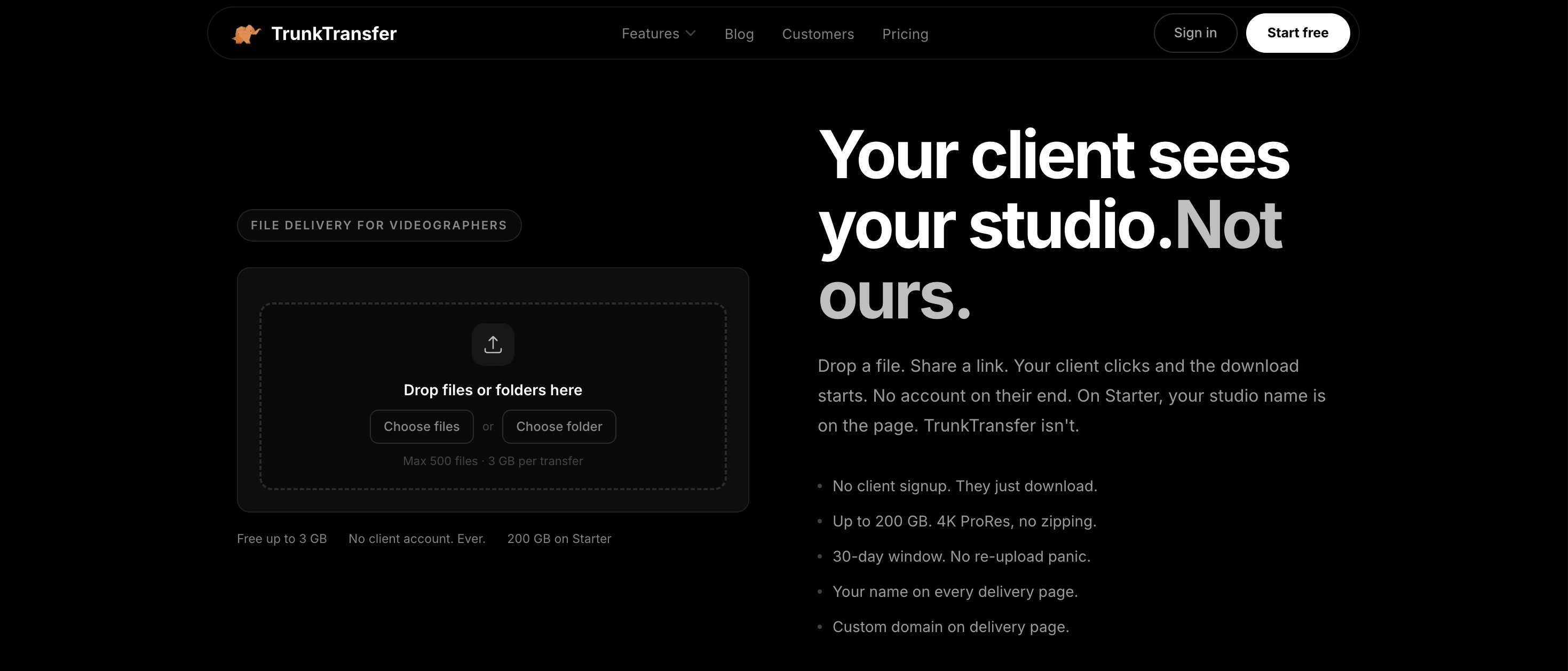
Best for professionals who deliver work to clients
SwissTransfer gives you a download link. TrunkTransfer gives you a delivery experience.
That is not a marketing line. It is a real product difference. When a client clicks a TrunkTransfer link, they land on a delivery page with your brand (color, logo, name), your domain in the browser URL, and nothing that says TrunkTransfer anywhere. You can connect your own custom domain so the entire experience looks like something you built, not a third-party tool you are routing through.
That distinction matters more than it sounds. If you charge professional rates, the way you deliver work is part of the product. A generic auto-generated link undercuts that. A branded delivery page under your own domain reinforces it.
Beyond the surface presentation, TrunkTransfer also solves the gap that SwissTransfer web users run into: no visibility on whether your client actually downloaded the files. TrunkTransfer includes delivery confirmation so you get notified when files are opened. No more "just checking you received everything" emails.
The Starter plan at $9/mo includes 200 GB per transfer with a 30-day link expiry, and with the Pro plan, you can set link expiry up to 365 days. A 7-day free trial is available to try it out.
The key difference from SwissTransfer: SwissTransfer optimizes for the sender's convenience. TrunkTransfer optimizes for the client's receiving experience and the professional impression that creates.
Pros
- Custom domain support: your URL, your brand, no TrunkTransfer name anywhere
- Branded delivery page with no client signup required
- Delivery confirmation so you know when files are opened and downloaded
- Clean upload experience for large creative files
- Starter plan at $9/mo includes 200 GB and 30-day links
- 7-day free trial, card required, no charge until the trial ends
- No ads at any tier
Cons
- No free plan, unlike SwissTransfer's 50 GB free tier
- Not designed for review and approval workflows
Start your trial here
Pricing: Starter: $9/mo or $72/yr (200 GB, 30-day link), 7-day free trial
Best for: freelance videographers, graphic designers, photographers, and agencies who want client deliveries under their own domain with zero third-party branding
2. Smash

Best free alternative for unlimited file sizes
If the main reason you are looking beyond SwissTransfer is hitting the IP-level daily transfer cap or needing no file size ceiling, Smash is the most natural next stop. The free tier has no file size limit, no monthly quota, and no account required. Files over 2 GB upload at lower priority, but for most use cases it works without issue.
Smash also has a cleaner feature set than SwissTransfer for professional use: customizable sharing URLs on the free tier so your link looks intentional rather than a random string, password protection on all plans, and branding options on paid plans. An Outlook plugin is available for business users, which SwissTransfer does not offer.
Pros
- No file size limit on the free plan
- No monthly transfer cap
- Customizable sharing URLs even on the free tier
- Available on web, iOS, Android, and Mac
- Outlook plugin on paid plans
- GDPR compliant with EU servers
Cons
- Files over 2 GB may be slower on the free tier
- Branding requires a paid plan
- Free links expire after 7 days
Pricing: Free (unlimited size, 7-day link) · Paid plans from approx. $8/mo
Best for: anyone who regularly sends large files and needs no size cap, no monthly quota, and no friction
3. MASV
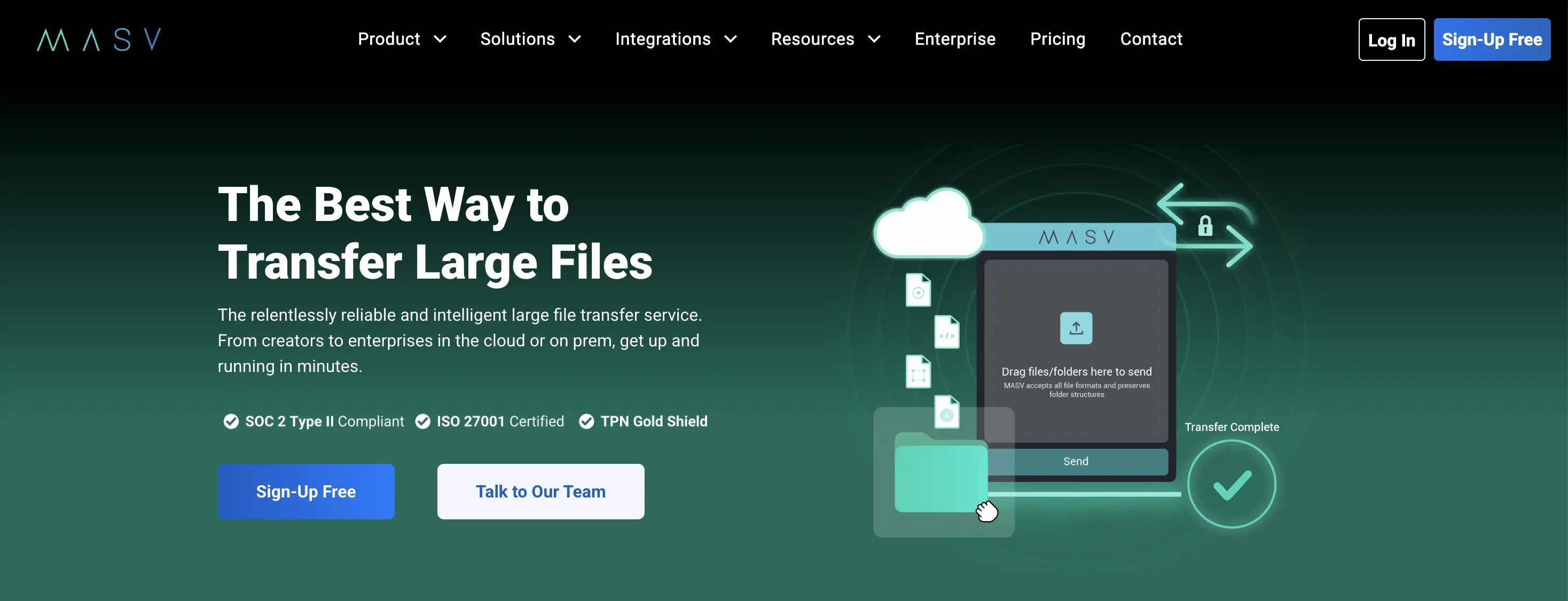
Best for video production and broadcast
MASV sits in a different performance bracket from the other tools on this list. It uses a proprietary accelerated transfer protocol over a private global network, delivering transfer speeds up to 10 Gbps - significantly faster than SwissTransfer or any general-purpose HTTP-based tool here.
Contrary to how some comparison sites describe it, MASV does have a free tier. You get 15 GB of transfer credit refreshed every month at no cost. After that, it moves to pay-as-you-go at $0.25 per GB. One important nuance: MASV charges per egress (download), not per upload. If your client downloads a 50 GB file twice, you are billed for 100 GB. Setting a download limit on each transfer is a practical way to control costs.
Branded portals are available, and MASV is used by production studios and broadcasters who cannot afford a failed or slow delivery mid-project.
Pros
- No file size limit (up to 15 TB per transfer)
- Accelerated transfer speeds, not standard HTTP
- 15 GB free monthly credit, no upfront cost
- Pay-per-use with no mandatory monthly fee
- Branded portals available
Cons
- Charges per download (egress), not per upload -- costs can compound if recipients download multiple times
- $0.25/GB adds up fast at scale (1 TB = $250)
- Credit card required at signup even for the free tier
- No custom domain
Pricing: 15 GB free monthly· $0.25/GB pay-as-you-go after · Subscription plans available
Best for: video production companies, post-production studios, and broadcast teams moving large files as a core part of their workflow
4. Filemail
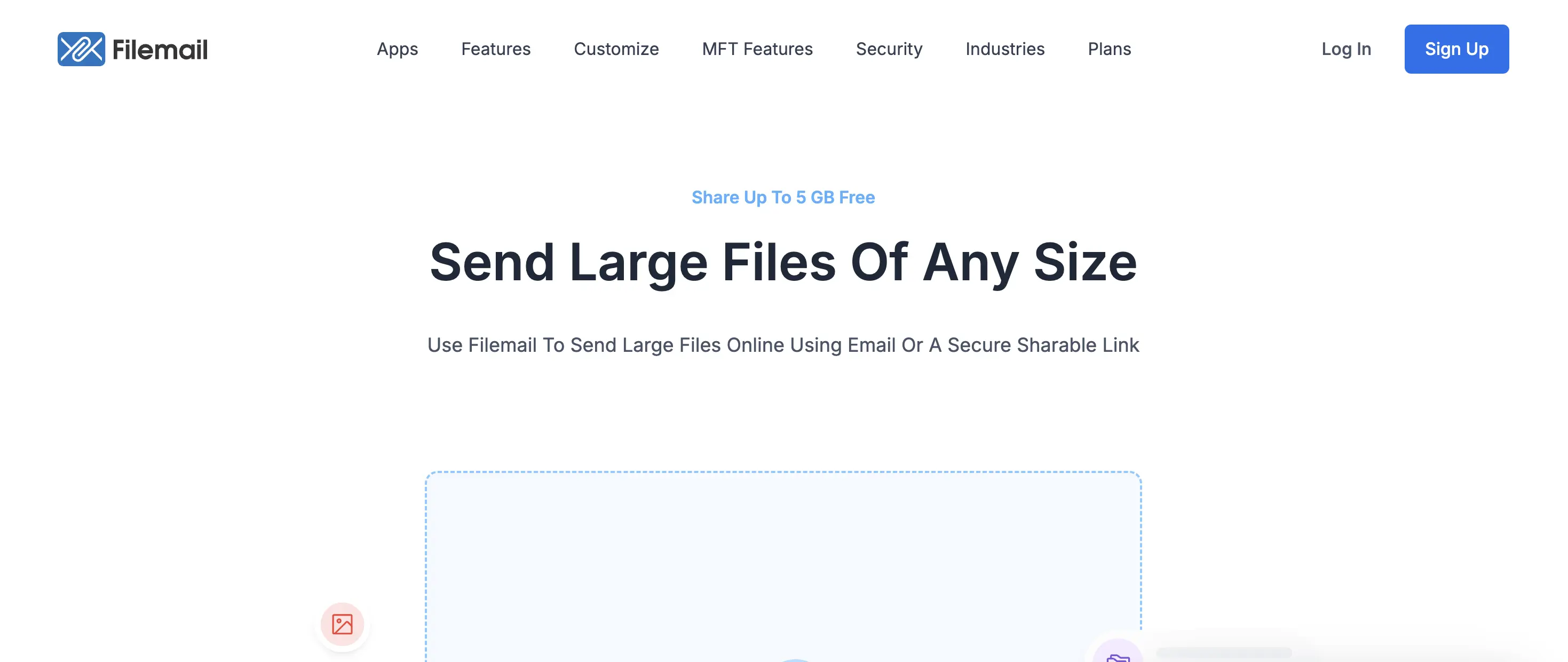
Best free option for professionals who need desktop apps
Filemail matches SwissTransfer's no-signup, no-ads approach while adding features that matter for professional use. The free plan allows up to 5 GB per transfer with no account required. That is less than SwissTransfer's 50 GB limit, but Filemail adds resume support for interrupted uploads, a desktop app for Windows, Mac, and Linux, and an Outlook plugin.
Resume support is underrated. If you are uploading a 4 GB package on a spotty connection and it drops at 85%, SwissTransfer makes you start over. Filemail picks up where it left off. For anyone working with large files in less-than-ideal network conditions, that alone is worth the switch.
Pros
- 5 GB free with no account required
- No ads on any tier
- Resume interrupted uploads without starting over
- Desktop apps for Windows, Mac, and Linux
- Outlook plugin for business users
- Virus scanning on all uploads
Cons
- Free file limit is 5 GB vs SwissTransfer's 50 GB
- No branding or custom delivery page on free plan
- No password protection on free tier
Pricing: Free (5 GB, 7-day link) · Professional: from approx. $15/mo (250 GB)
Best for: professionals who want a reliable no-signup tool with desktop app support and resume capability on large uploads
5. TransferNow
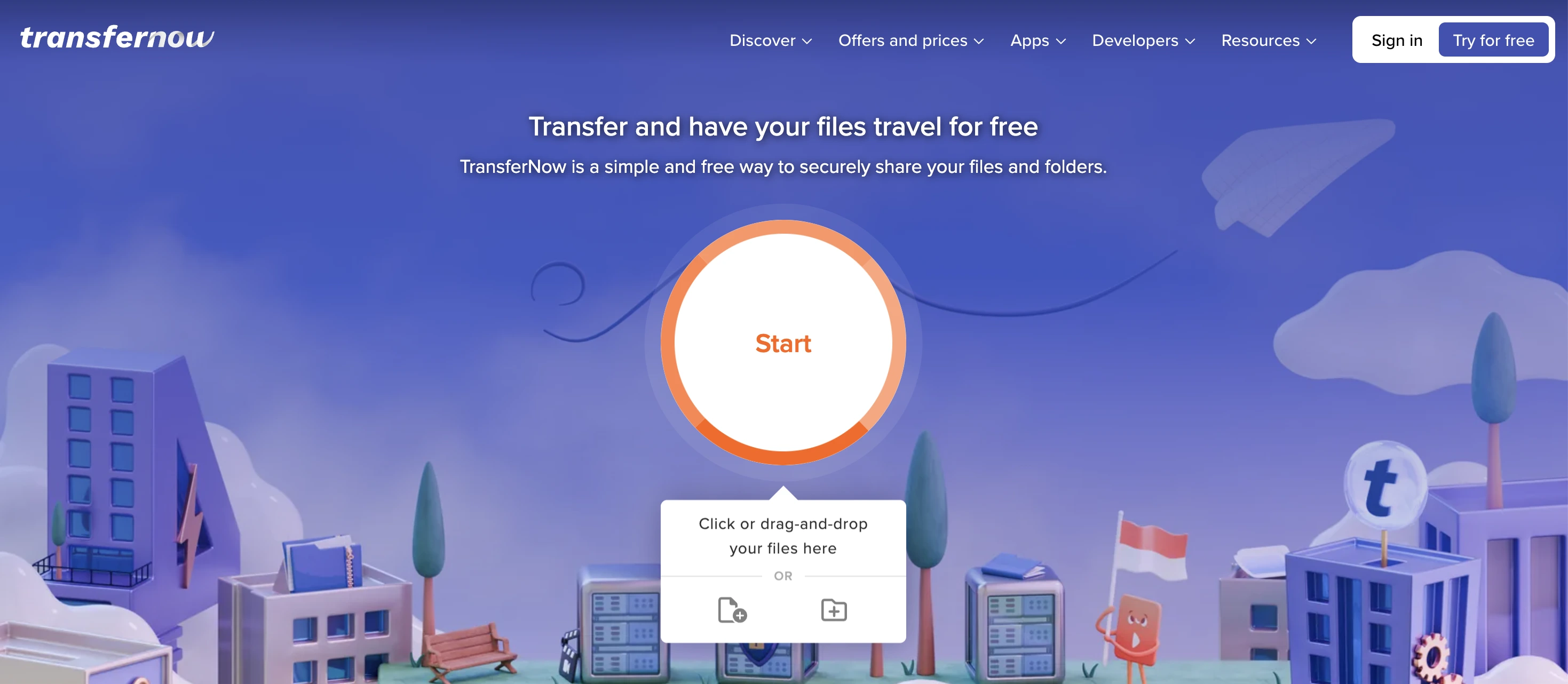
Good value for teams and European users
TransferNow offers 5 GB free with no monthly transfer cap - a direct improvement over SwissTransfer's IP-level daily limit and WeTransfer's strict monthly quota. You can send as many 5 GB transfers as you need without hitting a daily wall.
Paid plans add branding, password protection (included free on TransferNow, unlike some competitors), extended expiry, and an embeddable file request widget for your own website. Team pricing is straightforward and significantly cheaper than most enterprise alternatives.
Pros
- 5 GB free with no daily or monthly cap
- No account required for basic sending
- Password protection available on free plan
- Embeddable file request widget
- Team pricing available
- GDPR compliant
Cons
- Free tier shows ads
- Branding requires a paid plan
- No delivery confirmation
- No custom domain
Pricing: Free (5 GB, no cap) · Paid plans from approx. $7/mo
Best for: small teams and European businesses who need frequent transfers without hitting daily limits
6. WeTransfer
The familiar alternative, with real trade-offs
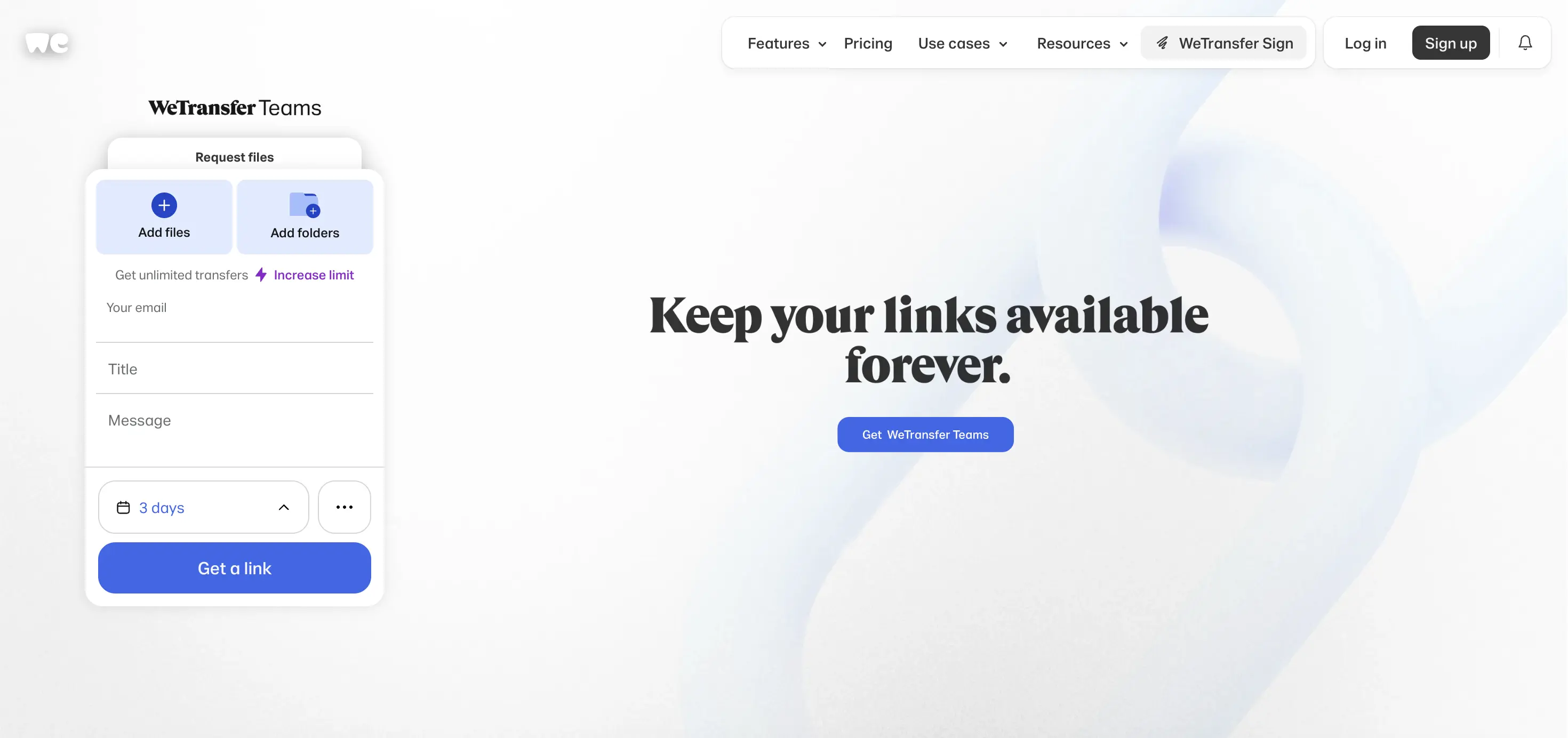
WeTransfer is the name most people think of first when they think file transfer. For anyone comparing it directly to SwissTransfer: SwissTransfer is more generous in almost every free-tier metric. SwissTransfer gives you 50 GB; WeTransfer's free plan gives you 3 GB total per 30-day rolling window, capped at 10 transfers. SwissTransfer links last 30 days; WeTransfer free links expire after just 3 days.
Where WeTransfer has a practical edge is name recognition. Some clients feel more comfortable with a familiar brand.
One important note: WeTransfer permanently shut down its Reviews and Portals features on December 22, 2025 following its acquisition by Bending Spoons. If structured project delivery was part of your WeTransfer workflow, that feature is gone.
Pros
- Widely recognized brand name, familiar to most clients
- Clean interface
- Starter plan adds volume at low monthly cost
- Available on mobile and desktop
Cons
- Free tier far less generous than SwissTransfer (3 GB total per month, 3-day link expiry)
- Portals and Reviews permanently removed December 22, 2025
- Acquired by Bending Spoons, who have significantly restructured the product
- No custom domain on any plan
Pricing: Free (3 GB/mo total, 3-day link) · Starter: $8/mo · Ultimate: $23/mo
Best for: users who value a widely recognized platform and can work within tight monthly limits
7. Dropbox Transfer
For people already on a Dropbox plan
Dropbox Transfer is a file delivery feature built into Dropbox, not a standalone product. If you already pay for Dropbox, it is a practical option: recipients do not need an account, you get a clean shareable link, and files live in your existing storage.
For anyone not already on Dropbox, the free storage limit (2 GB total) makes it near-unusable for real transfer work. But if you are paying for Dropbox Plus or higher, Transfer is a solid SwissTransfer replacement without an additional subscription.
Pros
- No account needed for recipients
- Integrates with existing Dropbox storage
- Reliable links from a trusted brand
- Good security options on paid plans
Cons
- Only 100 MB transfer limit on the free Dropbox tier
- Not a standalone product
- Requires a Dropbox subscription for real use
- No branded delivery or custom domain
Pricing: Included with Dropbox Plus (~$10/mo) or higher
Best for: people already paying for Dropbox who want a simple send link without a second subscription
8. Google Drive
The practical default for internal sharing
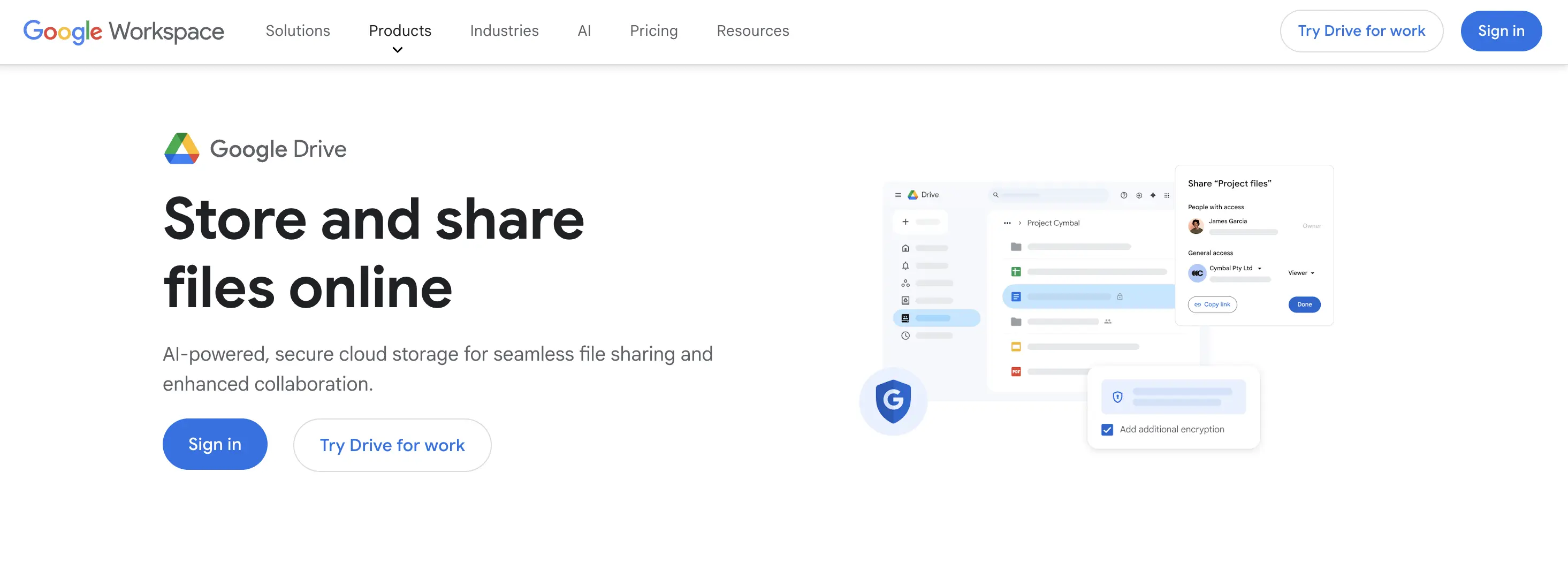
Google Drive is not a file transfer service in the same sense as SwissTransfer. It is cloud storage with sharing features. But it ends up on this list because it is the most common real-world answer to "how do I send a large file?" for people not using a dedicated tool.
The 15 GB of free storage is generous, and files never expire the way SwissTransfer links do. For sharing with colleagues inside the same organization, it is seamless. For sharing with external clients, it works, but the experience is generic Google Drive, not a professional delivery page.
Pros
- 15 GB free, files never expire
- Most recipients already have access
- Works well within Google Workspace
- Google One storage from $2.99/mo for 100 GB
Cons
- No branded delivery experience
- Links look like generic Drive URLs to clients
- Not designed for external client delivery
- Privacy: data stored on Google infrastructure, not Swiss servers
Pricing: Free (15 GB) · Google One from $2.99/mo (100 GB)
Best for: internal team sharing inside Google Workspace, not for professional client-facing delivery
Choose the Right SwissTransfer Alternative
If you need
- Best value for money → TrunkTransfer offers 200 GB/transfer and 30-day retention on Starter, with a 7-day free trial.
- Business features on a budget → Trunktransfer with custom branding, and custom domain to whitelist delivery, make you more profesional
- Client Portal → Client portals let you organize deliveries per client under one persistent URL. Clients can leave comments on files and flag them as approved. Both features can be toggled on or off per portal in settings. No client account required.
The difference between dropping a SwissTransfer link in an email and sending a branded delivery from your own domain is the difference between "here are the files" and "here is your delivery from [Your Studio]." For most clients, that distinction reinforces whether you are worth your rate.
Ready to try TrunkTransfer? Send your first branded delivery in under 2 minutes. No client signup required. Start your 7-day trial at trunktransfer.com
Frequently Asked Questions
Which SwissTransfer alternative is best for creative professionals?
TrunkTransfer is the strongest option for creative professionals who send deliverables to clients. The core difference from SwissTransfer is that TrunkTransfer is built around the client's receiving experience: branded page, your own domain in the URL, no third-party platform visible, and delivery confirmation when files are opened. SwissTransfer gives you a functional link. TrunkTransfer gives you a professional handoff.
Which SwissTransfer alternative supports custom domains?
TrunkTransfer is the standout option here. Most file transfer tools, even those with branding options, still show the platform's name in the URL. TrunkTransfer lets you connect your own domain so your client sees only your brand, from the link through to the download page.
Does SwissTransfer have a paid plan in 2026?
No. SwissTransfer is a free-only product with no paid tier. It is run by Infomaniak as a free service. If you need features beyond what the free tier offers, branding, custom domain, team seats, or delivery confirmation; you need a different tool entirely.
How long do SwissTransfer links last?
SwissTransfer lets you choose the expiry: 1, 7, 15, or 30 days. After that, the link stops working and files are deleted. If you need longer access windows, TrunkTransfer Starter offers 30-day links and and Pro plan offers 365 days.
Is SwissTransfer safe to use?
Yes. SwissTransfer is run by Infomaniak, a Swiss hosting company based in Geneva. Files are stored on servers in Switzerland under Swiss data protection law, which is among the strictest in the world. All transfers are encrypted in transit. For privacy-sensitive personal transfers, SwissTransfer is a solid choice.
What is the file size limit on SwissTransfer?
SwissTransfer allows up to 50 GB per transfer on the free plan. That is more generous than most alternatives at the free tier. The cap is per transfer, not per month, so you can send multiple 50 GB transfers as long as you do not hit the IP-level daily limit.
How long do large file transfer links stay active?
It depends on the tool. SwissTransfer links last up to 30 days. WeTransfer free links expire after 3 days. TrunkTransfer Starter links last 30 days, and 365 days for Pro plan. Google Drive links never expire as long as the file exists in your Drive.
Can I use SwissTransfer for business?
Technically yes, but it was not built for business use. There are no team features, no branding, no custom domain, no delivery confirmation, and no paid plan to unlock professional features. For recurring client delivery workflows, a dedicated tool like TrunkTransfer or Filemail is a better fit.


