

If you're looking at Send Anywhere alternatives because your 6-digit codes feel too fragile for client delivery, or because you want your own domain and a clean portal instead of one-off links, TrunkTransfer is the most direct fit for agencies at $9/mo. If your main issue is hitting Send Anywhere's 10GB per-link browser limit or monthly data caps when sending video, MASV gives you more headroom. The rest of this guide goes through all six tools with current limits, pricing, and what each one does best for creative agencies.
Quick Comparison
| Tool | Best For | Custom Domain | Client Portal | Free Limit |
|---|---|---|---|---|
| TrunkTransfer | Branded agency delivery | Yes (Starter+) | Yes (Starter+) | 3GB per transfer, 7-day expiry |
| WeTransfer | Occasional large sends | No | No | ~3GB total per month, 1-3 day expiry |
| Dropbox Transfer | Existing Dropbox users | No | No | 100MB per transfer, 7-day expiry |
| MASV | Huge video and production files | No | No | 15GB/month free credit, no per-file cap |
| Smash | Freelancers, light branding | Enterprise only | No | 2GB per transfer free |
| Google Drive | Teams already on Google Workspace | No | No | 15GB total storage per account |
Why Look for a Send Anywhere Alternative
Send Anywhere solves one specific problem beautifully: "I want to push a file from this device to that device right now, without creating accounts." It does this with:
- 6-digit keys and QR codes. You pick files, Send Anywhere generates a code valid for about 10 minutes, and the recipient enters that code to pull the file directly.
- P2P and Wi-Fi Direct. For many transfers the data flows directly between devices rather than via long-term cloud storage.
- Cross-platform reach. Native apps for iOS, Android, Windows, macOS, Chrome, and even Gmail and Outlook make it easy to use in almost any environment.
That's perfect for personal use and internal "just send it" moments. It's weaker once you start using it as an agency-grade delivery tool.
Where Send Anywhere falls short for agencies
No branding or custom domain.
Download pages and link flows always live at send-anywhere.com or inside the apps. There's no way to serve downloads from files.yourstudio.com or even a branded subdomain. For creative agencies, that means every delivery feels like "a tool's page," not your studio. If how your delivery page looks matters to your brand, Send Anywhere is the wrong tool for client handoff.
Ads and noise on free mobile apps. The free Android app shows intrusive ads and cross-promotions, which undermines the polished feel you want at client handoff. An ad-free experience is only available via in-app purchase or the Email Add-on subscription.
Data caps on the Email Add-on. To get persistent email links instead of 6-digit codes, you need the Send Anywhere Email Add-on. Free members get 10GB of download data per month and a 10GB upload limit per link. Paid Lite and Standard tiers raise this to 200GB and 500GB respectively. For agencies sending large video files to clients, those caps are relatively easy to hit.
No client portal. Send Anywhere has a "History Room" for device-to-device transfers inside your account, but there's no client-facing portal with a dedicated URL where each client sees every delivery you've ever sent them. Client access still depends on whichever one-off code or link is sitting in their email or chat.
No approval workflow. Like most generic transfer tools, Send Anywhere treats downloads as the finish line. There is no built-in concept of approved assets or sign-offs tied to a specific version.
For creative agencies, this combination: no branding, no portal, data caps, and ad-supported UX makes Send Anywhere feel more like a personal utility than a client-ready delivery layer.
What to Look For Instead
If you've outgrown Send Anywhere, you're usually after one or more of:
A true custom domain, not just a vendor URL.
For professional client delivery, files.yourstudio.com signals "this is your agency," while send-anywhere.com/XYZ signals "this is a tool." None of Send Anywhere's plans offer a custom domain. Several alternatives either support CNAMEs or at least branded subdomains. See our guide on how to set up a custom domain for client file delivery for a full walkthrough.
A client portal, not just one-off links. A portal gives each client a single bookmarkable URL that collects every delivery you've sent them. That's very different from a history list in your dashboard. It's a dedicated, client-facing space that helps clients stop losing your files.
Download tracking that actually matters. Send Anywhere's Email Add-on tracks per-link data usage and shows how much bandwidth each link has consumed. For agencies, "Did they download this?" matters more than "How many GB did they consume?" Most modern alternatives now offer simple download notifications.
Team pricing that matches a small studio. Send Anywhere doesn't have a concept of a 2-5 person creative team with shared branding, domains, and admin. Look for plans that clearly support small teams instead of only individual or enterprise tiers.
The 6 Alternatives
1. TrunkTransfer
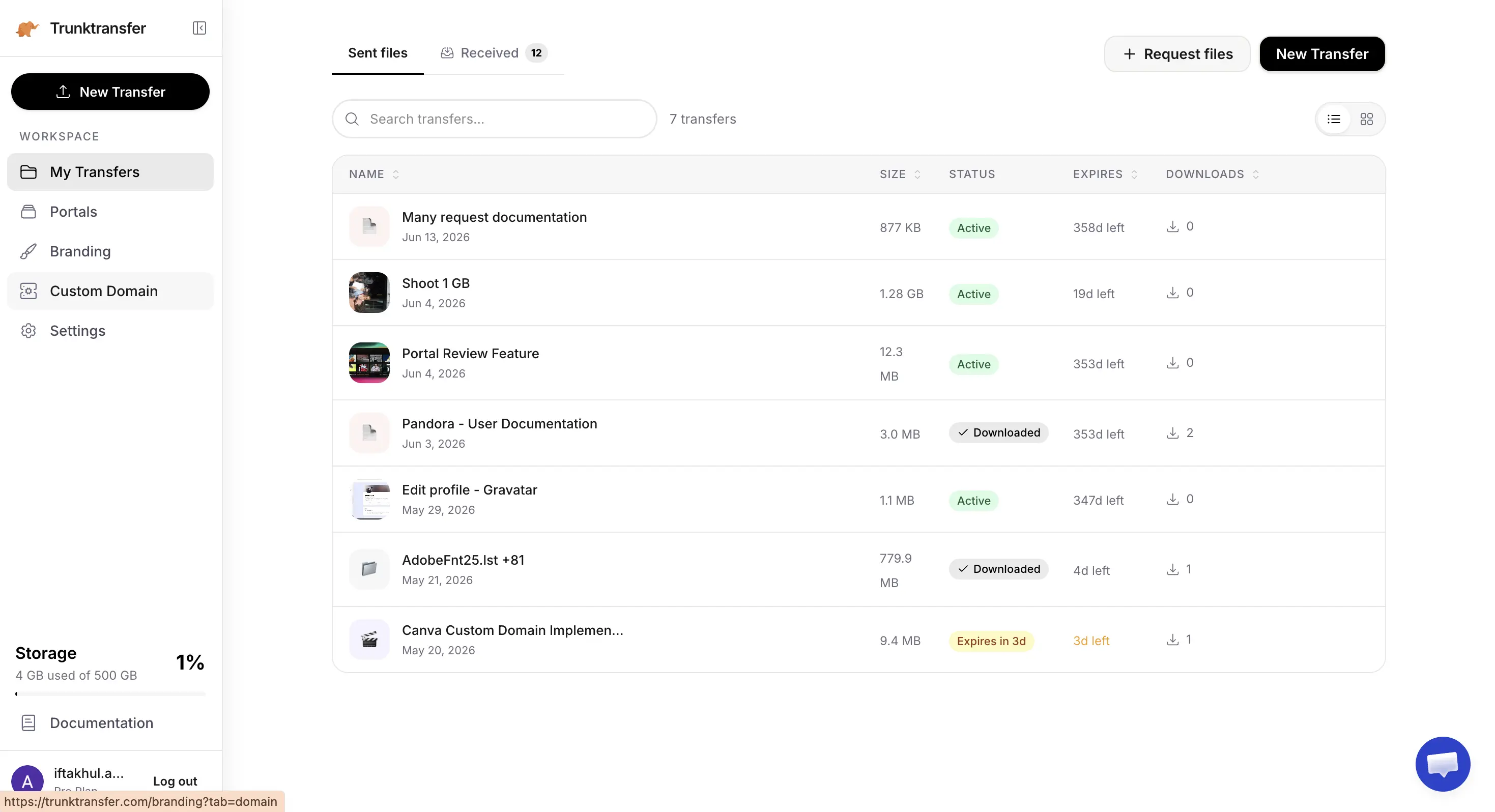
TrunkTransfer is built specifically for agencies handing off finished work to clients. The Starter plan ($9/mo, or $6/mo billed yearly) includes 200GB per transfer with a 30-day expiry and a custom domain, full branding, and client portals out of the box, backed by a 7-day free trial.
Key features:
- Delivery pages on your own domain (e.g.
files.youragency.com) with no TrunkTransfer branding visible to clients. - Client portals so each client has one bookmarkable URL collecting every delivery you've sent them.
- Email notifications when a client downloads a file, plus a delivery history in your dashboard.
- Password protection and link expiry on every transfer. No recipient login ever required.
Pros:
- Custom domain and full white-label branding from the $9/mo Starter plan, the lowest price on this list for that combination.
- Client portal is included on the same plan, not sold as a separate add-on.
- Purpose-built for client file delivery for creative agencies, not a generic P2P tool retrofitted for clients.
Cons:
- Built for delivery, not day-to-day storage or real-time collaboration. It sits alongside Google Drive or Dropbox for working files rather than replacing them.
- Files expire on a schedule (7 days free, 30 days Starter, 365 days Pro), so it isn't meant to be your archive.
- No 6-digit P2P mode. Everything uses links and branded pages, not ephemeral codes.
How it compares to Send Anywhere:
Send Anywhere is great at "right now between these two devices," but its links live at send-anywhere.com, have ads on free mobile apps, and are capped by monthly data limits on the Email Add-on. TrunkTransfer assumes the main use case is client handoff. Every link is on your domain, fully branded, and visible in a client portal, with no ads and no monthly bandwidth quotas.
Best for: Agencies and freelancers who've been using Send Anywhere as a quick-and-dirty delivery tool but now want every client download page to be branded, trackable, and under their own domain.
2. WeTransfer
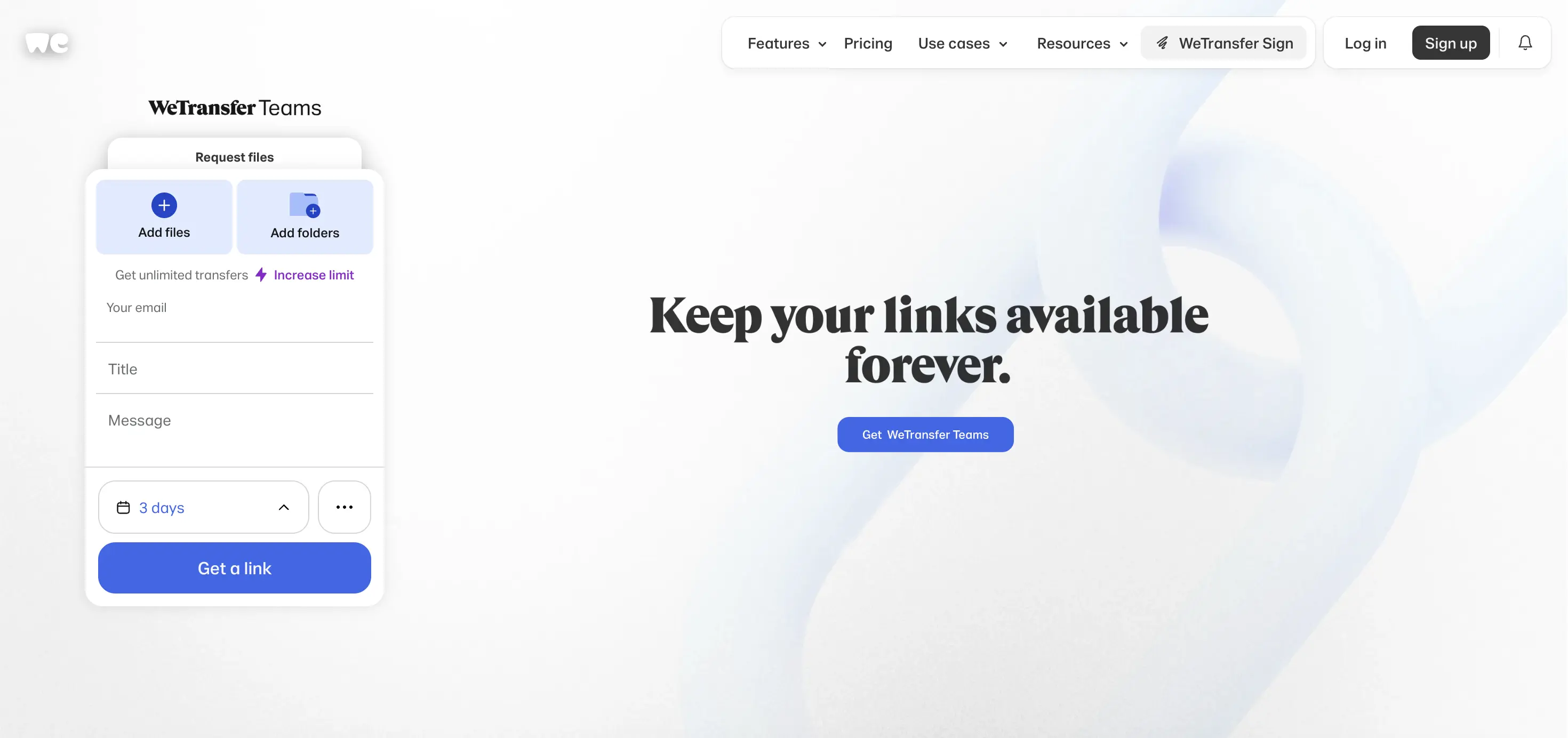
WeTransfer is the classic "send a big file fast" link-based tool and one of the most common Send Anywhere alternatives for clients who prefer simple email links over codes or apps. For a deeper look, see our full WeTransfer alternatives guide.
Key features:
- Free plan allows ~3GB of transfers across up to 10 sends in any rolling 30-day period, with files available for 1-3 days.
- Paid plans raise monthly transfer caps (Ultimate has no per-transfer size limit) and extend link expiry to weeks or months.
- Ultimate adds password protection, custom expiry dates, and branded backgrounds and colors on transfer pages (still on a WeTransfer URL).
Pros:
- Very simple drag-and-send experience for both senders and recipients. No apps or codes needed.
- Well known and trusted, which reduces hesitation about clicking download links.
- Ultimate tier has no per-transfer size limit, removing the ceiling that Send Anywhere's 10GB browser upload cap imposes.
Cons:
- Free plan is restrictive: 3GB total per month across 10 sends and 1-3 day link expiry.
- No custom domain. Even on Ultimate and Teams, links live on WeTransfer's own domain.
- No client portals. Every transfer is a standalone link.
- WeTransfer raised prices significantly in 2024 and attempted to train AI on uploaded files before walking it back.
How it compares to Send Anywhere: WeTransfer trades Send Anywhere's P2P codes and apps for a familiar web-link model, which often feels more natural to clients. But it doesn't solve the branding or portal problem. Download pages are still vendor-branded and short-lived, just with larger per-file caps on higher tiers.
Best for: Agencies who mainly need a simple Send Anywhere alternative for link-based sends and don't care about custom domains or portals.
3. Dropbox Transfer
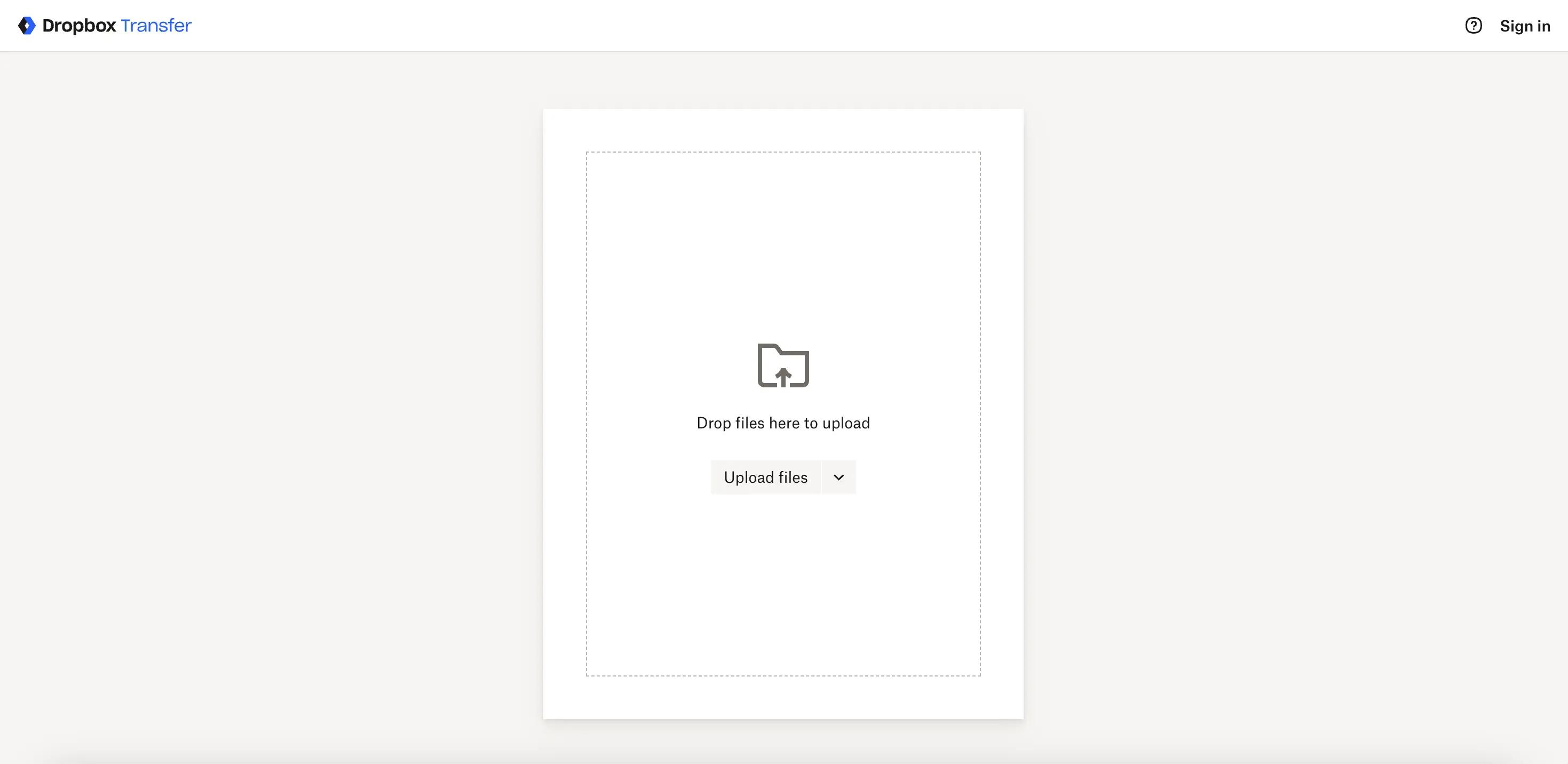
Dropbox Transfer is a dedicated sending feature inside Dropbox, separate from your main storage, and often discovered by teams that already use Dropbox for internal collaboration. See our Dropbox Transfer alternatives guide if you're evaluating it more closely.
Key features:
- Free accounts can send transfers up to 100MB with 7-day expiry. Plus and Professional raise limits to 2GB and 100GB respectively.
- Transfers don't count against your storage quota and can have custom expiry dates and passwords on higher tiers.
- Basic branding options (logo and background) exist on some business plans, but no custom domain.
Pros:
- If you already use Dropbox, there's nothing new to set up. Transfers are just another feature.
- Keeps one-off sends separate from your main shared folders, which reduces clutter.
- Recipients can download without a Dropbox account.
Cons:
- Tiny free limit (100MB) compared to Send Anywhere's practically unlimited P2P transfers.
- No custom domain, and branding is minimal even at higher tiers.
- No client portal. Everything is one-off transfers, similar to Send Anywhere links.
How it compares to Send Anywhere: Dropbox Transfer is less flexible than Send Anywhere for quick device-to-device sharing but more at home in an existing Dropbox workflow, especially for teams that want basic expiry and password rules integrated into their storage suite. It doesn't address branding or portal needs.
Best for: Studios already paying for Dropbox that occasionally need small, tracked transfers and prefer not to introduce another tool just for sending.
4. MASV
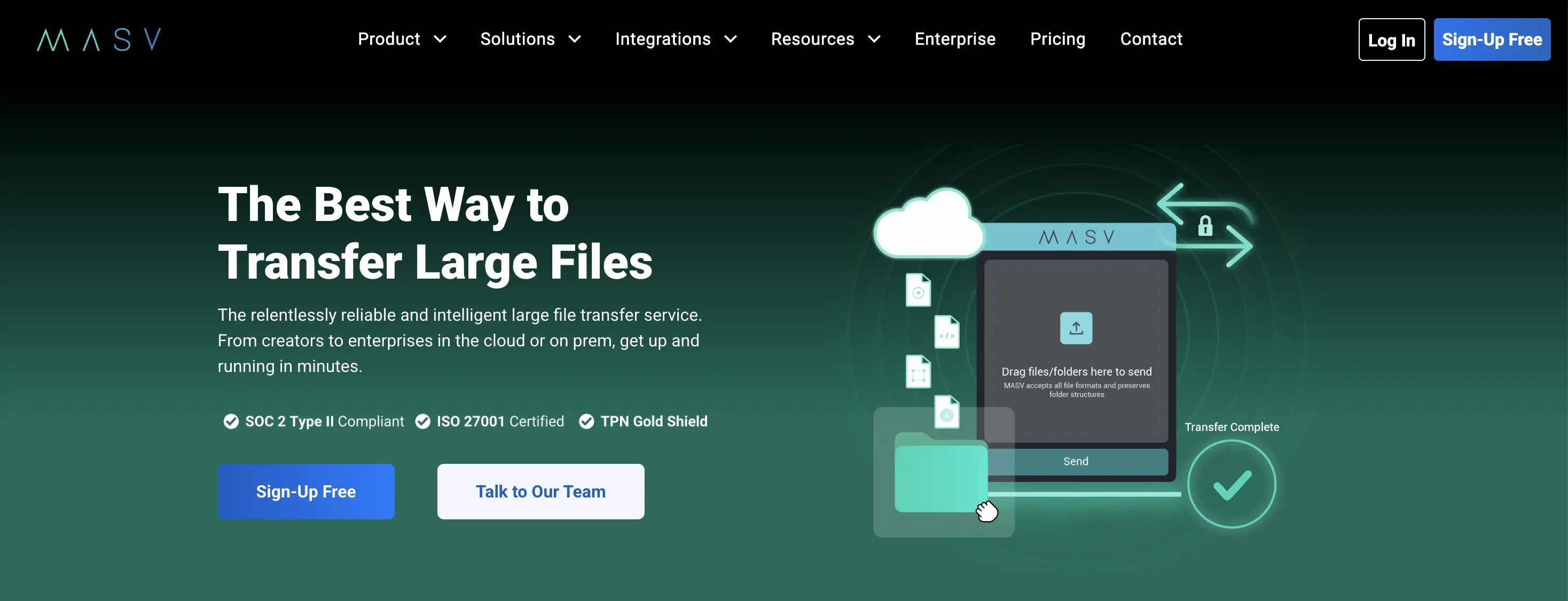
MASV is the opposite end of the spectrum from Send Anywhere: an enterprise-leaning tool built for moving enormous media files in professional environments.
Key features:
- No file size cap at all. MASV is designed for multi-hundred-gigabyte or even terabyte-scale transfers.
- Pay-as-you-go pricing: the first 15GB each month is free, then usage is billed per GB (typically around $0.25/GB).
- Branded upload portals so clients or vendors can send files into your pipeline. Downloads still use MASV's domain.
- AES-256 encryption and certifications like SOC 2 and ISO 27001.
Pros:
- No practical file size limit, which blows past Send Anywhere's browser upload limit and monthly data caps.
- Pay-per-GB model is attractive for studios with occasional but massive deliveries.
- Built for professional media workflows, with integrations and automation options.
Cons:
- Overkill for small projects or everyday design handoffs. Per-GB costs add up if you send large files often.
- No custom domain. Download links are clearly MASV-branded.
- No client portal for browsing all past deliveries in one place.
How it compares to Send Anywhere: Where Send Anywhere is about convenience and minimal friction for reasonably sized files, MASV is about robustness and performance for huge files, particularly video. Agencies reach for MASV when Send Anywhere's 10GB browser limit or monthly data caps become unworkable. If you're specifically dealing with ProRes or high-resolution exports, MASV or TrunkTransfer are the two tools worth comparing.
Best for: Video, VFX, and production teams that routinely push very large files and care more about performance and reliability than branding.
5. Smash

Smash is a WeTransfer-style service with a friendlier design and more generous branding options, especially at the free and mid-tier levels. We cover it in more depth in our Smash alternatives guide.
Key features:
- Free plan supports 2GB per transfer, with some logo and background customization even without paying.
- Pro (~€10/mo) raises the transfer limit to around 250GB with 30-day link expiry. Team plans go up to 1TB per transfer.
- Basic analytics (views and downloads), password protection, and email notifications on paid plans.
- A true custom domain (CNAME) exists, but only on custom-priced Enterprise.
Pros:
- Better free-tier branding than most. Logo and background customization without ads.
- Affordable Pro tier (around €10/mo) with 250GB per transfer and 30-day expiry is competitive for many agencies.
- Clean, modern interface that feels more aligned with creative workflows than Send Anywhere's utilitarian apps.
Cons:
- A true custom domain is gated behind Enterprise, similar to Send Anywhere's lack of any domain option.
- No client portal. Every send is a separate link.
- 30-day max expiry on Pro.
How it compares to Send Anywhere: Smash is a better recipient experience: no intrusive ads, more visual customization, and simpler link semantics. But it remains vendor-branded and link-only, with no domain or portal for agencies looking to send files without third-party branding.
Best for: Freelancers and small studios who want nicer-looking download pages than Send Anywhere provides, plus higher per-transfer limits, without needing full white-labeling.
6. Google Drive
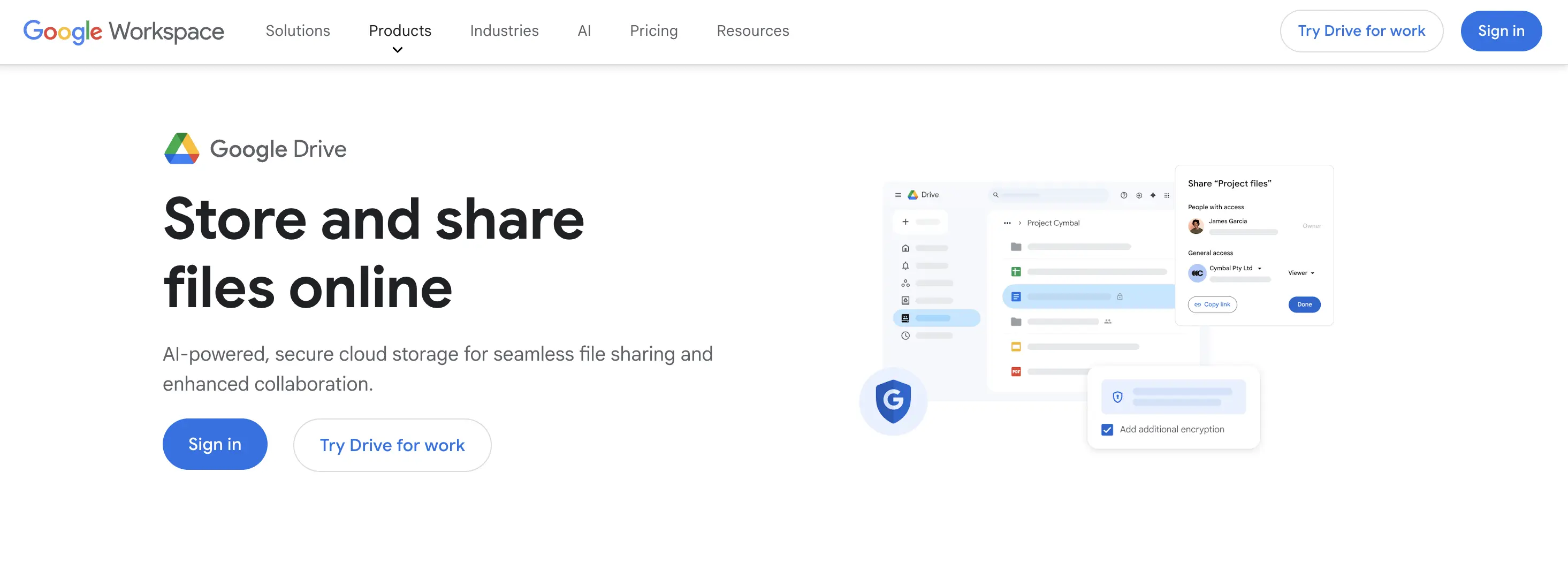
Google Drive is not a transfer tool in the same sense as Send Anywhere. It's storage and collaboration. But many agencies treat it as their default delivery mechanism, so it's a de-facto alternative. Our Google Drive alternatives guide goes deeper if you're evaluating it as a delivery tool.
Key features:
- 15GB of free storage per Google account, shared with Gmail and Google Photos.
- Per-file upload limits that can reach several terabytes on some Workspace tiers, with daily upload quotas.
- Real-time collaborative editing via Docs, Sheets, and Slides, plus comments and suggestions.
- Link-based sharing with "anyone with the link" or fine-grained permission controls.
Pros:
- Much higher total free storage than Send Anywhere's Email Add-on free bandwidth.
- Integrated with Google Workspace, which many agencies already use for email and docs.
- Version history and comments make it better for day-to-day collaboration than any pure transfer tool.
Cons:
- No branding or custom domain. Every download happens on a
drive.google.comURL with Google's UI. - Clients may be asked to sign in or switch accounts depending on link configuration.
- Folders can easily become cluttered and confusing for clients, especially when used as a pseudo-portal.
How it compares to Send Anywhere: Google Drive replaces Send Anywhere as a collaborative workspace with large storage, not as a polished delivery layer. It fixes the "I need these files online long-term" problem but does nothing for branding or client-facing clarity.
Best for: Teams already in Google Workspace who need storage and collaboration more than a branded delivery page.
Quick Picks by Use Case
-
You want a true custom domain and a client portal for client handoffs (what Send Anywhere doesn't do): TrunkTransfer Starter ($9/mo) gives you
files.yourstudio.com, full white-label branding, and a per-client portal as standard. -
You hit Send Anywhere's practical 10GB browser limit and monthly data caps with video files: Use MASV for truly huge deliveries (no per-file cap, pay-per-GB).
-
You just want simple links instead of 6-digit codes, and branding doesn't matter: Use WeTransfer or Smash for cleaner link-based sharing and more polished download pages.
-
You're a small studio already living in Google or Dropbox: Use Google Drive or Dropbox Transfer for delivery and keep Send Anywhere just for occasional device-to-device moves.
Switching from Send Anywhere?
If Send Anywhere's 6-digit codes, ads, and bandwidth caps have been fine for internal use but feel too fragile for client handoff, the easiest upgrade path is:
- Keep Send Anywhere for quick, internal P2P transfers where you just need a file on another device right now.
- Add TrunkTransfer for all client-facing deliveries, so every link and portal lives on your domain, is trackable, and never shows a third-party ad.
You can set up a custom domain and a test client portal during the TrunkTransfer trial, send yourself a mock delivery, and see exactly what your clients would experience before you switch.
Send your first file from your own domain
Frequently Asked Questions
What is Send Anywhere and what does it offer?
Send Anywhere is a cross-platform file-sharing service that focuses on quick P2P transfers using a one-time 6-digit key or QR code. The core app supports direct device-to-device transfers over the internet or Wi-Fi Direct without long-term cloud storage. The newer Email Add-on turns it into a link-based sender with download data quotas: 10GB per month free, then 200-500GB on paid tiers.
Does the recipient need a Send Anywhere account to download files?
No. For both 6-digit key transfers and most link-based sends, recipients can download without creating an account. This is similar to TrunkTransfer, WeTransfer, Dropbox Transfer, MASV, and Smash, where recipients also don't need an account to download.
Can I use my own domain for file delivery instead of send-anywhere.com?
No. Send Anywhere doesn't offer a custom domain or CNAME option on any plan. All links use send-anywhere.com or associated paths. TrunkTransfer is the only tool in this guide that includes a true custom domain at a standard price, starting from the $9/mo Starter plan. See our custom domain delivery setup guide for how it works in practice.
Does Send Anywhere have a client portal?
Not in the sense agencies typically mean. It has a "History Room" for reviewing previous transfers inside your account, but there is no client-facing portal URL where a client can see all files you've ever sent them. TrunkTransfer includes per-client portals from its Starter plan.
How big a file can I send with Send Anywhere?
For direct P2P key transfers, there isn't a strict file size limit published, but practical limits come from device storage and network conditions. For browser uploads and Email Add-on links, the upload cap is around 10GB per transfer with a monthly download data limit: 10GB free, up to 200-500GB on paid tiers.
Is there a free alternative to Send Anywhere?
Yes. WeTransfer (3GB total per month free), Dropbox Transfer (100MB per transfer), and Smash (2GB per transfer) all have free tiers. None require the recipient to sign up. TrunkTransfer doesn't have a free plan, but offers a 7-day free trial with 200GB per transfer.
Which Send Anywhere alternative is best for creative agencies?
If you primarily care about how your deliveries look and where they live, TrunkTransfer is the most agency-aligned Send Anywhere alternative: custom domain, white-label pages, and client portals from $9/mo. If your main pain is file size rather than branding, MASV offers more headroom for video and large assets. For a broader view, see our roundup of the best file delivery tools for creative agencies.


